Brand mockups for Figma: billboards, signage, storefronts and packaging
By Jakaria Mahmud, brand identity designer ·
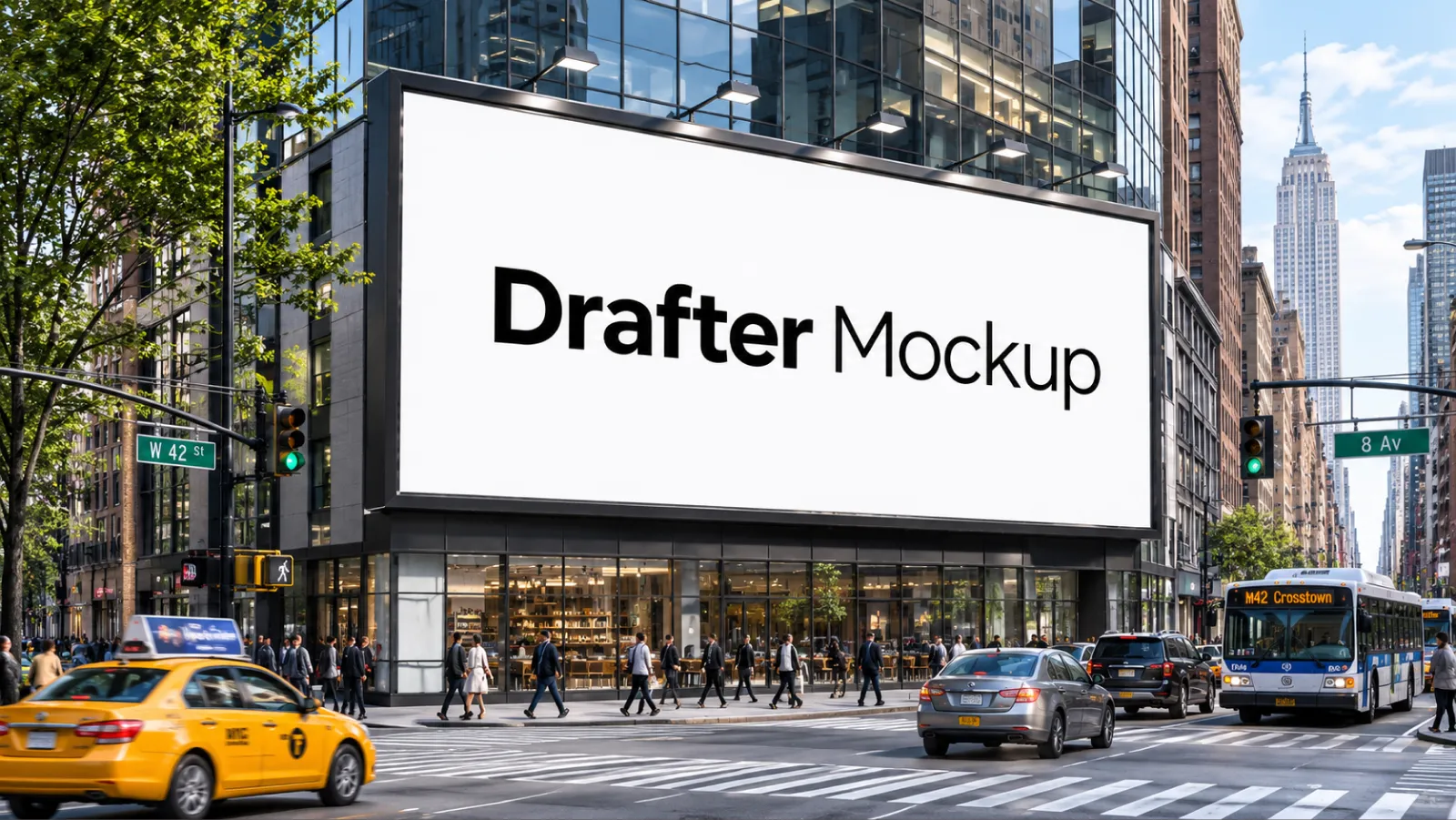
Short answer: brand mockups put a logo or campaign into a real scene so a client can see the brand in the world. Drafter Studio has 61 high resolution photo mockups in Figma: 16 billboards, 18 street signs and banners, 3 storefronts, 13 packaging scenes, 6 multi-scene collections, a delivery truck and 4 phone and card scenes. All of them are in Pro and Lifetime.
Why brand designers use mockups
- Clients decide faster. A logo on a billboard or a coffee bag is easier to judge than a logo on white.
- One idea, many places. Show the same identity on signage, packaging and screens to prove it works everywhere.
- Better case studies. Real world scenes make Behance, Dribbble and portfolio pages look finished.
What is in the collection
| Type | Count | Examples |
|---|---|---|
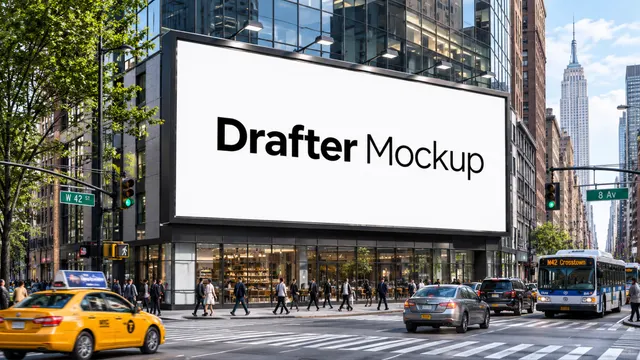
| Billboards | 16 | W 42nd Street, rooftop over the city, palm-lined street |
| Street signs and banners | 18 | blade sign, hanging banner, tall wall poster |
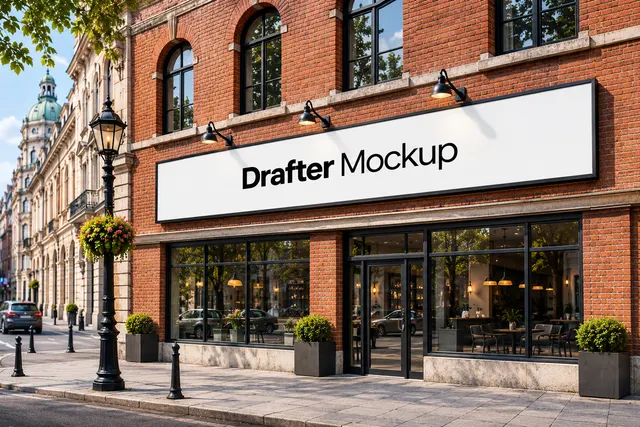
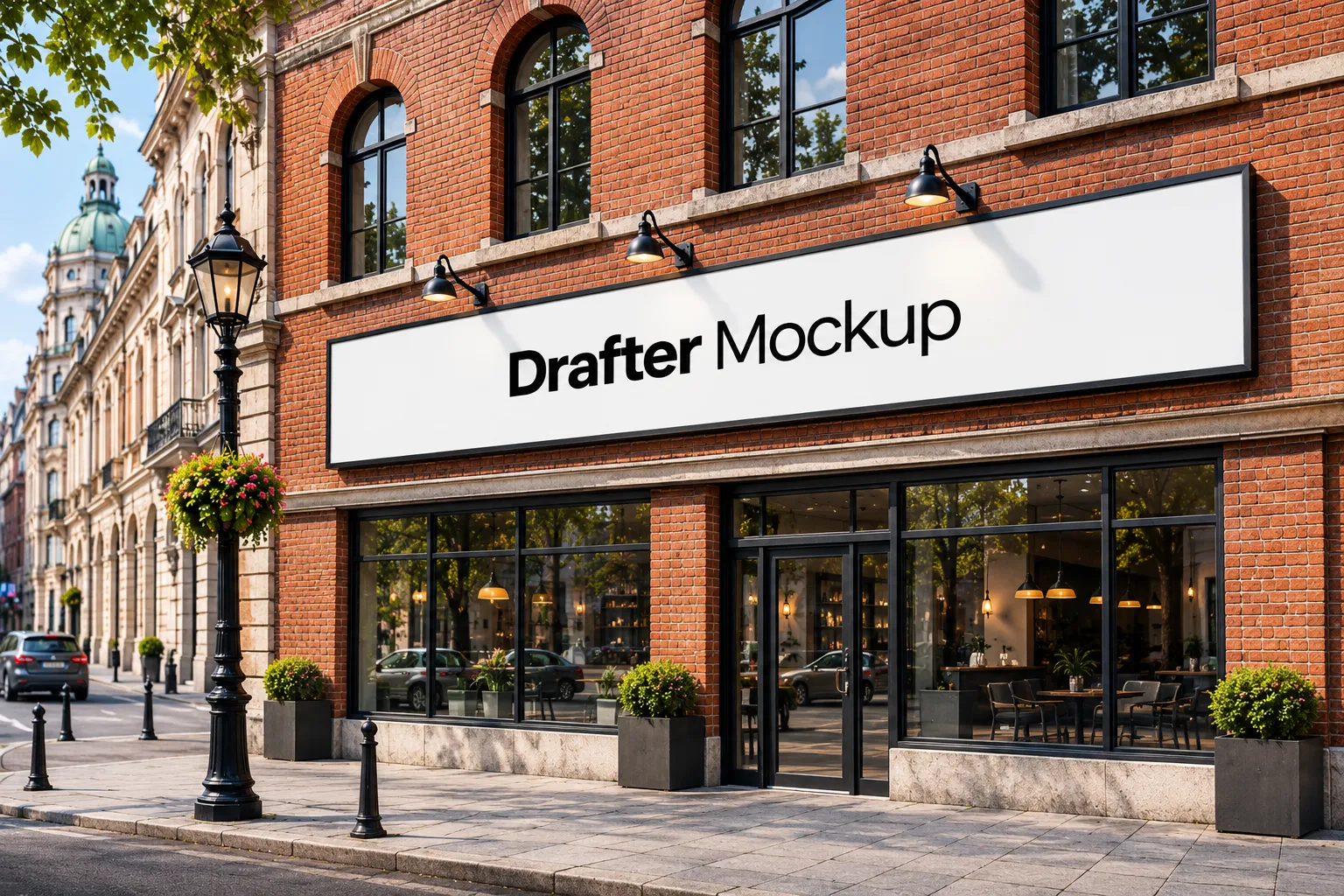
| Storefronts | 3 | fascia sign, yellow awning |
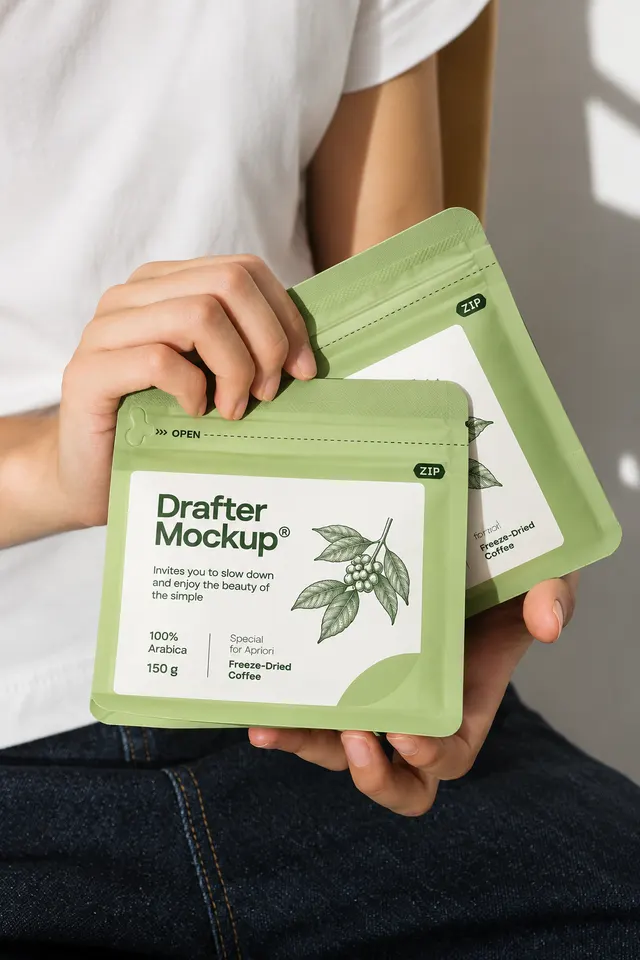
| Packaging | 13 | coffee pouch, serum bottle, cookie bag |
| Collections | 6 | billboard collection, European streetscape |
| Vehicle | 1 | delivery truck |
| Phone and card | 4 | phone in hand, bank card |
How to use a mockup in 4 steps
- Open and duplicate. Press Open in Figma and duplicate the file to your drafts.
- Place the artwork. Paste your logo or poster over the blank sign, pack or screen.
- Match the scene. Fit the corners to the surface, then lower the opacity of highlights or add a soft shadow so it sits in the photo.
- Export. Export the frame as PNG or JPG at 2x for slides and case studies.
Build a full brand presentation
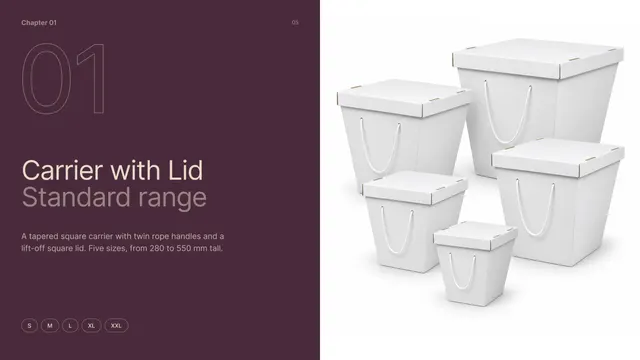
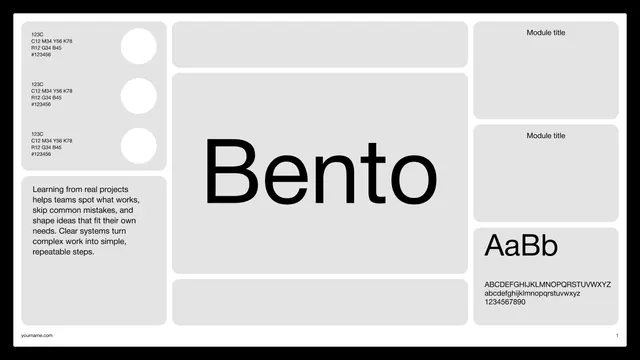
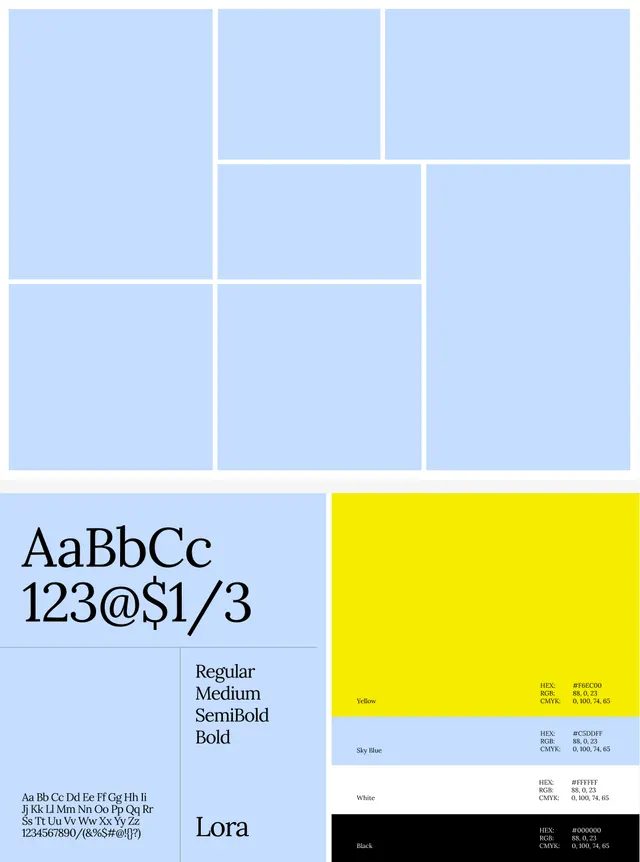
Start with the logo presentation, show the identity on two or three photo mockups, add 3D packaging mockups with real measurements, and close with a bento brand board. Document the rules in a brand guideline and list the mockups in your branding package.
The mockups are in Pro and Lifetime. With the Drafter MCP server, Claude can find a mockup and return its Figma link for you.
Questions
What is a brand mockup?
A realistic photo that shows a logo or campaign on a real surface, such as a billboard, a shop sign, a package or a phone screen. It helps a client picture the brand in the world before anything is printed.
Which mockups should a brand presentation include?
Pick three to five that match where the brand will live: one outdoor scene such as a billboard or shop sign, one product or packaging shot, and one close up such as a phone, card or bag.
Can I edit these mockups in Figma?
Each mockup is a high resolution photo in Figma. Duplicate the file, place your logo or artwork over the blank sign, pack or screen, match the perspective and export the frame.
Are the mockups free?
No. All 61 photo mockups are in Pro ($19 a month) and Lifetime ($39 once). The previews are open to everyone without blur.
What is the difference between photo mockups and 3D mockups?
Photo mockups are real world scenes for presentations. 3D mockups are drawn packaging models with measurements for every size, which you can recolour and scale.