Bento grid templates for Figma
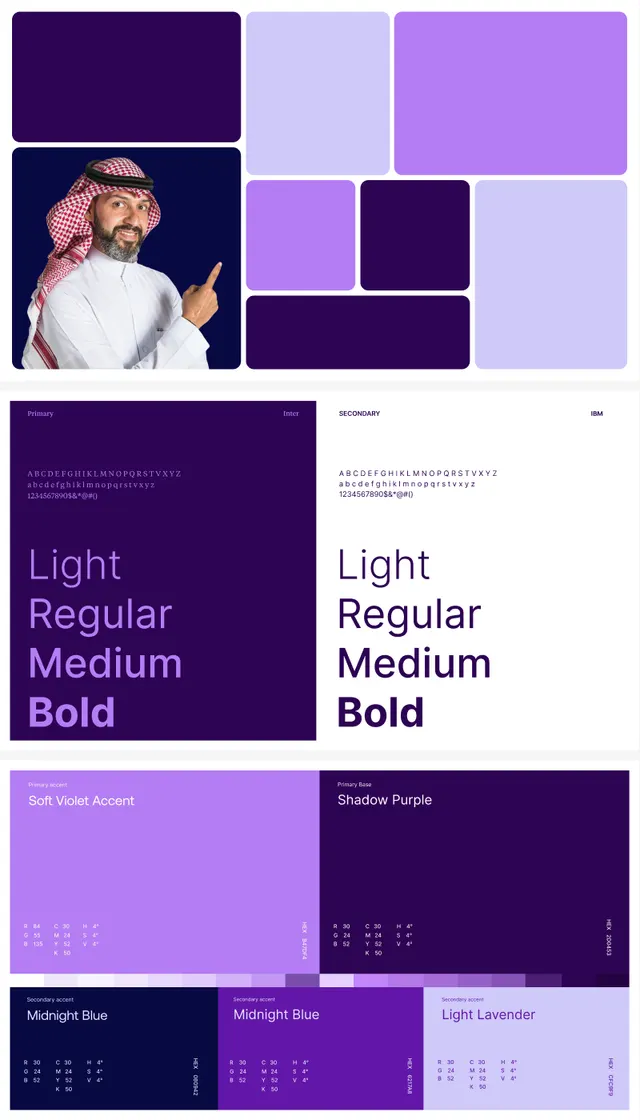
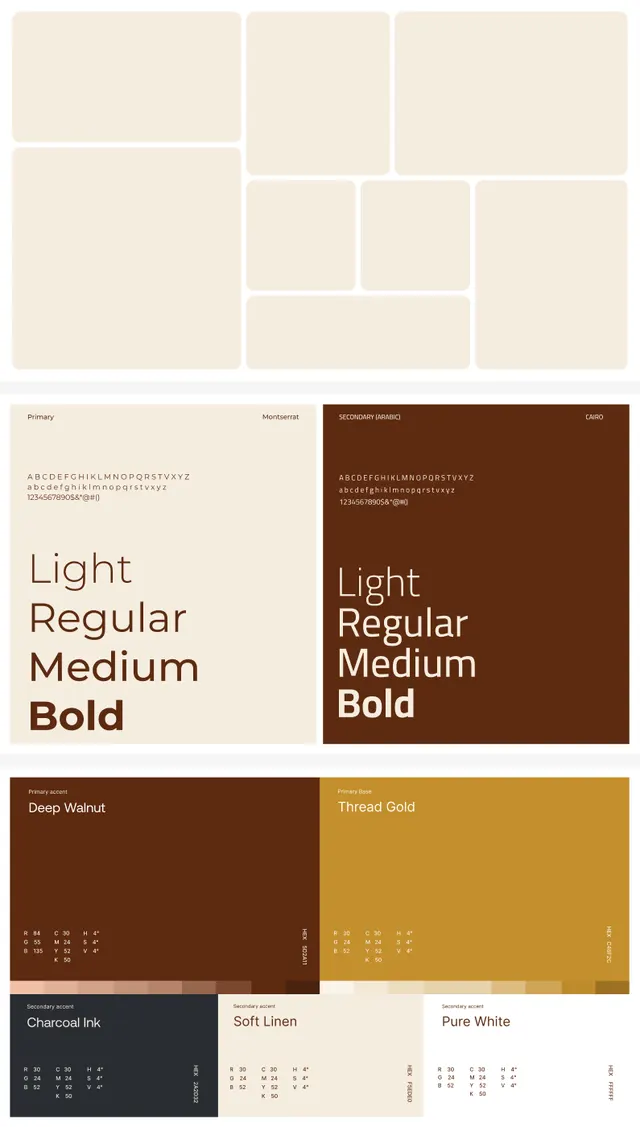
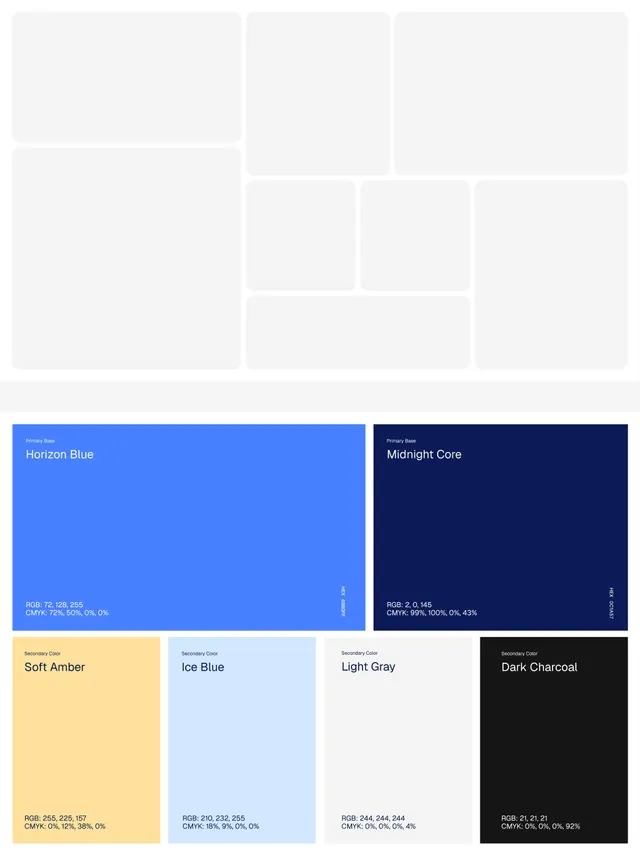
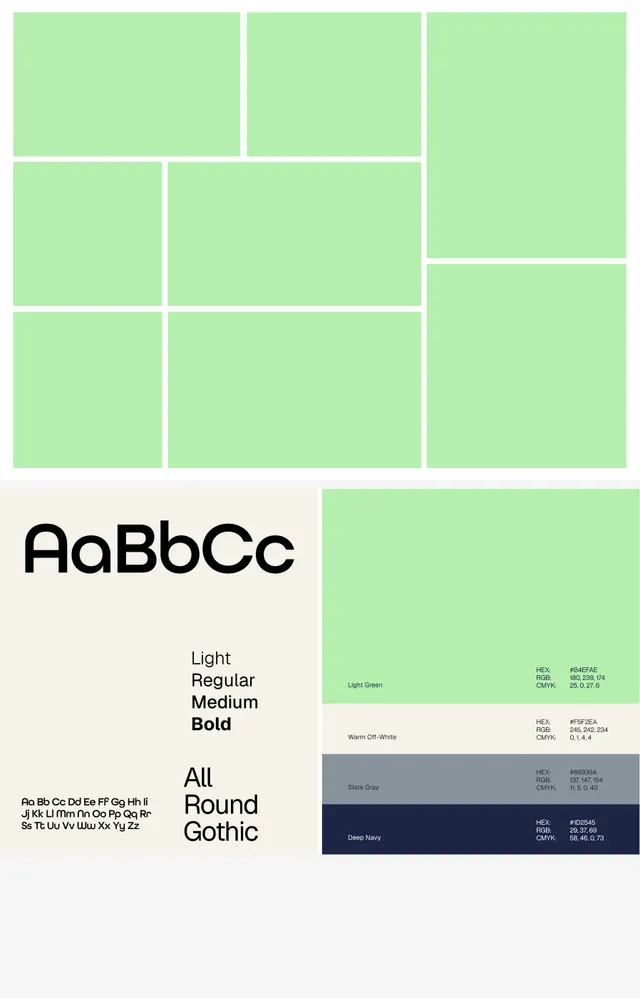
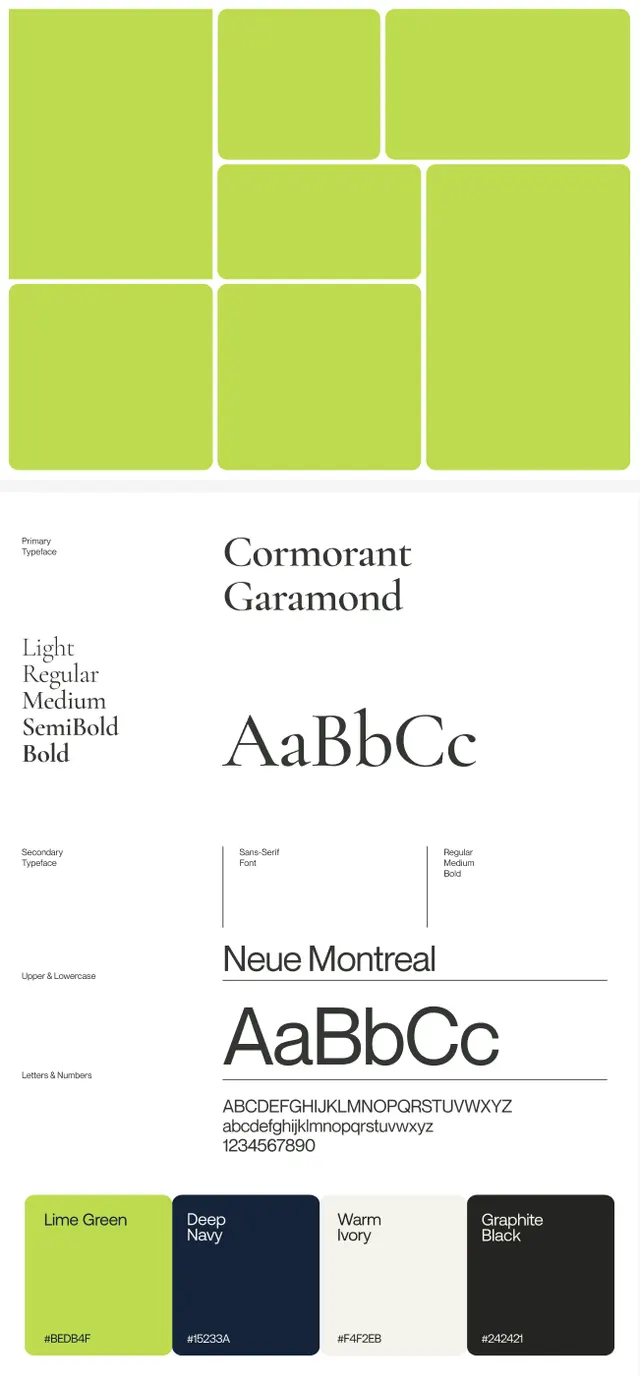
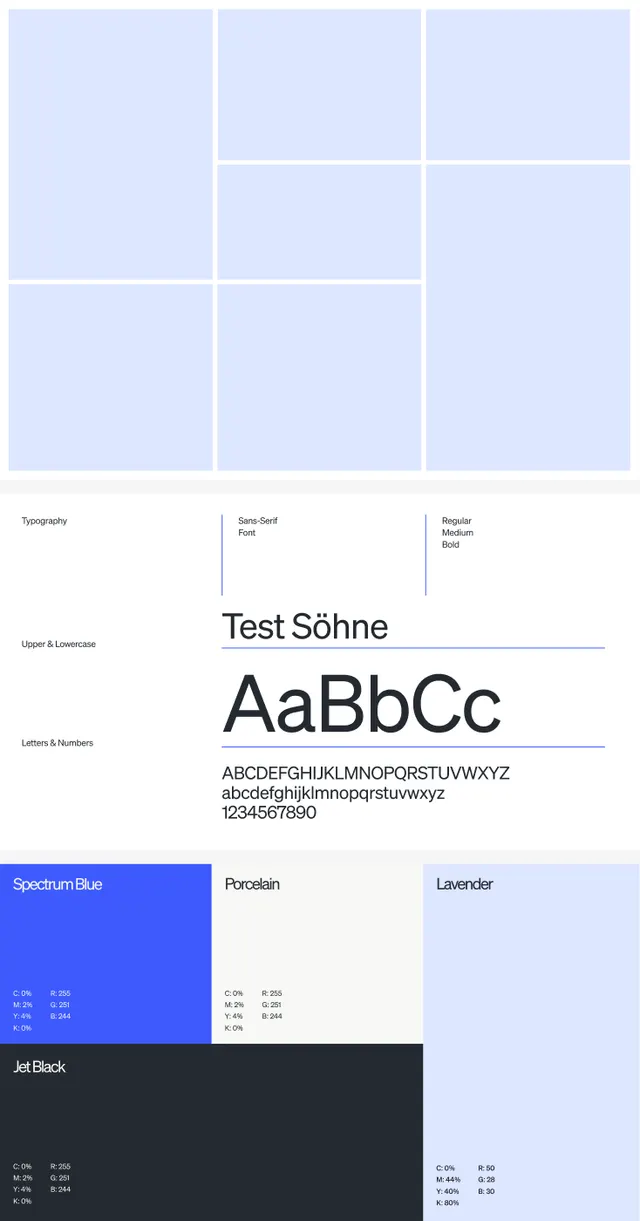
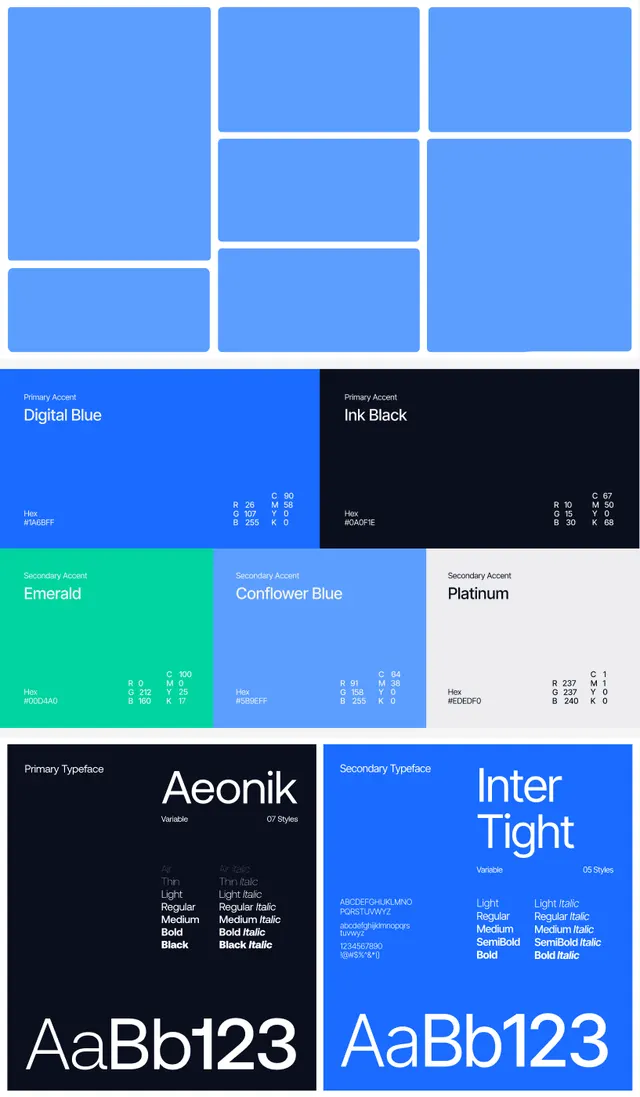
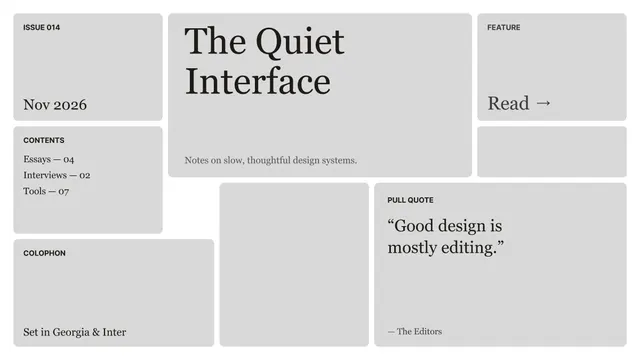
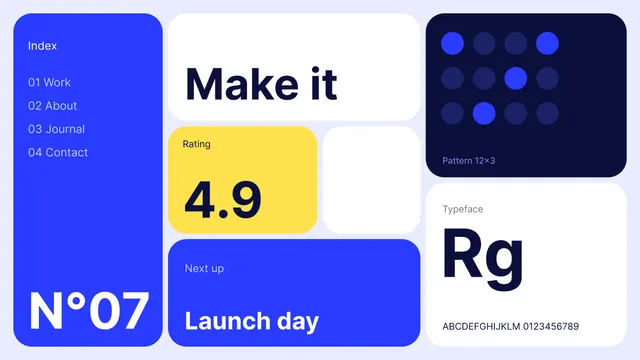
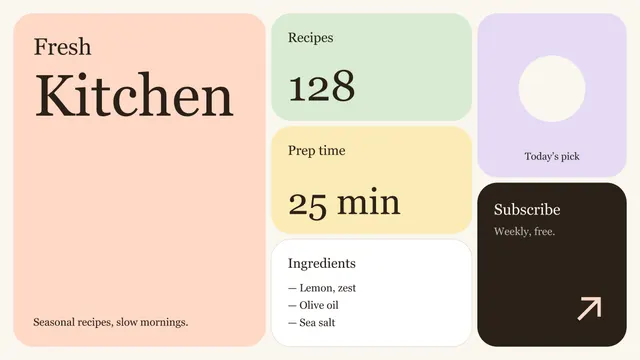
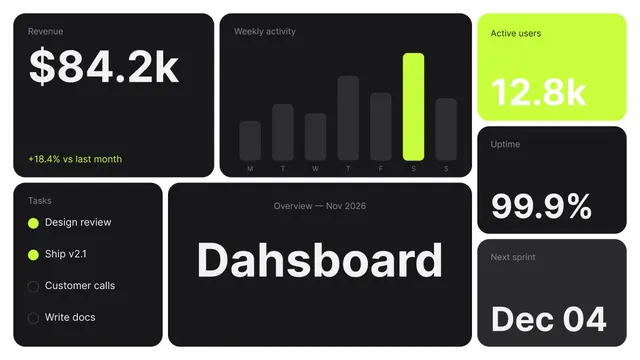
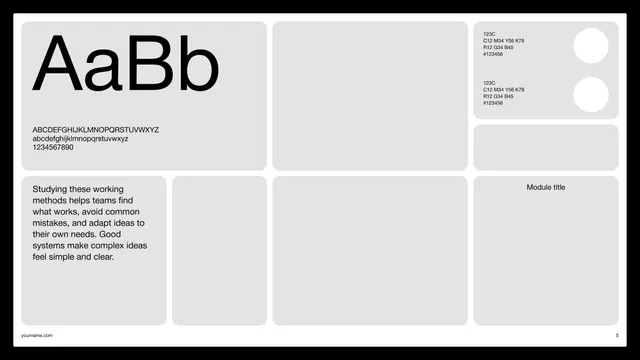
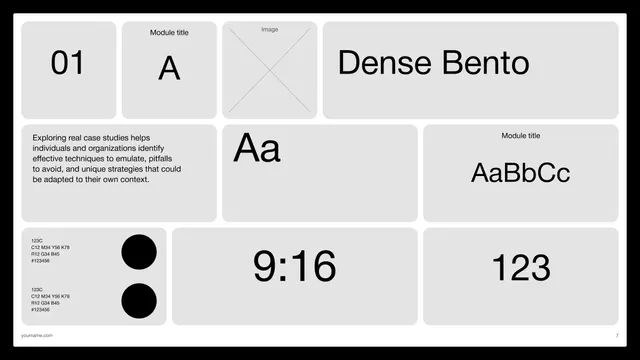
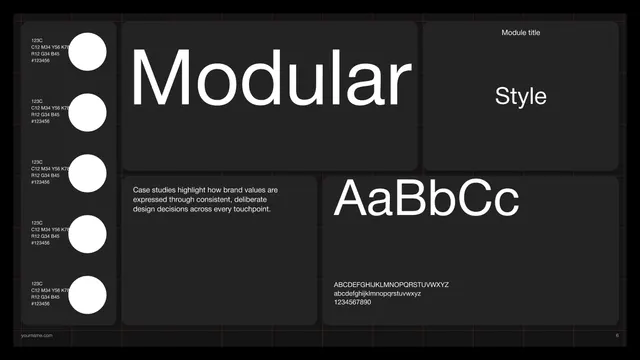
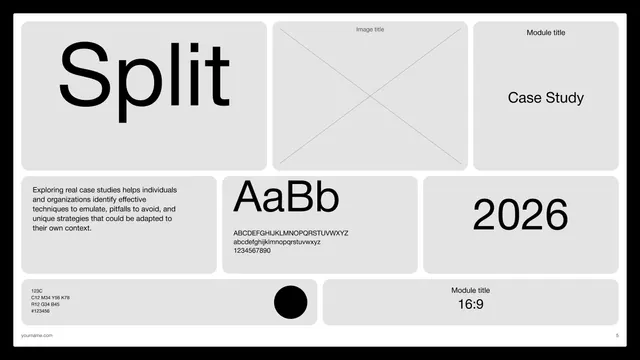
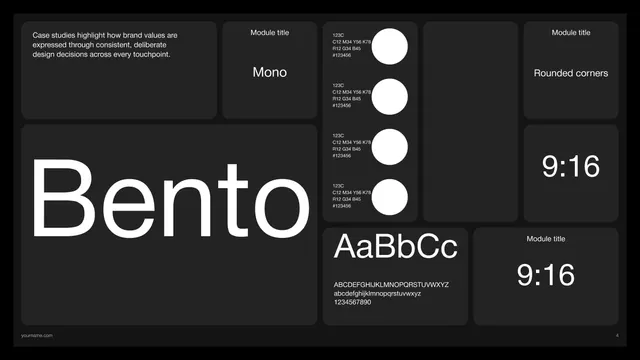
Bento grid layouts arrange content in boxes of different sizes, like a bento lunch box. Drafter bento grids include full brand boards with logo, colour codes and type specimens, plus 16:9, 4:3 and square layouts in many colourways, all as editable Figma frames for case studies, brand decks, social posts and landing page sections.
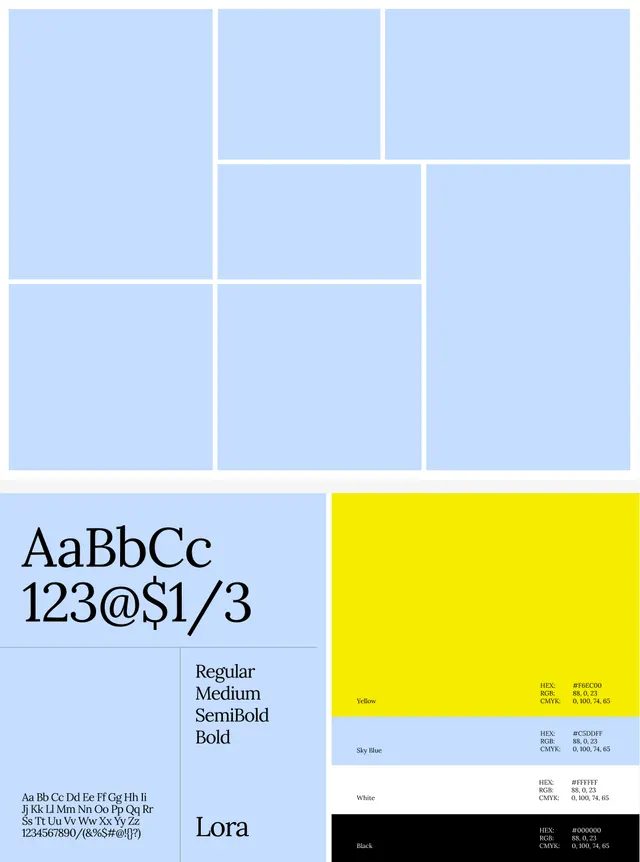
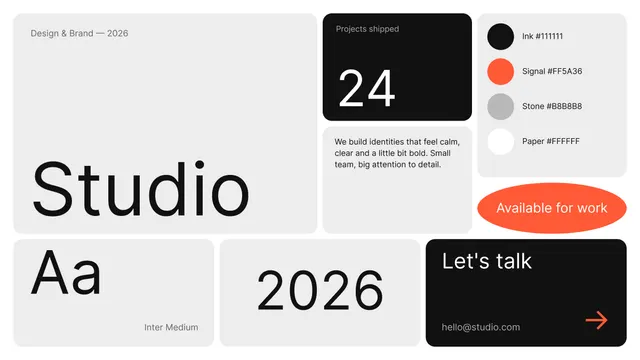
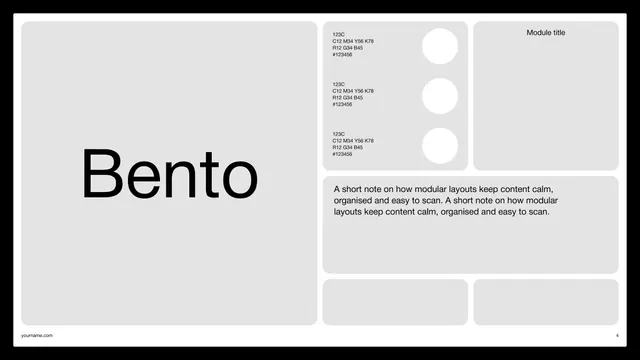
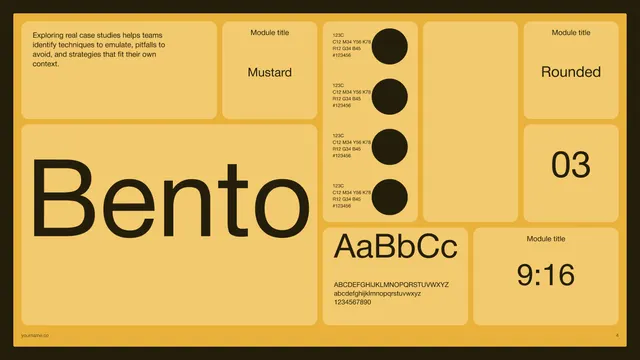
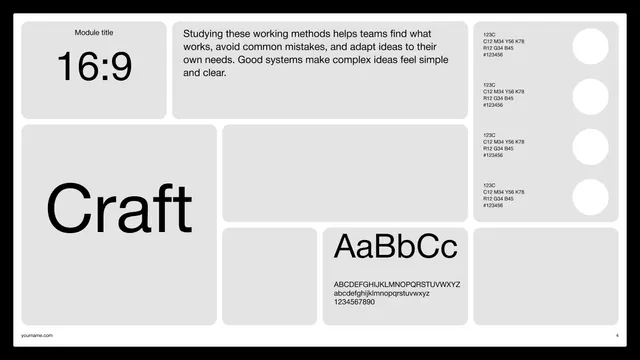
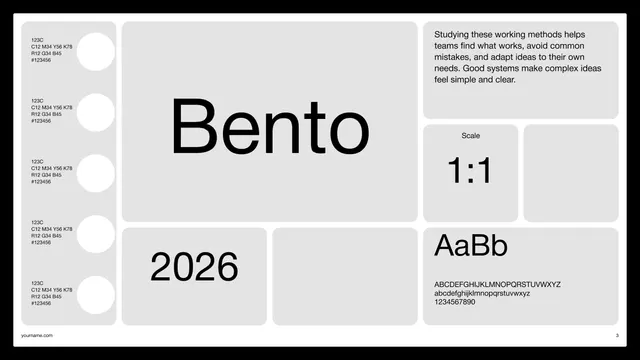
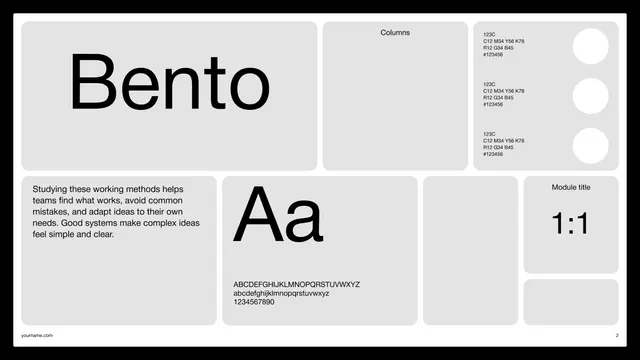
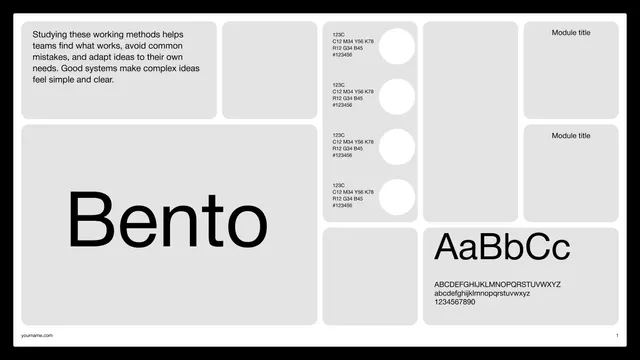
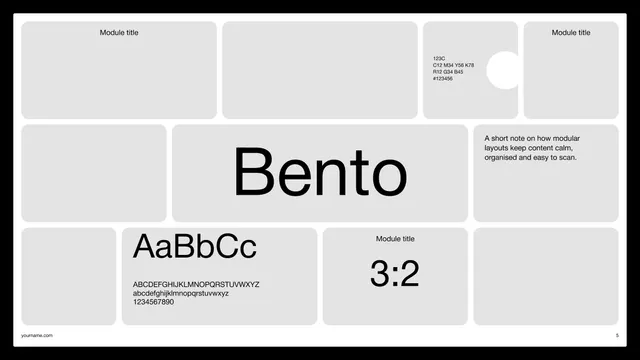
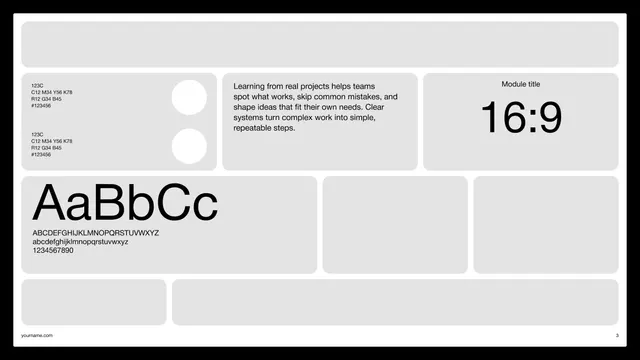
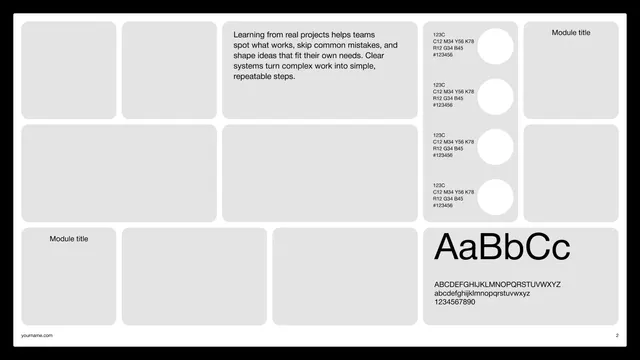
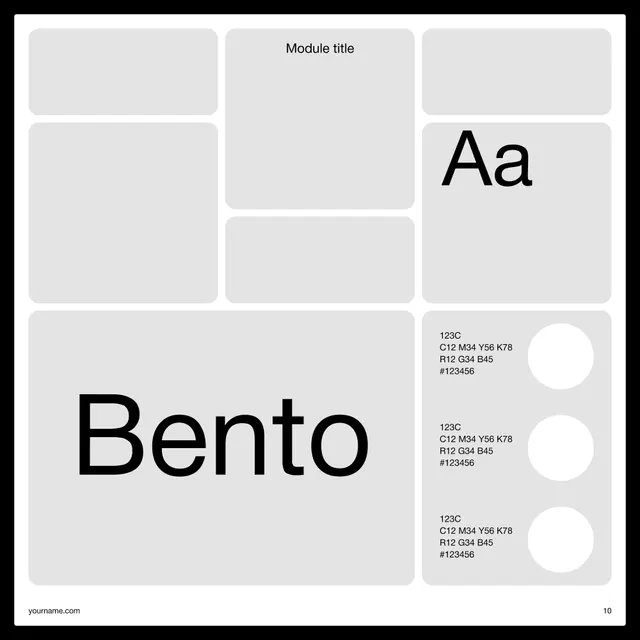
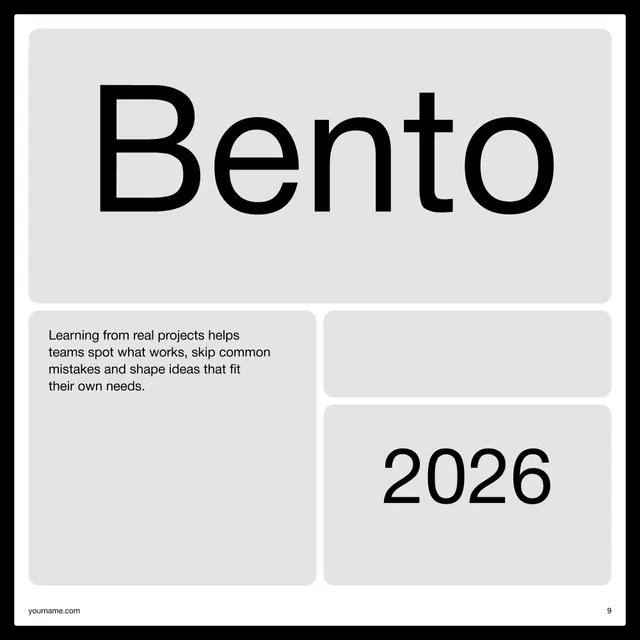
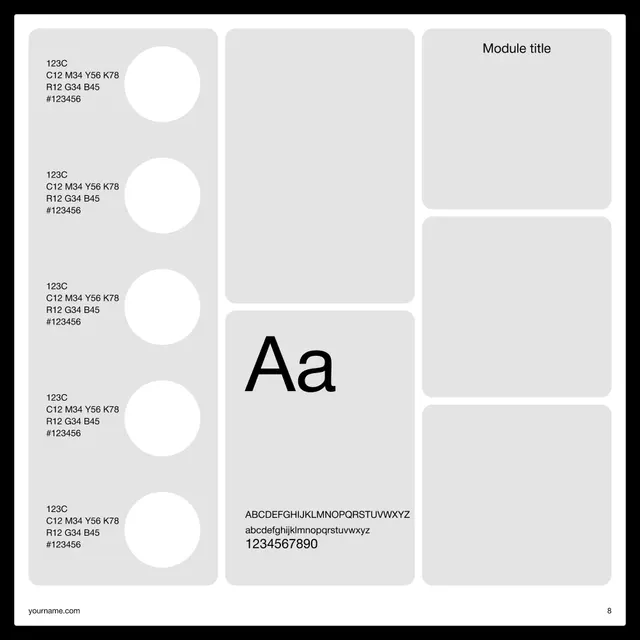
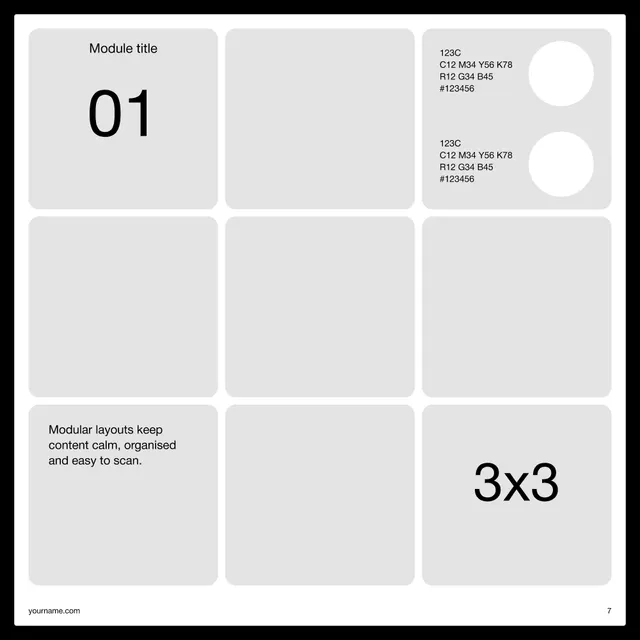
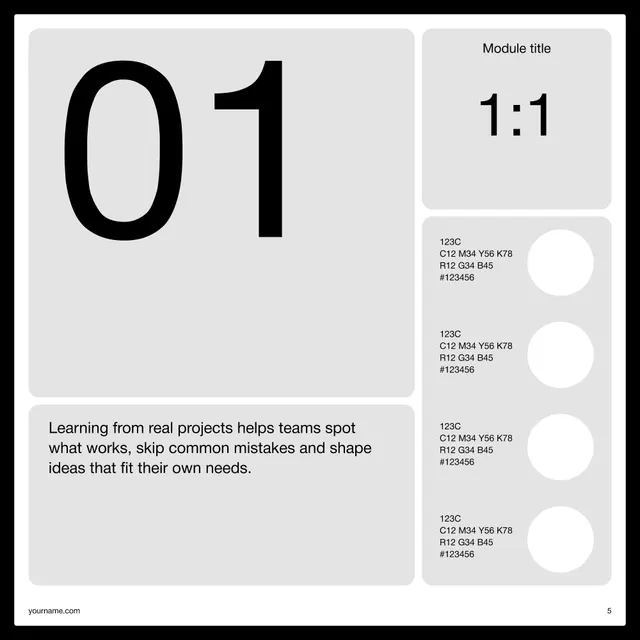
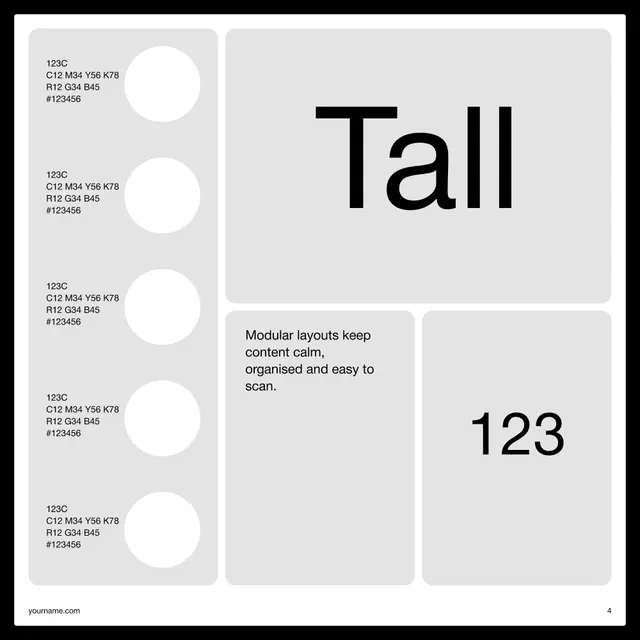
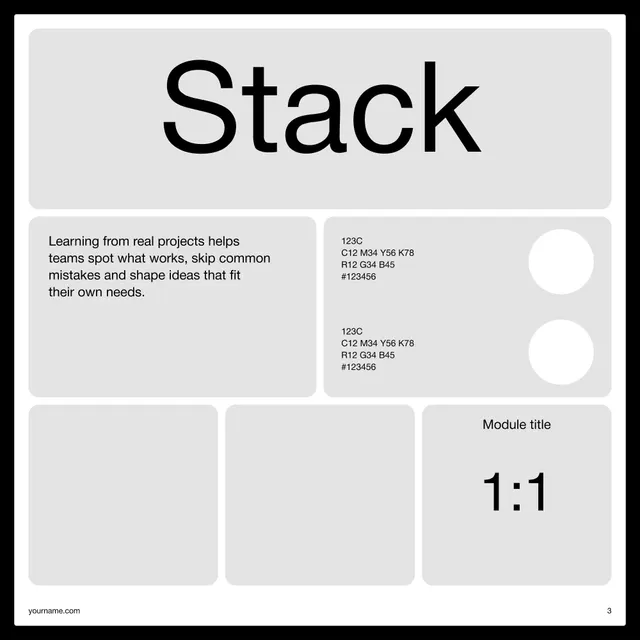
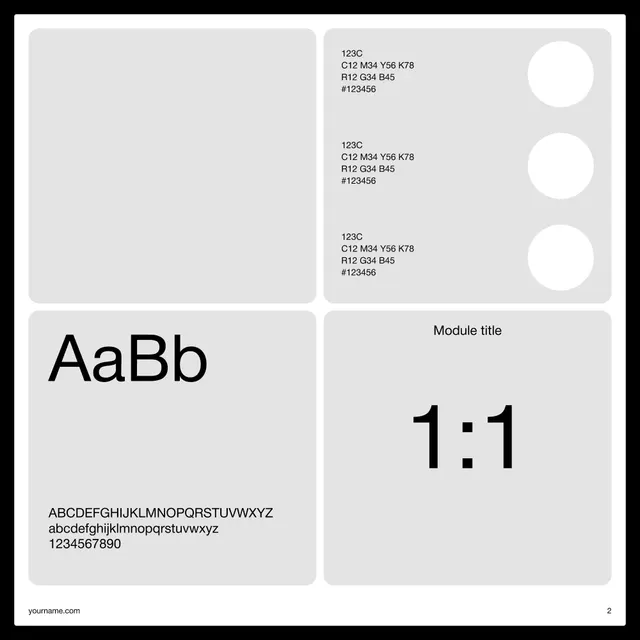
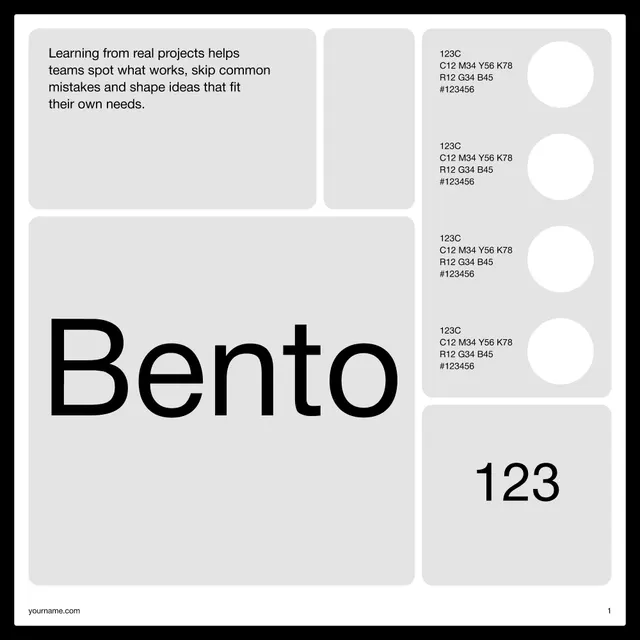
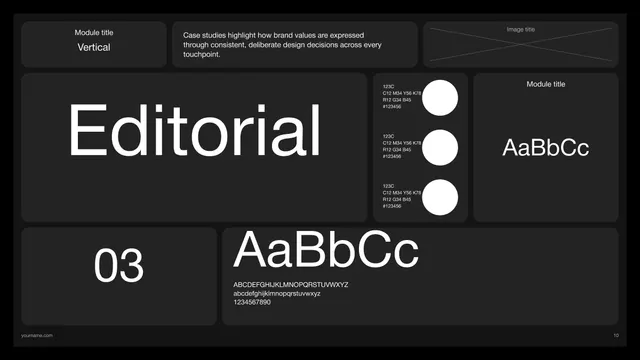
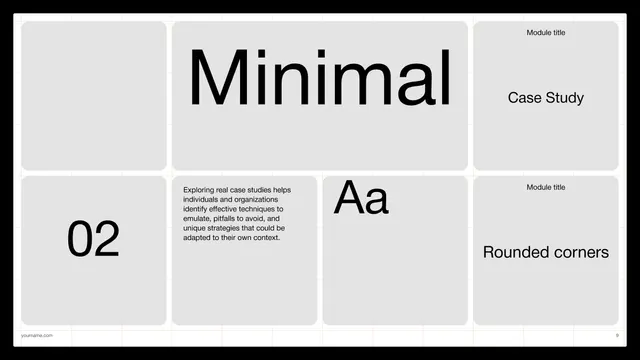
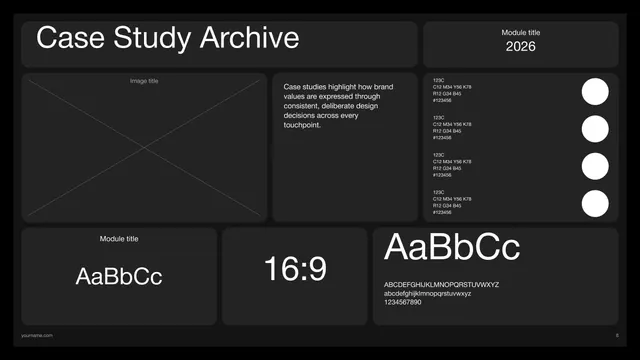
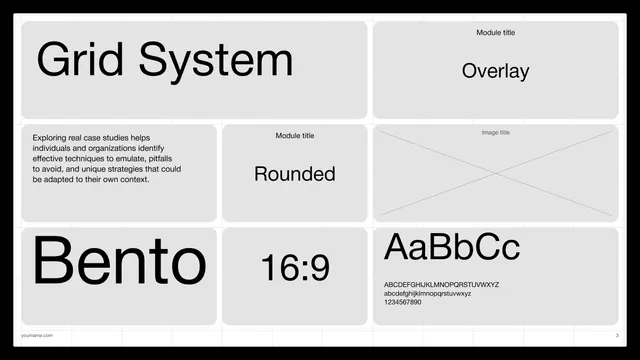
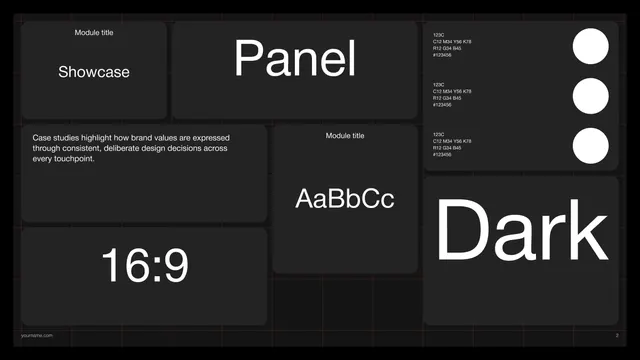
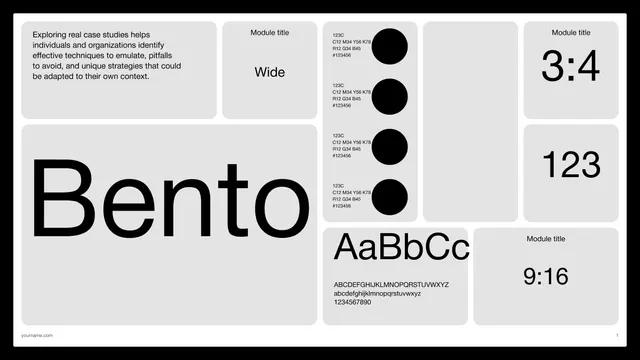
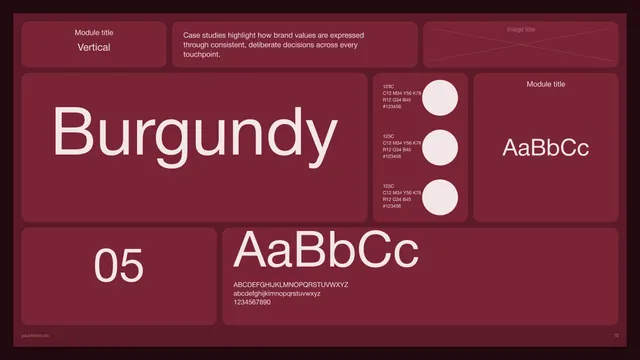
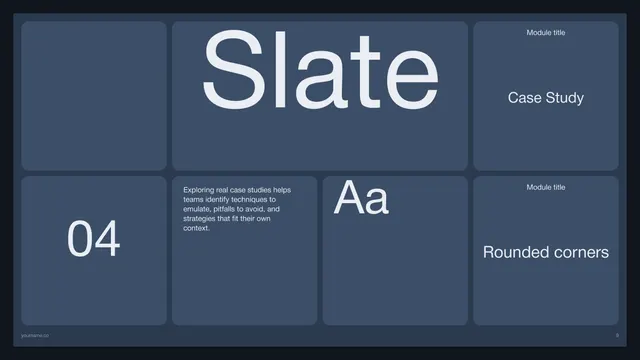
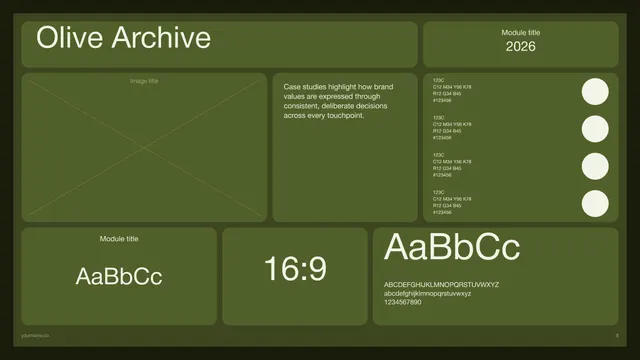
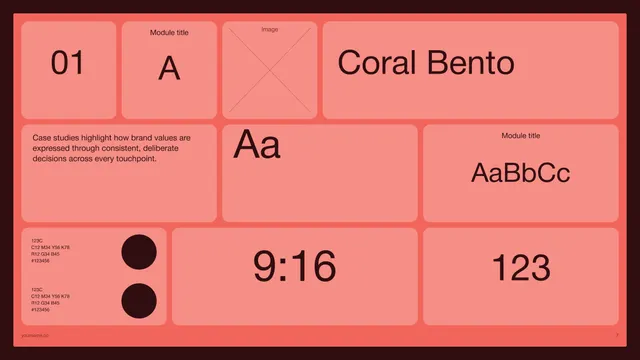
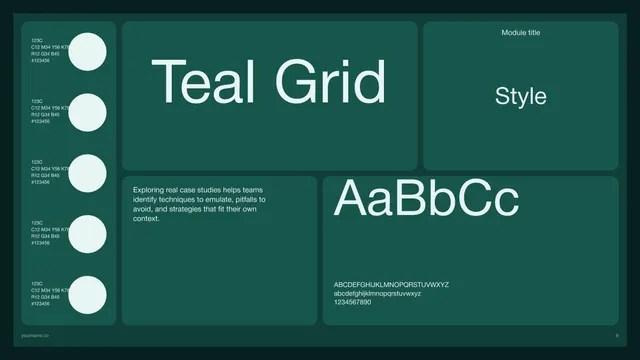
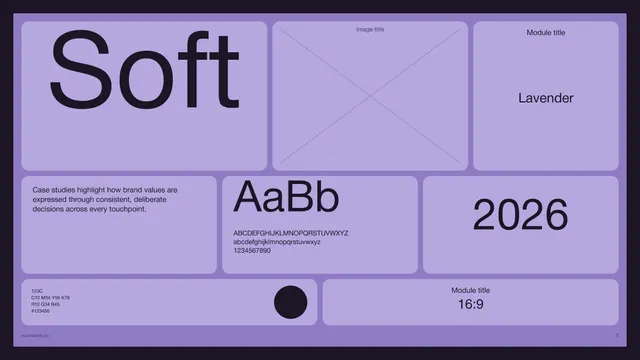
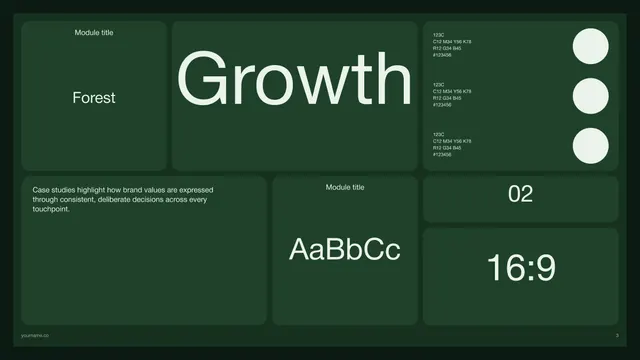
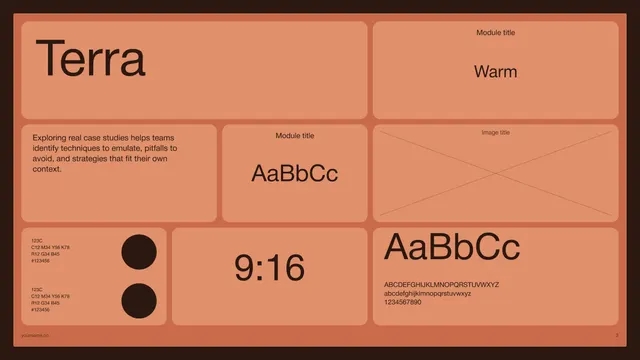
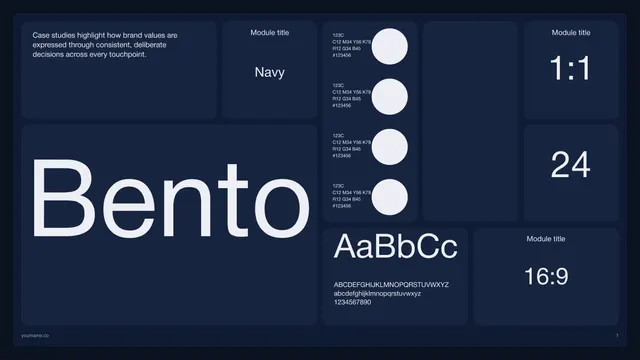
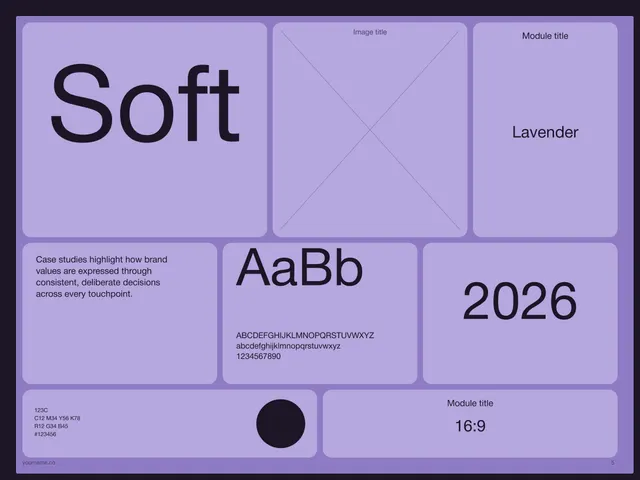
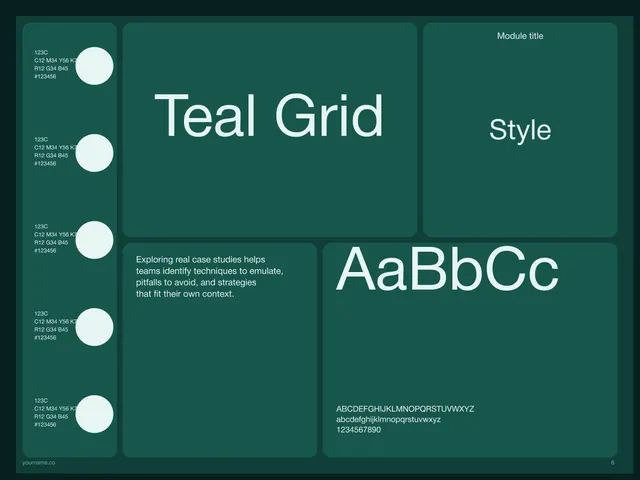
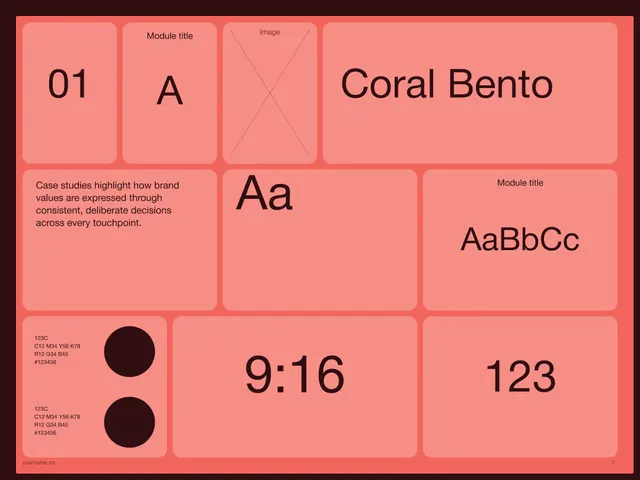
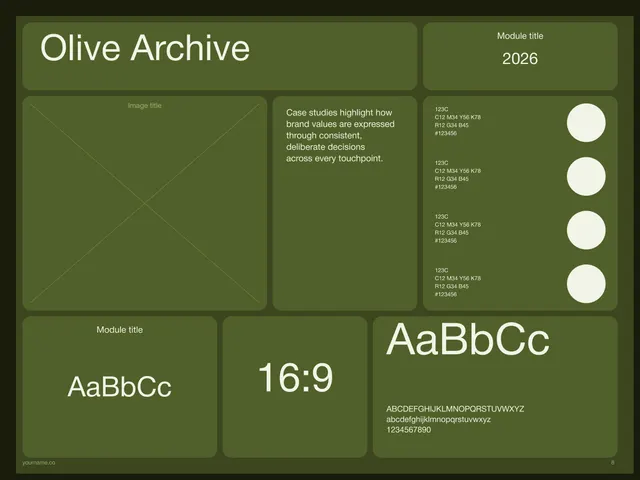
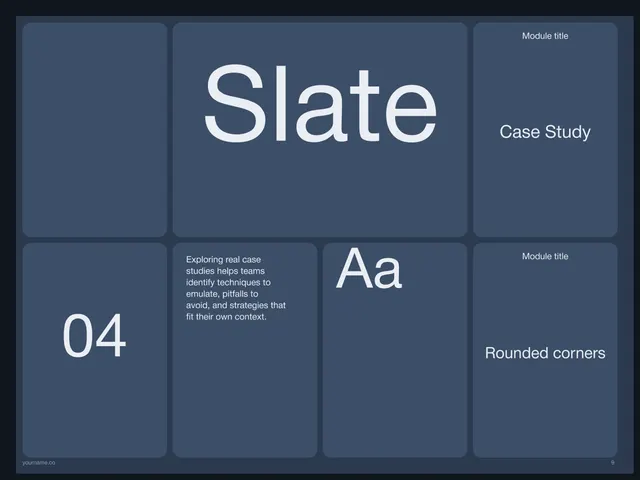
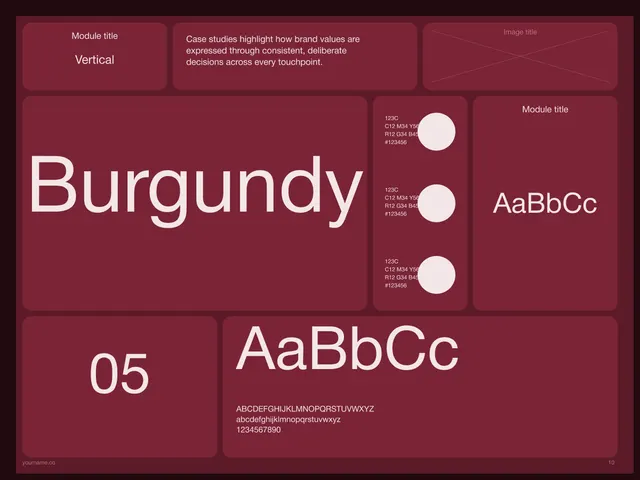
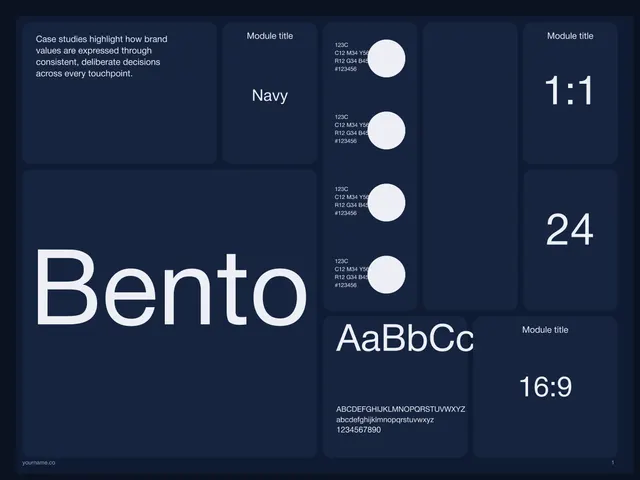
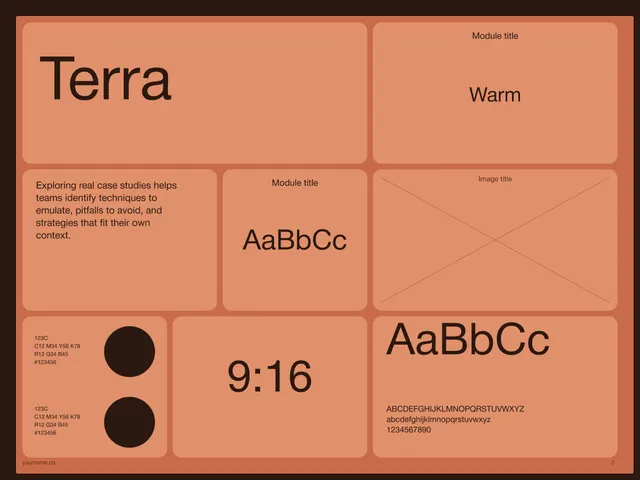
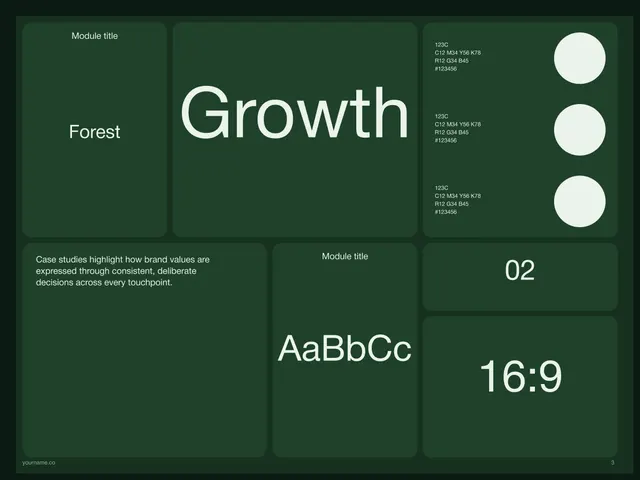
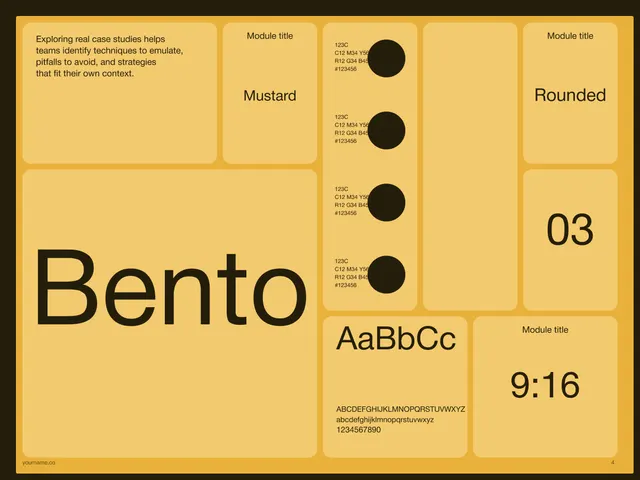
64 templates
Bento Grid Layouts questions
What is a bento grid layout?
A layout that groups content into rectangular cards of mixed sizes on a shared grid, often used for feature sections and product overviews.
What sizes do the bento grids come in?
16:9 at 1920 × 1080, 4:3 at 1600 × 1200, square at 1080 × 1080, and tall brand boards for case studies and Dribbble shots.
Are there free bento grid templates?
Yes. Six bento grid templates are free with an account, including brand boards and 16:9 layouts. The other 58 are in Pro and Lifetime.
Can I use a bento grid as a logo presentation or brand board?
Yes. Put the logo in the largest tile, then add color, type and mockup tiles. It works as a one page logo presentation, a brand board or a Behance case study cover.
Bento Grid Layouts guides
All guides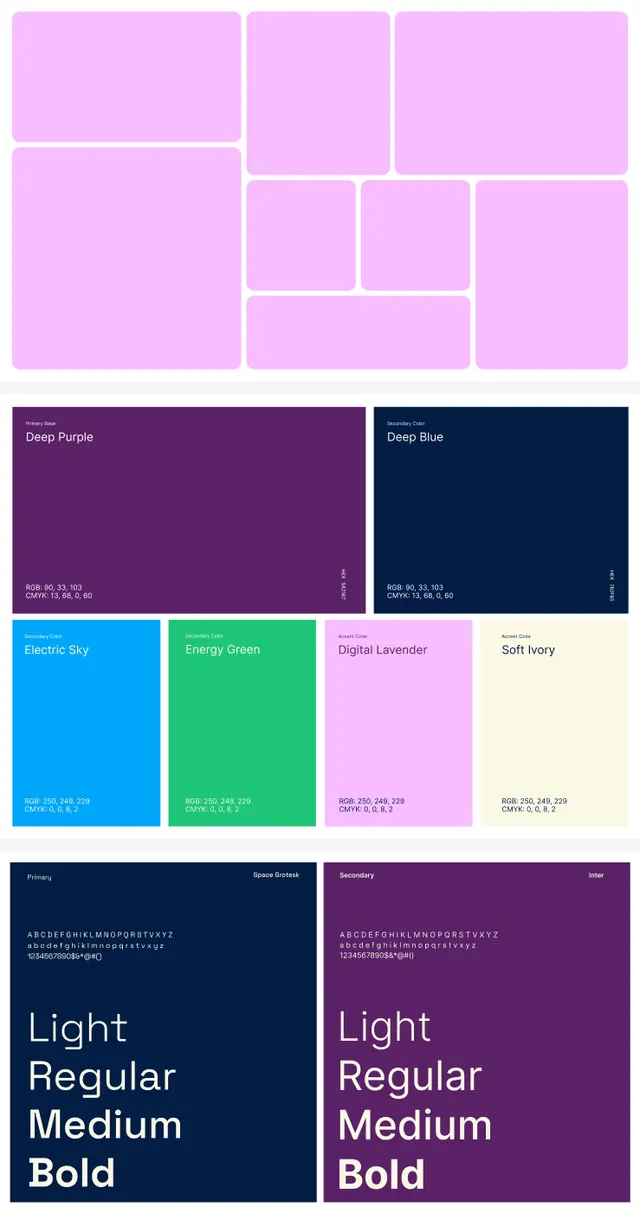 Guide
Bento grid templates for Figma: 64 brand board layouts
64 bento grid templates for Figma, 6 free: brand boards, 16:9 layouts and tall case study canvases. How to pick one, fill it and customise it with Claude and Figma MCP.
 Guide
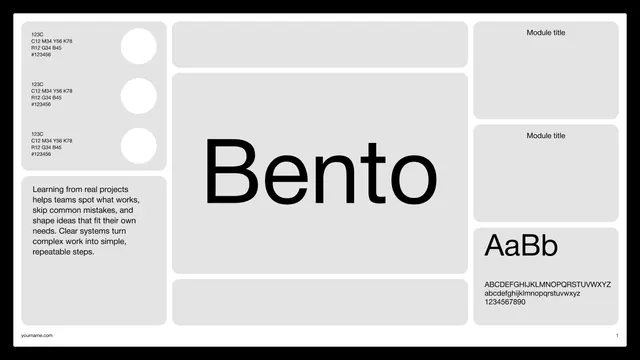
Logo presentation template: how to present a logo to clients
How to present a logo to a client so it gets approved: the 8 slides a logo presentation needs, free Figma templates, mockups and a Claude MCP workflow.
GuideHow to present a brand identity with a bento grid
A step by step guide to building a bento brand board that shows logo, colour, type and brand moments on one screen, with free Figma templates.
More categories
Every template, one payment.
Lifetime access is $39 during launch. Pay once and every future template, category and update is yours free, forever.