
Packaging2536 × 2793 px
Launch deal: Lifetime access for $39. Pay once, get every future template and update free. See pricing
Brand mockups for Figma: billboards, packaging and signage
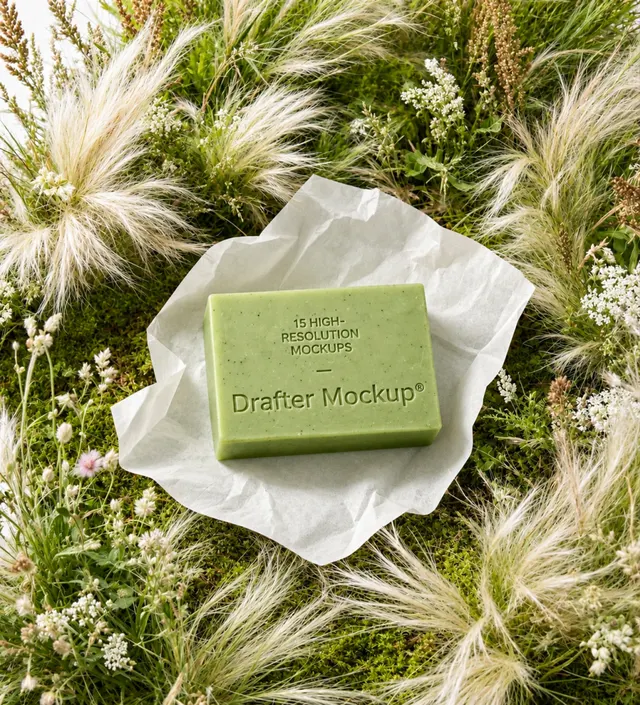
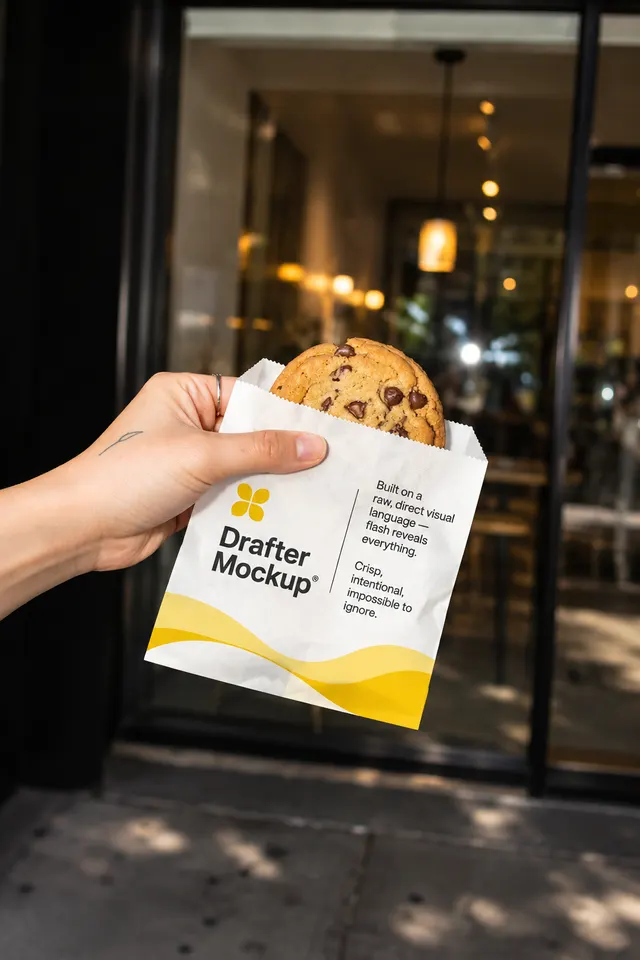
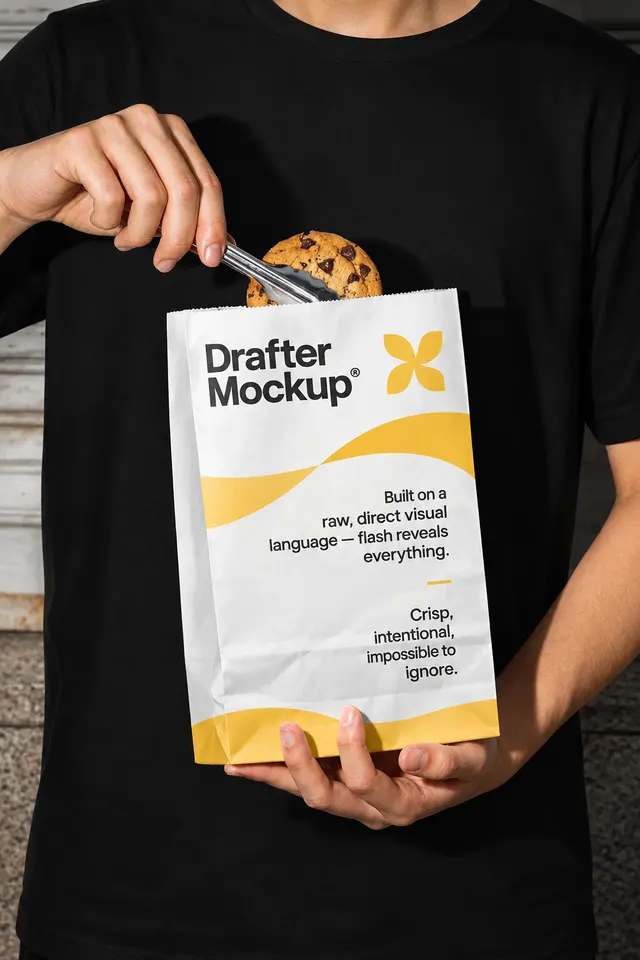
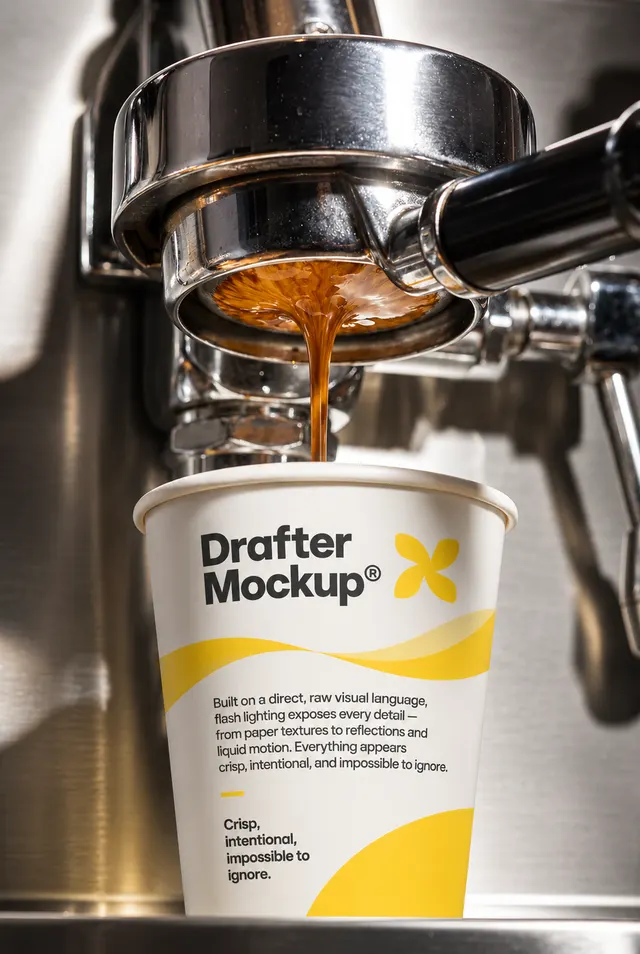
61 photo mockups for brand designers: billboards in New York and European streets, blade signs, banners and storefront signs, cosmetic and coffee packaging, a delivery truck, and people holding phones and bank cards. Each mockup is a high resolution photo in Figma with a blank sign, pack or screen for your artwork. Show a logo in the real world before the client signs off.
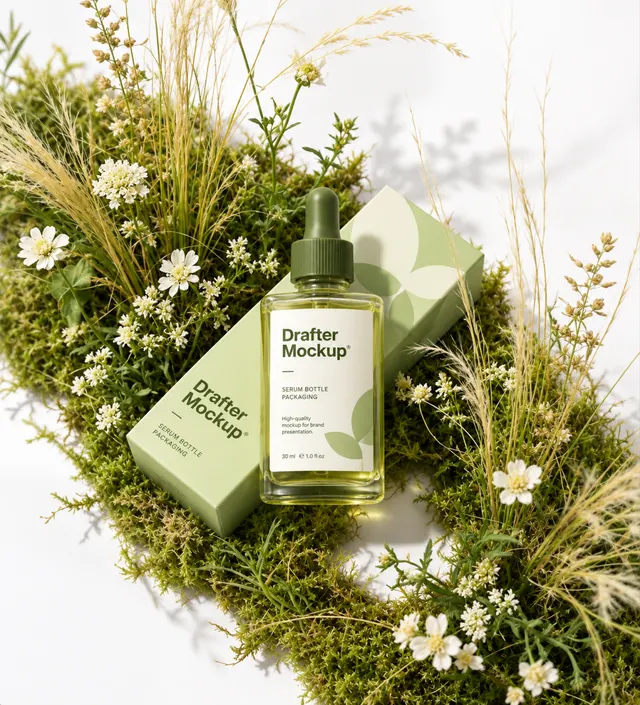
Packaging2536 × 2793 px
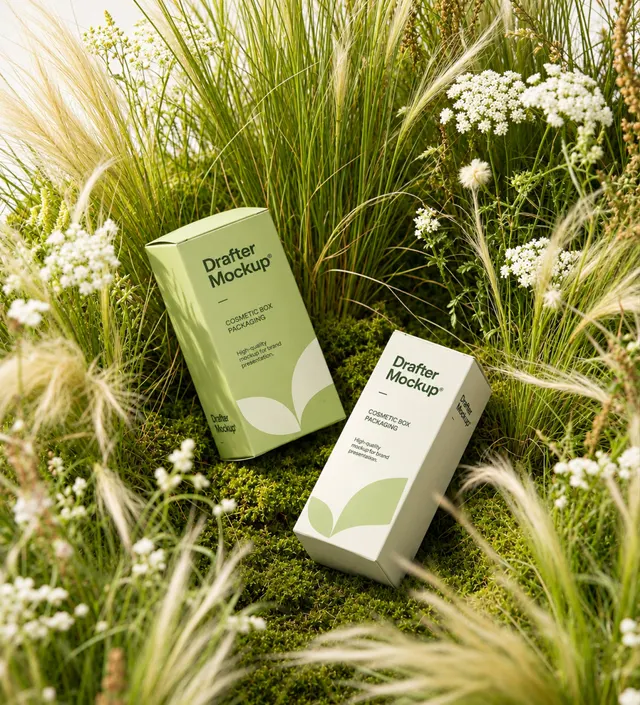
Packaging2536 × 2793 px
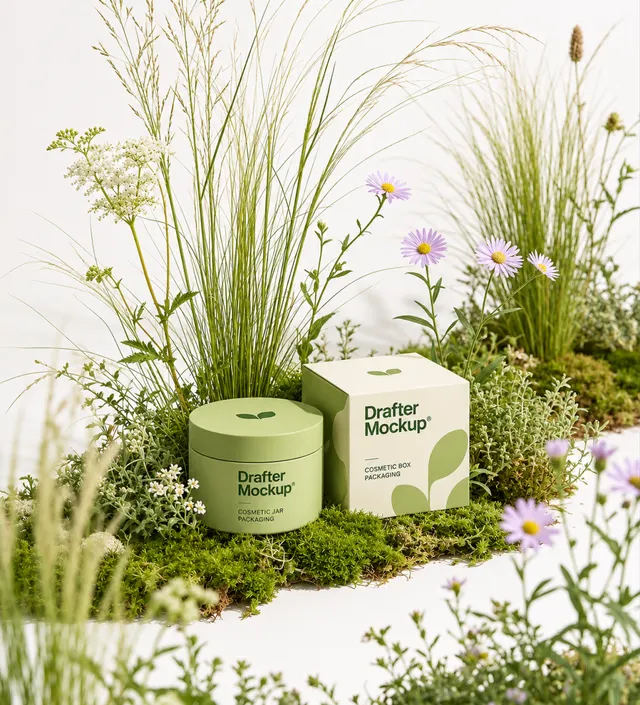
Packaging2536 × 2793 px
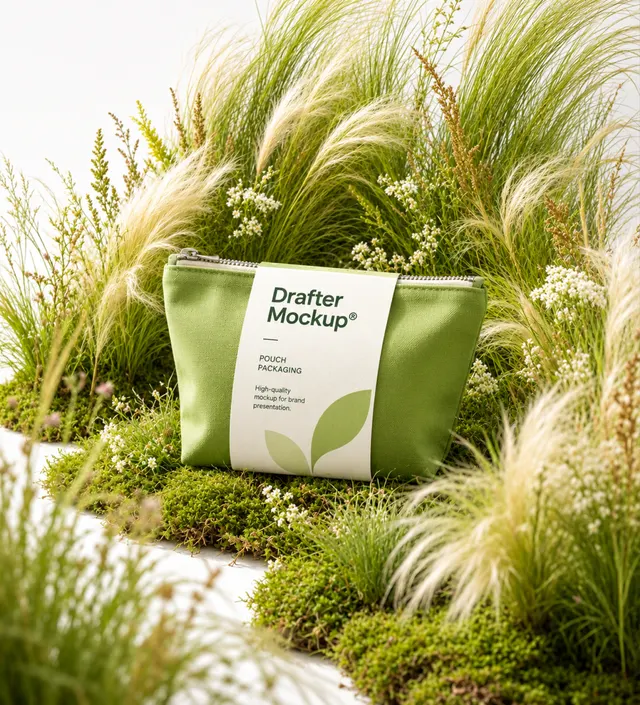
Packaging2536 × 2793 px

Packaging2536 × 2793 px

Packaging2536 × 2793 px
Packaging2536 × 2793 px

Packaging2536 × 2793 px
Packaging1024 × 1536 px
Packaging1024 × 1536 px
Packaging1027 × 1531 px
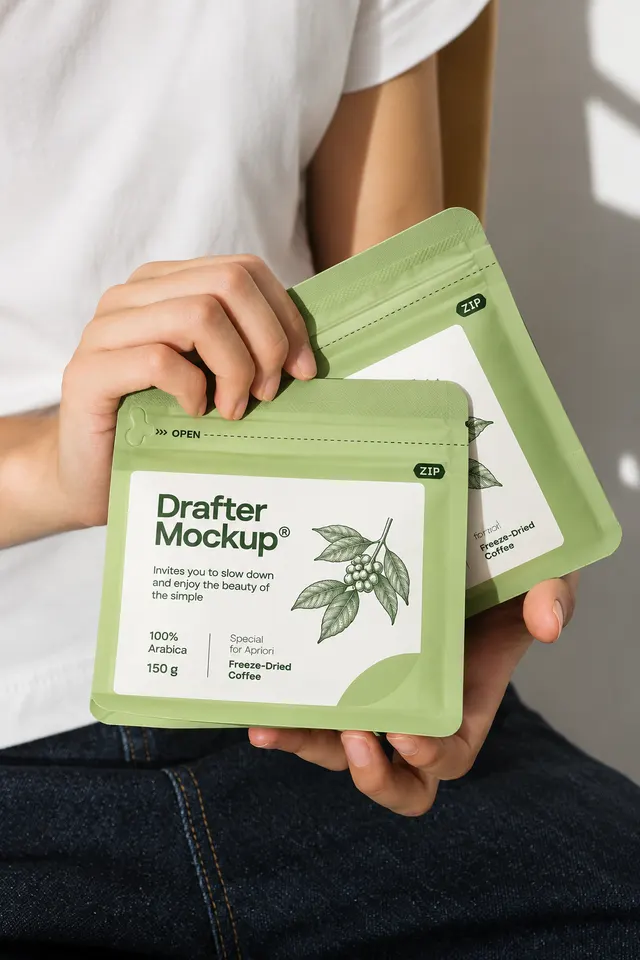
Packaging1024 × 1536 px
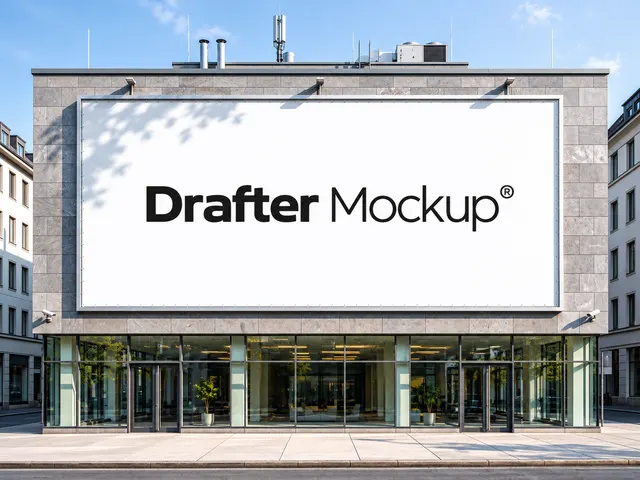
Billboard1448 × 1086 px
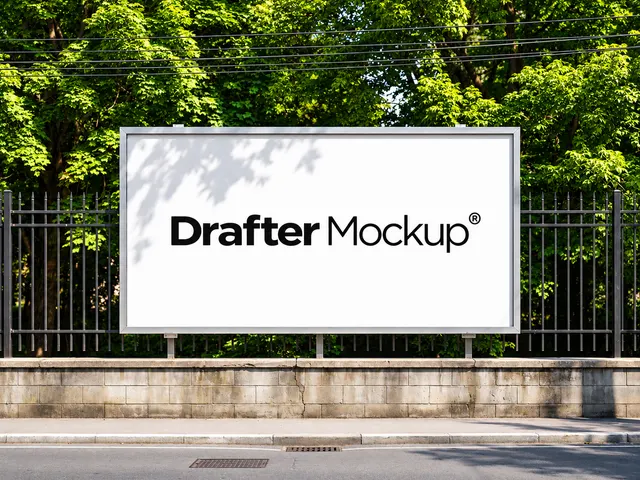
Billboard1448 × 1086 px
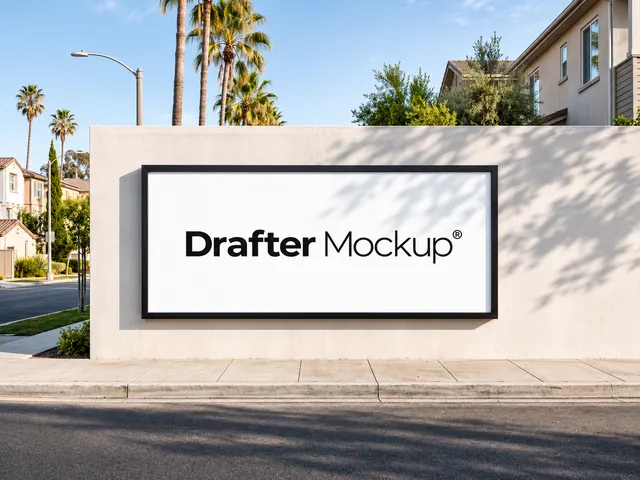
Billboard1448 × 1086 px
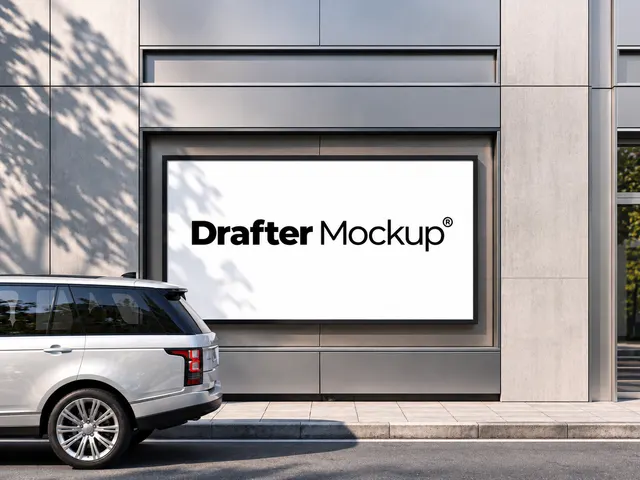
Billboard1449 × 1086 px
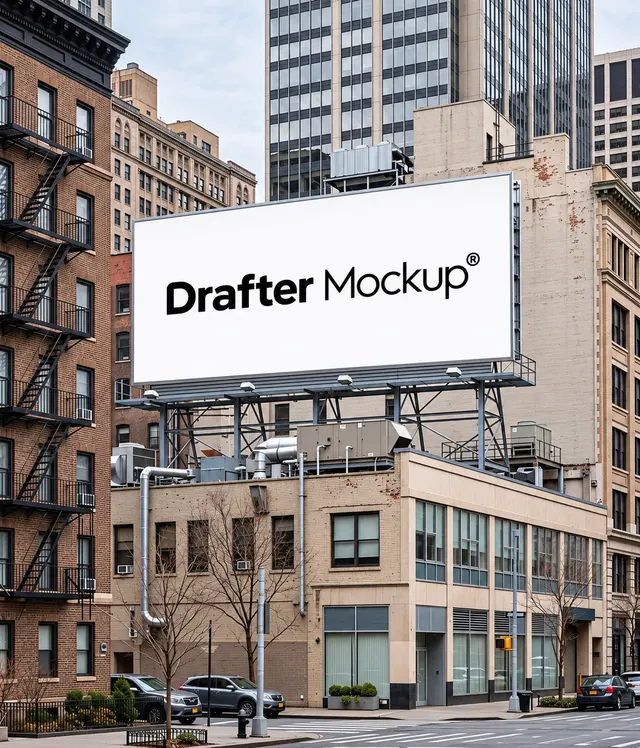
Billboard1160 × 1355 px
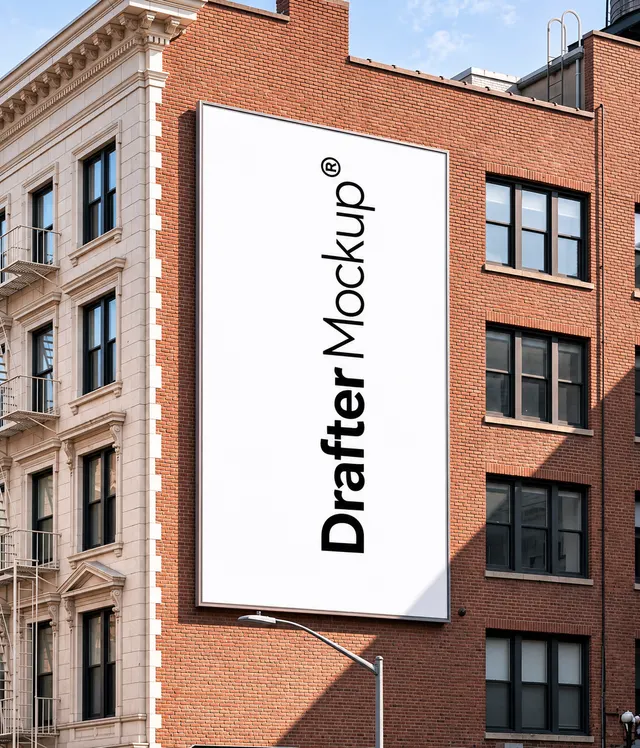
Billboard1160 × 1355 px
Billboard1672 × 941 px
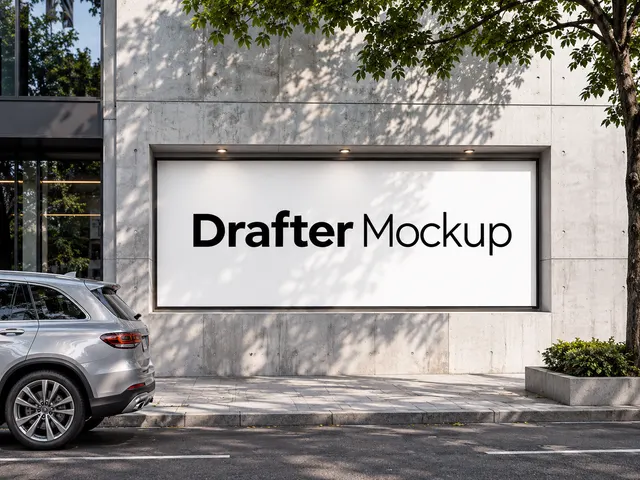
Billboard1448 × 1086 px
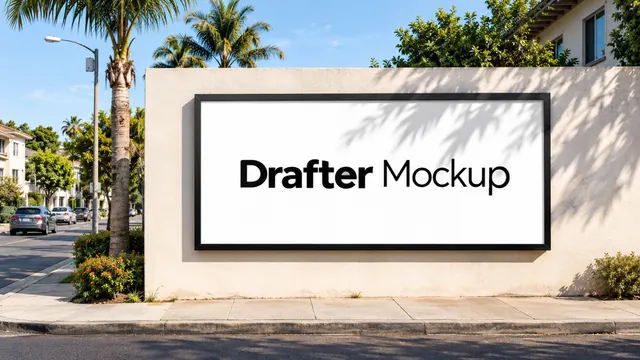
Billboard1672 × 941 px
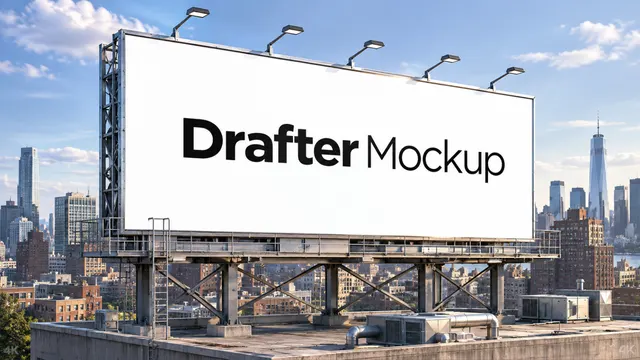
Billboard1672 × 941 px
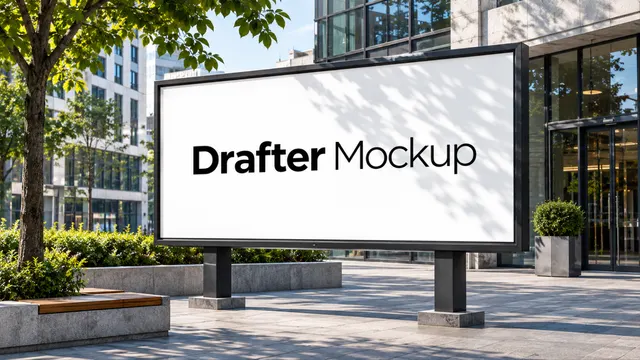
Billboard1672 × 941 px
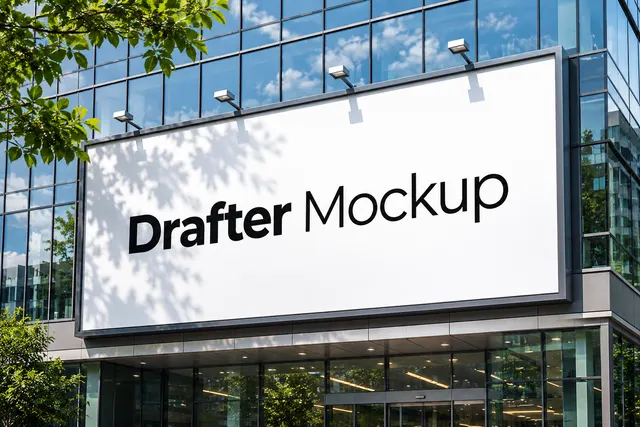
Billboard1536 × 1024 px
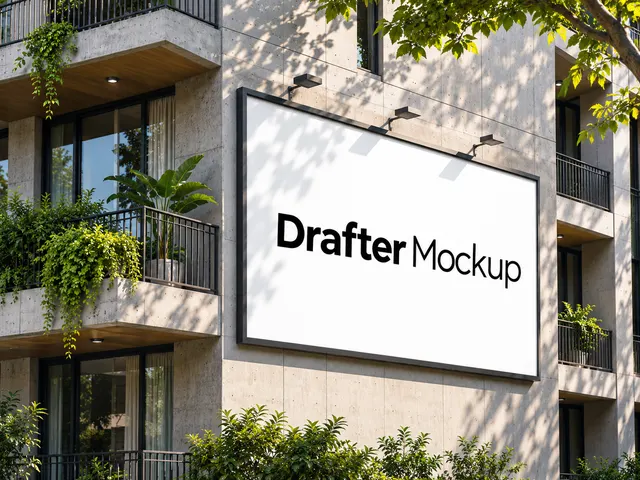
Billboard1448 × 1086 px
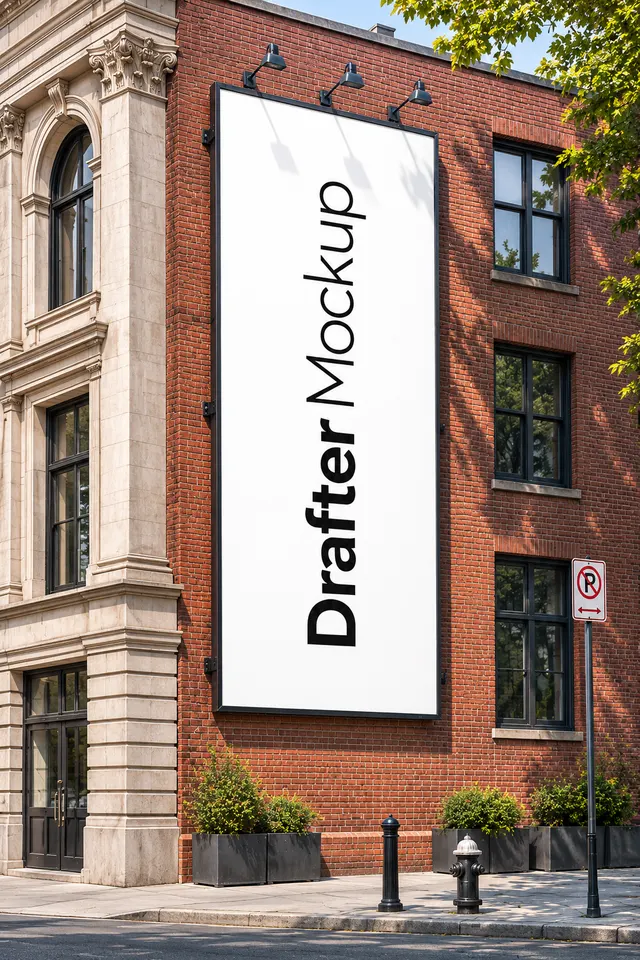
Billboard1024 × 1536 px
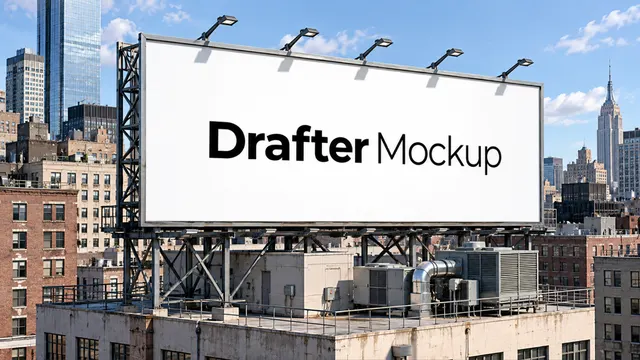
Billboard1672 × 941 px
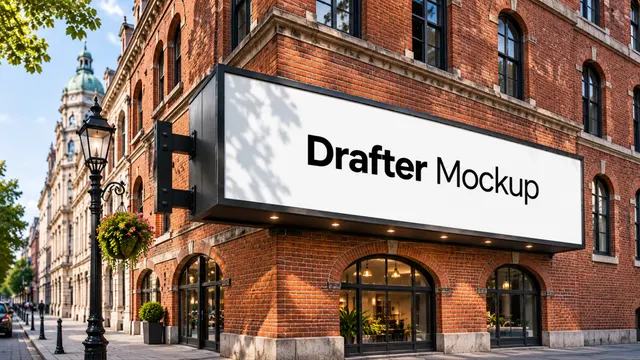
Billboard1672 × 941 px
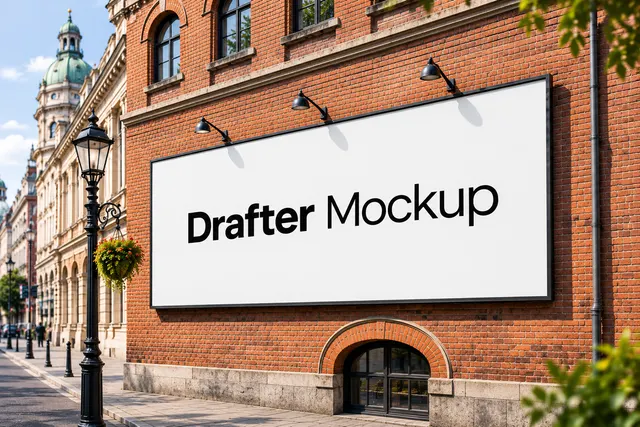
Street signage1536 × 1024 px
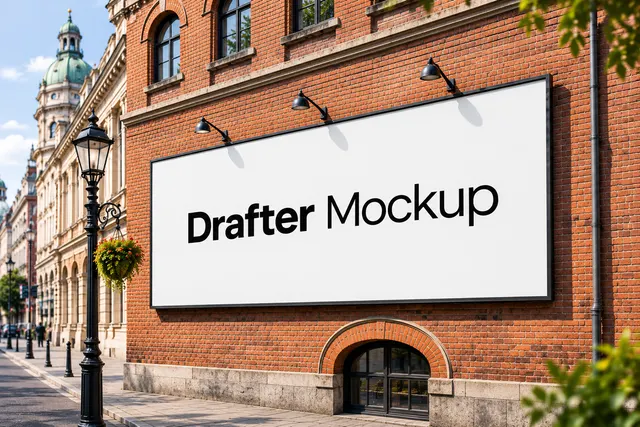
Street signage1536 × 1024 px
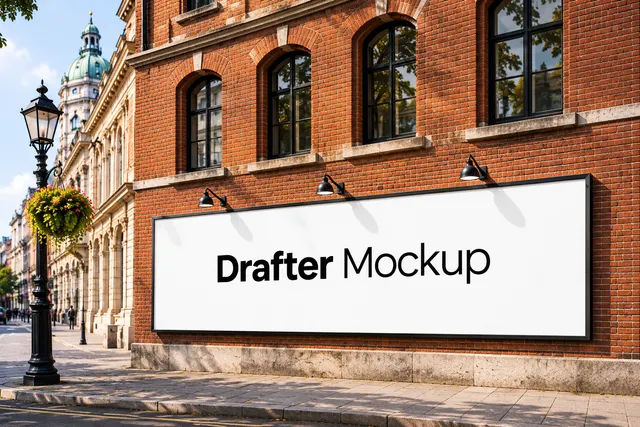
Street signage1536 × 1024 px
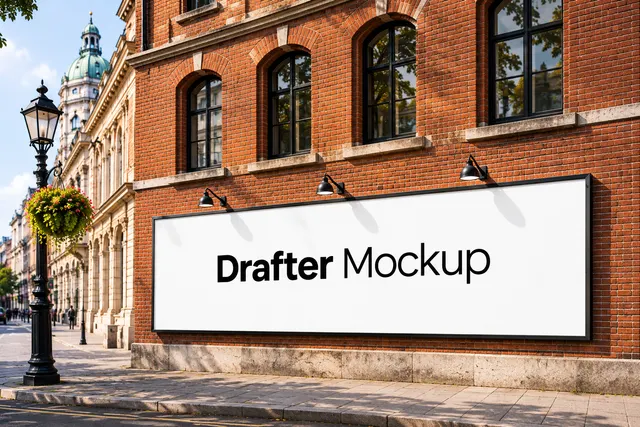
Street signage1536 × 1024 px
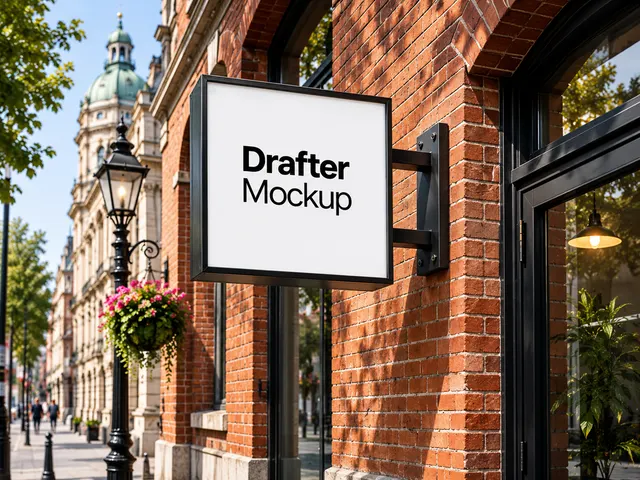
Street signage1448 × 1086 px
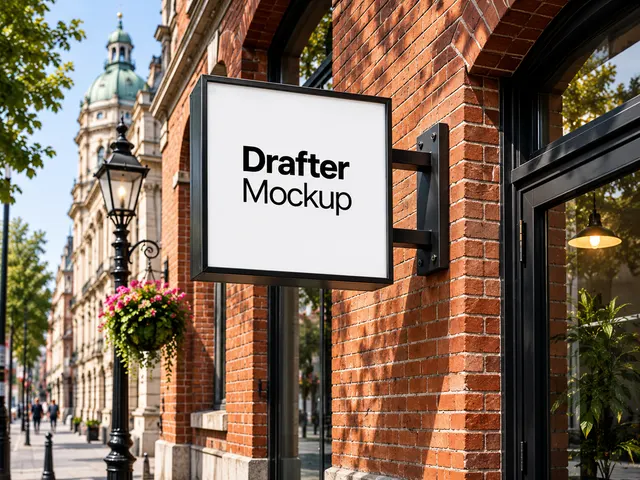
Street signage1448 × 1086 px
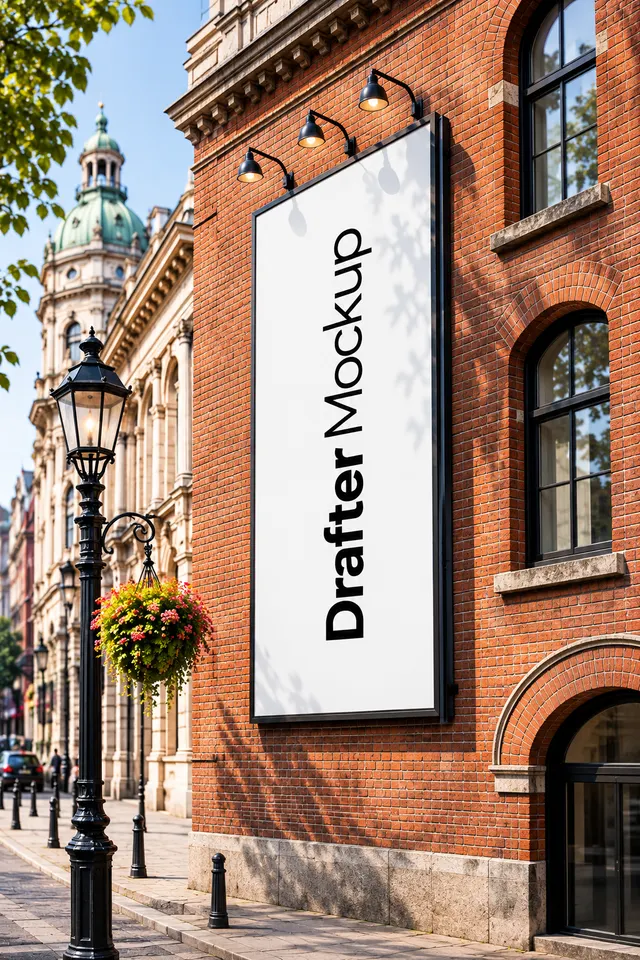
Street signage1024 × 1536 px
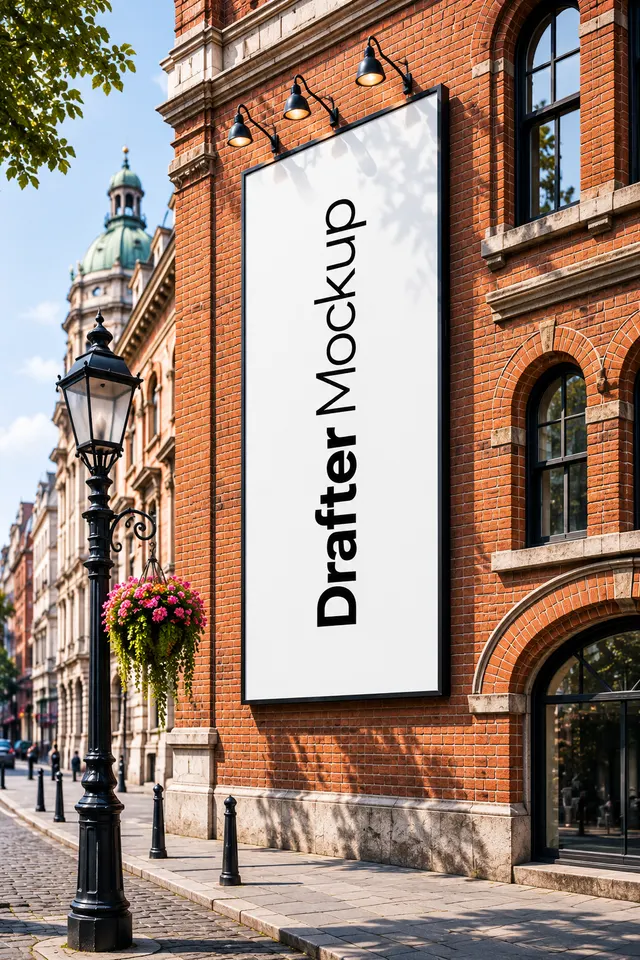
Street signage1024 × 1536 px
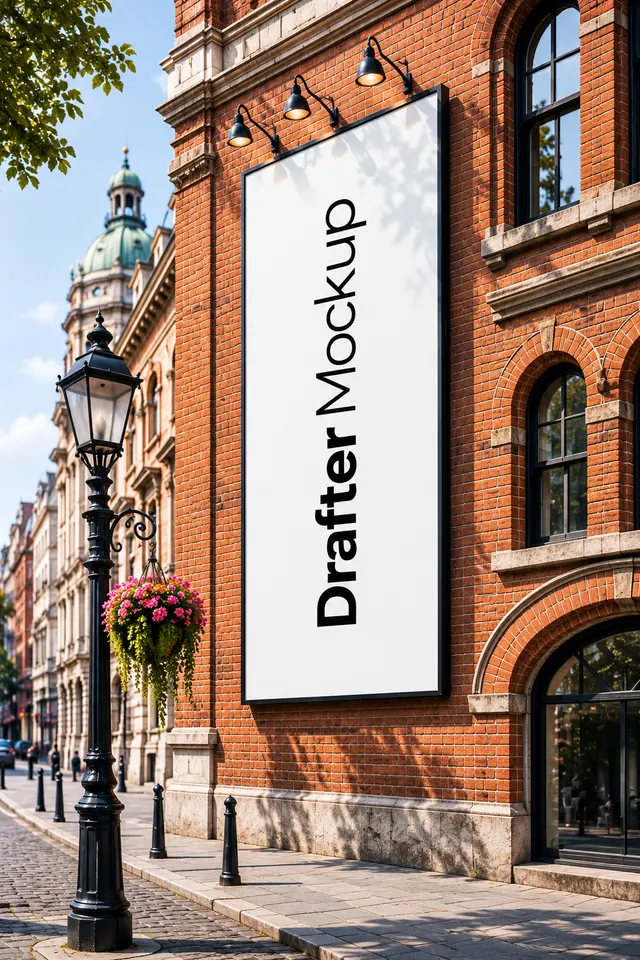
Street signage1024 × 1536 px
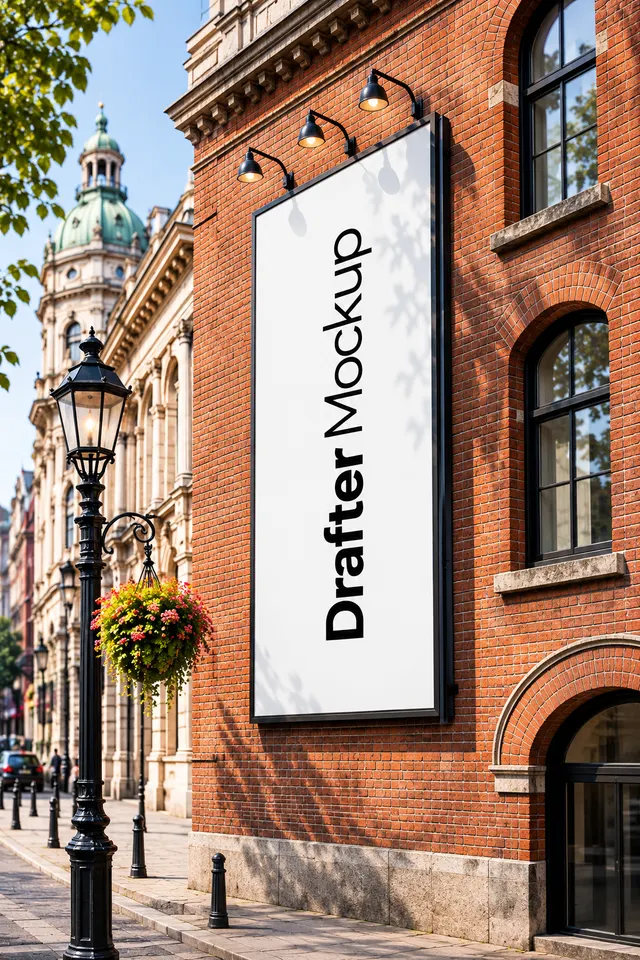
Street signage1024 × 1536 px
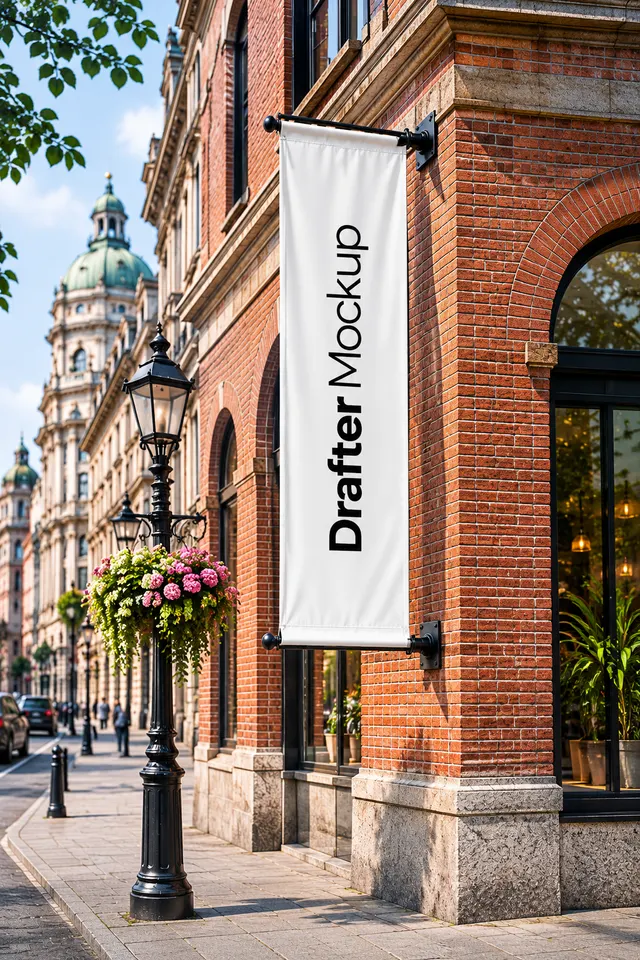
Street signage1024 × 1536 px
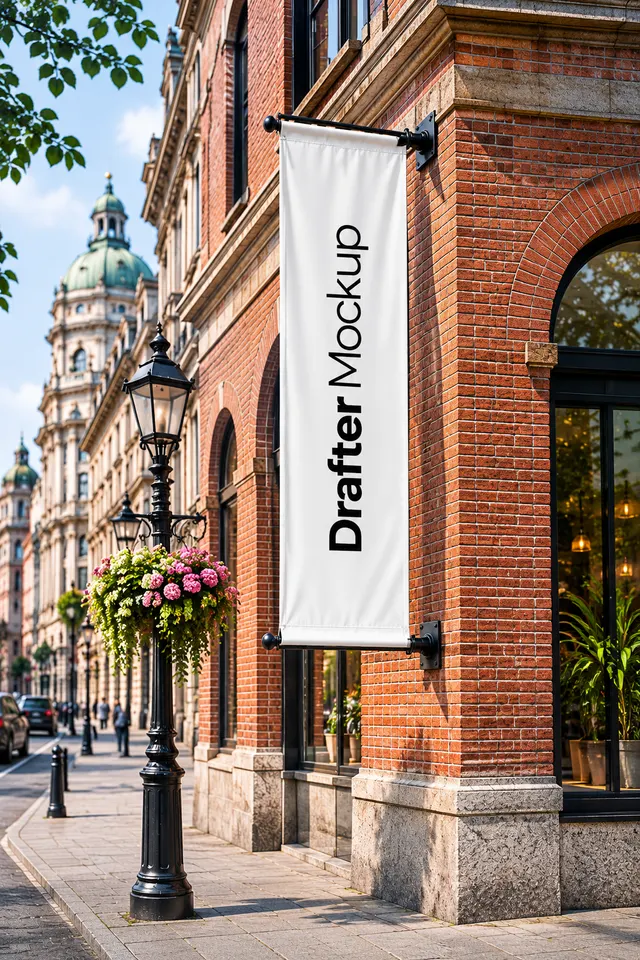
Street signage1024 × 1536 px
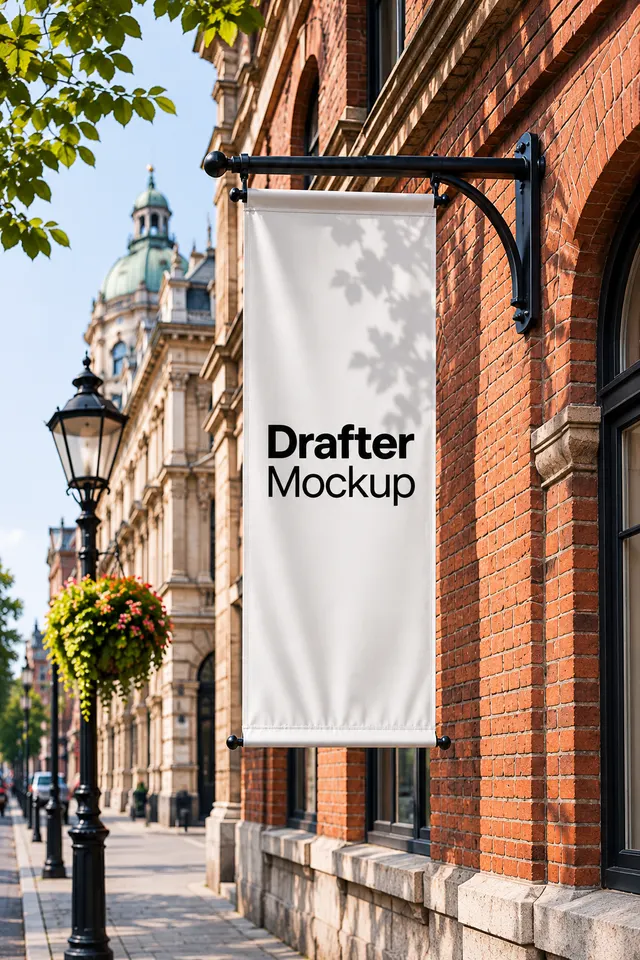
Street signage1024 × 1536 px
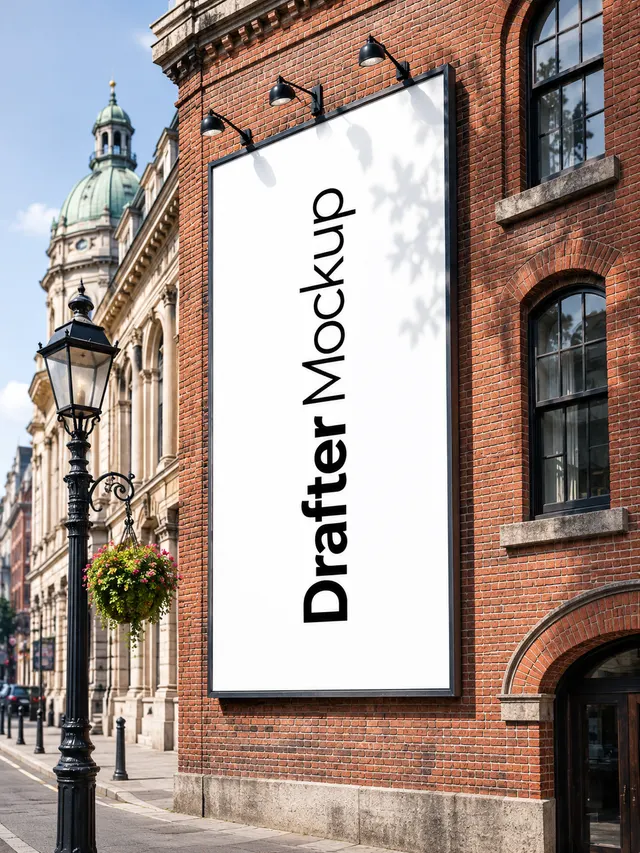
Street signage1086 × 1448 px
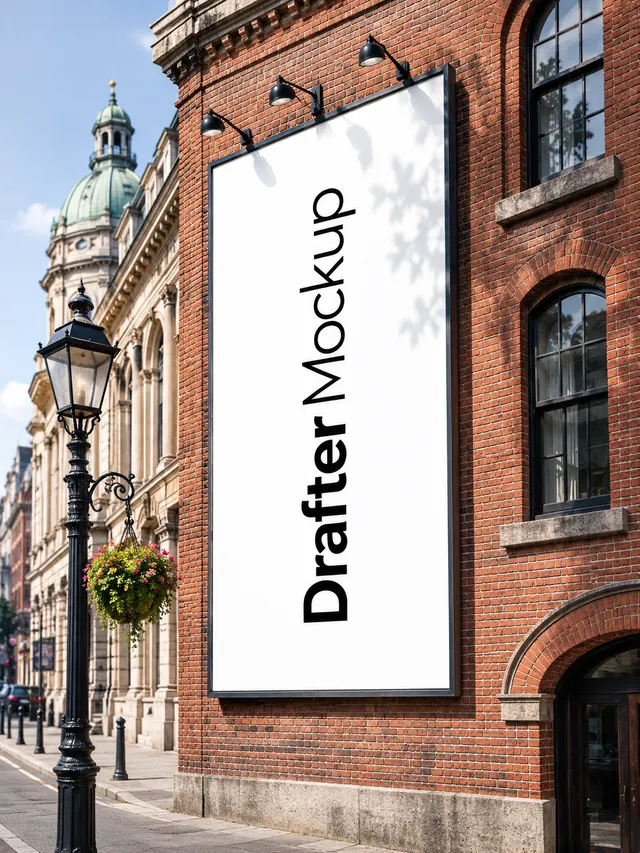
Street signage1086 × 1448 px
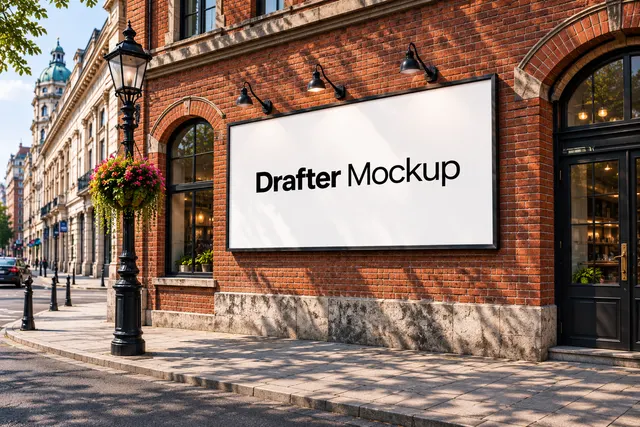
Street signage1536 × 1024 px
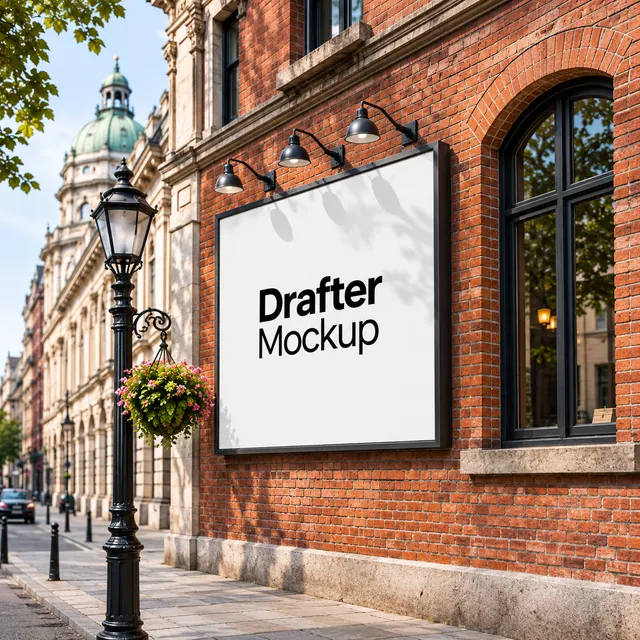
Street signage1254 × 1254 px
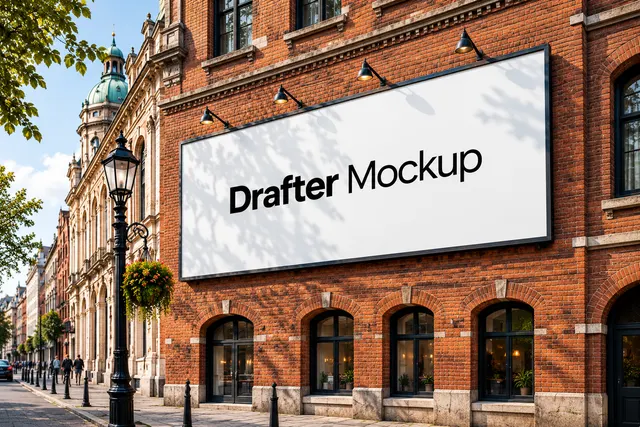
Street signage1536 × 1024 px
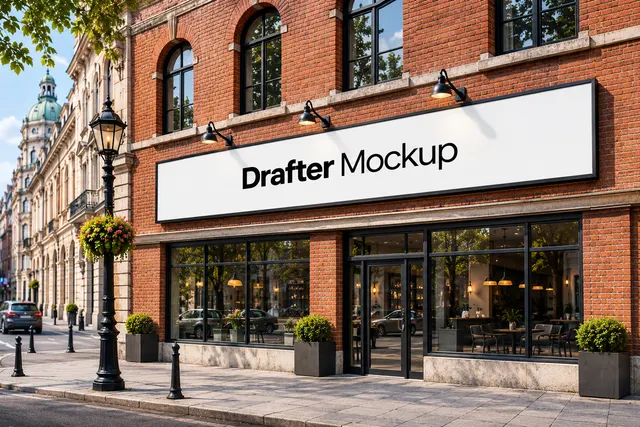
Storefront1536 × 1024 px
Storefront1536 × 1024 px
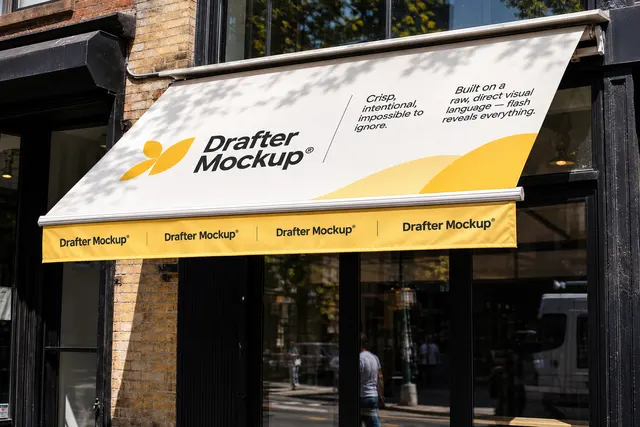
Storefront1536 × 1024 px
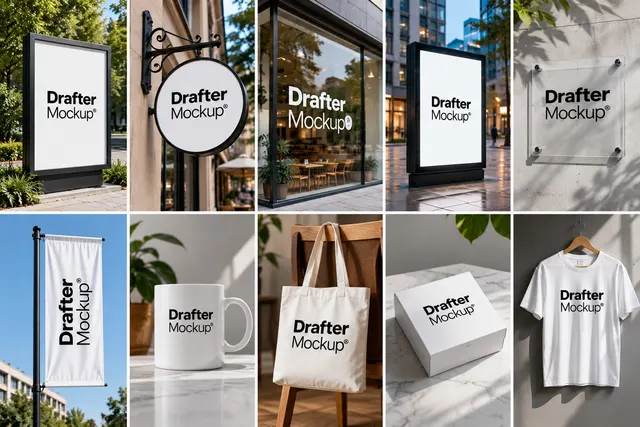
Collection1536 × 1024 px
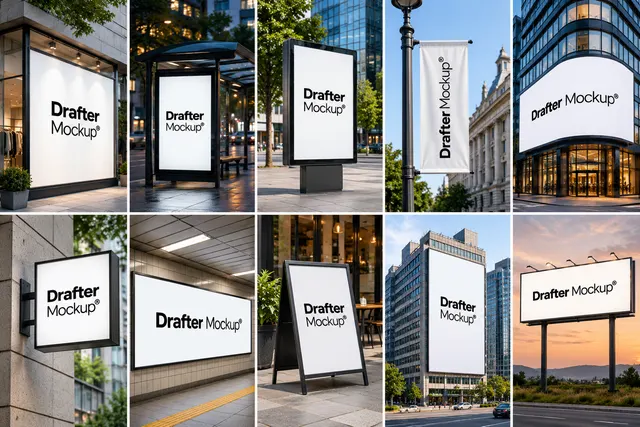
Collection1536 × 1024 px
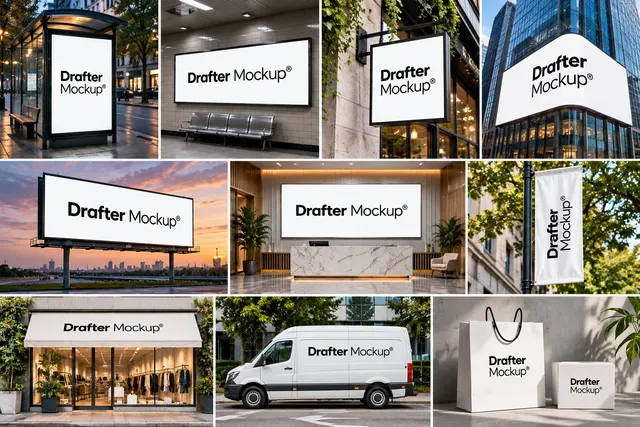
Collection1536 × 1024 px
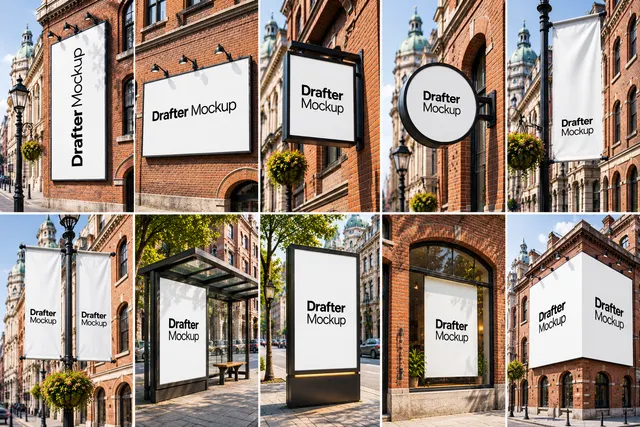
Collection1536 × 1024 px
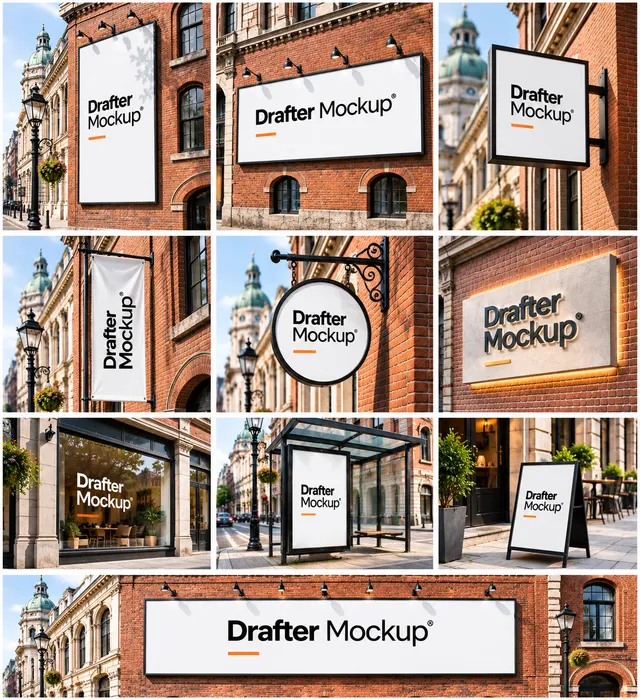
Collection1199 × 1312 px
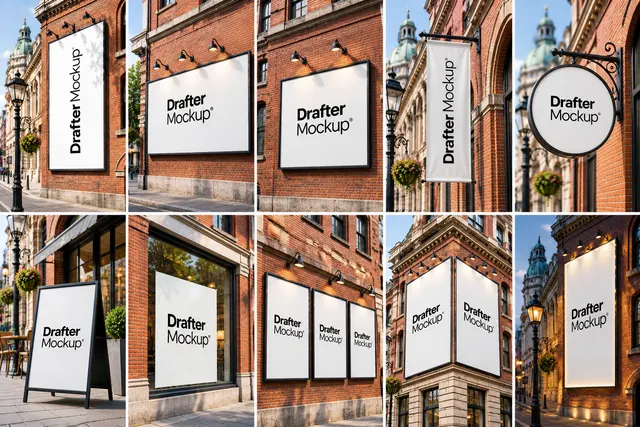
Collection1536 × 1024 px
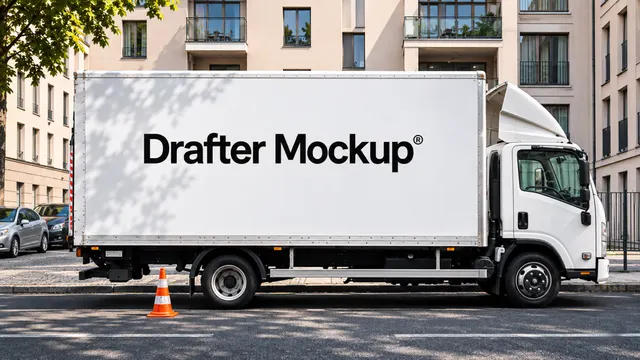
Vehicle1672 × 941 px

Phone and card1523 × 1033 px

Phone and card1536 × 1024 px

Phone and card1523 × 1033 px

Phone and card1536 × 1024 px
No templates here yet. New templates are on the way, check back soon.
61 templates
Mockups questions
What is a brand mockup?
A realistic photo that shows a logo or campaign on a real surface, such as a billboard, shop sign, package or phone. Designers use mockups to show clients how a brand looks in the world before anything is printed.
What mockups are included?
61 photo mockups: 13 packaging scenes, 16 billboards, 18 street signs and banners, 3 storefronts, 6 multi-scene collections, a delivery truck and 4 phone and card scenes.
How do I use these mockups in Figma?
Open the mockup in Figma, duplicate the file, then place your logo or artwork over the blank sign, pack or screen and match the perspective. Export the frame as PNG or JPG for your presentation.
Are the mockups free?
No. All 61 mockups are part of Pro and Lifetime. Everyone can see the full previews without blur, and Pro or Lifetime members can open and duplicate the Figma file.
What is the difference between Mockups and 3D Mockups?
Mockups are photo scenes, such as billboards, signs and packaging shots. 3D Mockups are drawn 3D packaging models with measurements for every size, so you can change colours and scale them.
Mockups guides
All guides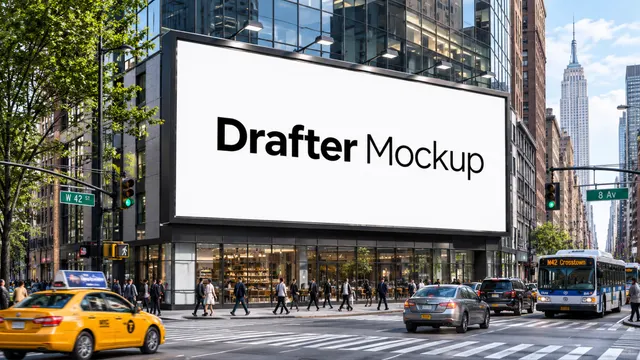 Guide
Brand mockups for Figma: billboards, signage, storefronts and packaging
61 photo mockups for brand designers in Figma: billboards, street signs, storefronts, packaging, a truck, phones and cards. How to pick and use them.
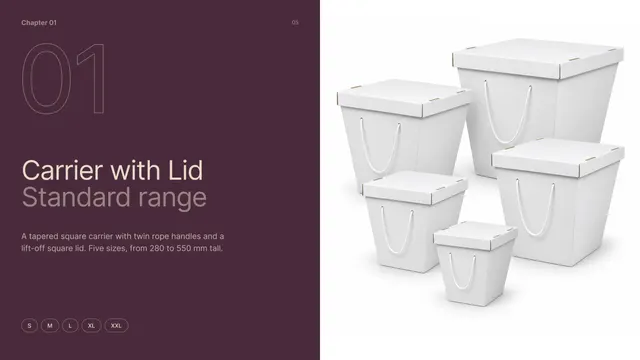 Guide
3D packaging mockups for brand designers: boxes, bags and signage to scale
125 customizable 3D packaging mockups for Figma: carriers, hat boxes, gift boxes, bags, tins, signage and a storefront, with real measurements.
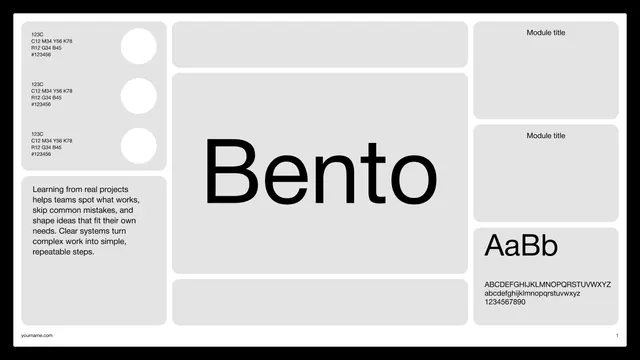 Guide
Logo presentation template: how to present a logo to clients
How to present a logo to a client so it gets approved: the 8 slides a logo presentation needs, free Figma templates, mockups and a Claude MCP workflow.
More categories
Every template, one payment.
Lifetime access is $39 during launch. Pay once and every future template, category and update is yours free, forever.