Logo presentation template: how to present a logo to clients
By Jakaria Mahmud, brand identity designer ·
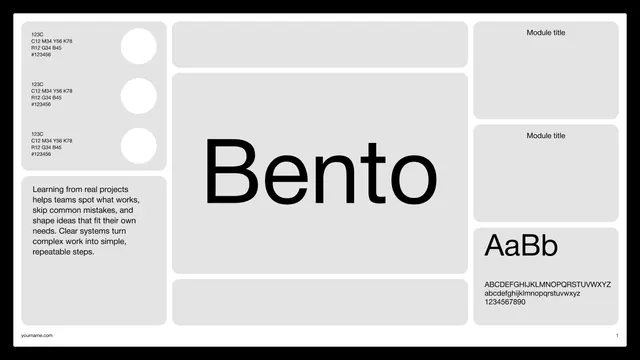
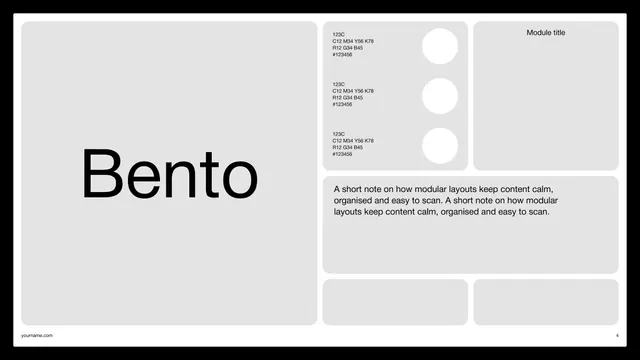
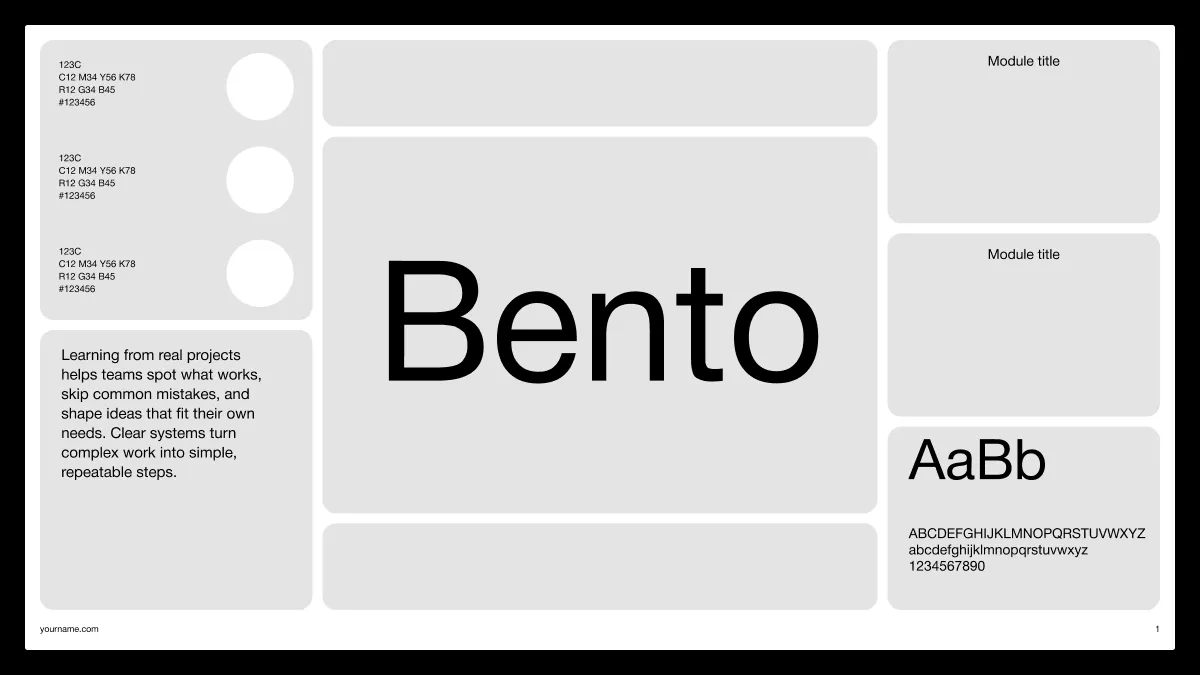
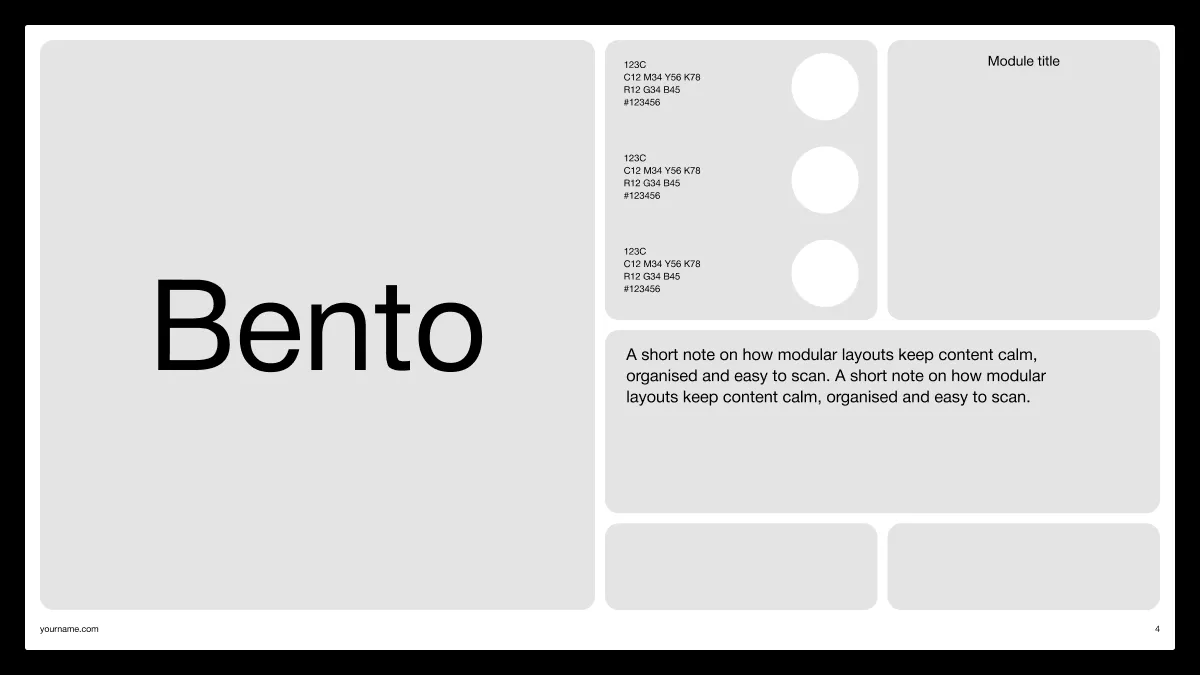
Short answer: a logo presentation template is a ready slide or board layout that shows your logo the way clients approve it: the brief, the idea, the logo on its own, its variations, color and type, and the logo in real use. Drafter Studio's free Center Split and Halves Split bento templates work as logo presentation boards in Figma.
Why the way you present a logo matters
Clients rarely reject a good logo. They reject a logo they do not understand. A PNG on a white background asks the client to judge on taste. A presentation shows the thinking, the system and the logo at work, so the client judges it against the brief instead.
The 8 slides every logo presentation needs
- Cover. Client name, project and date.
- The brief. The goal and audience, in the client's own words.
- The idea. One sentence and a sketch or moodboard that explains the concept.
- The logo, big. On its own with plenty of space. No mockups yet.
- Variations. Horizontal, stacked, icon only, one color and reversed.
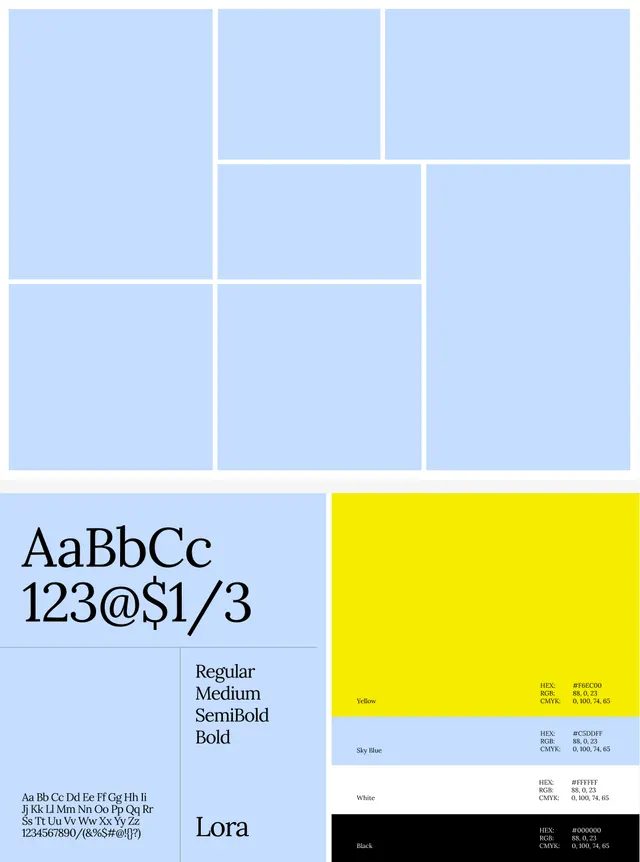
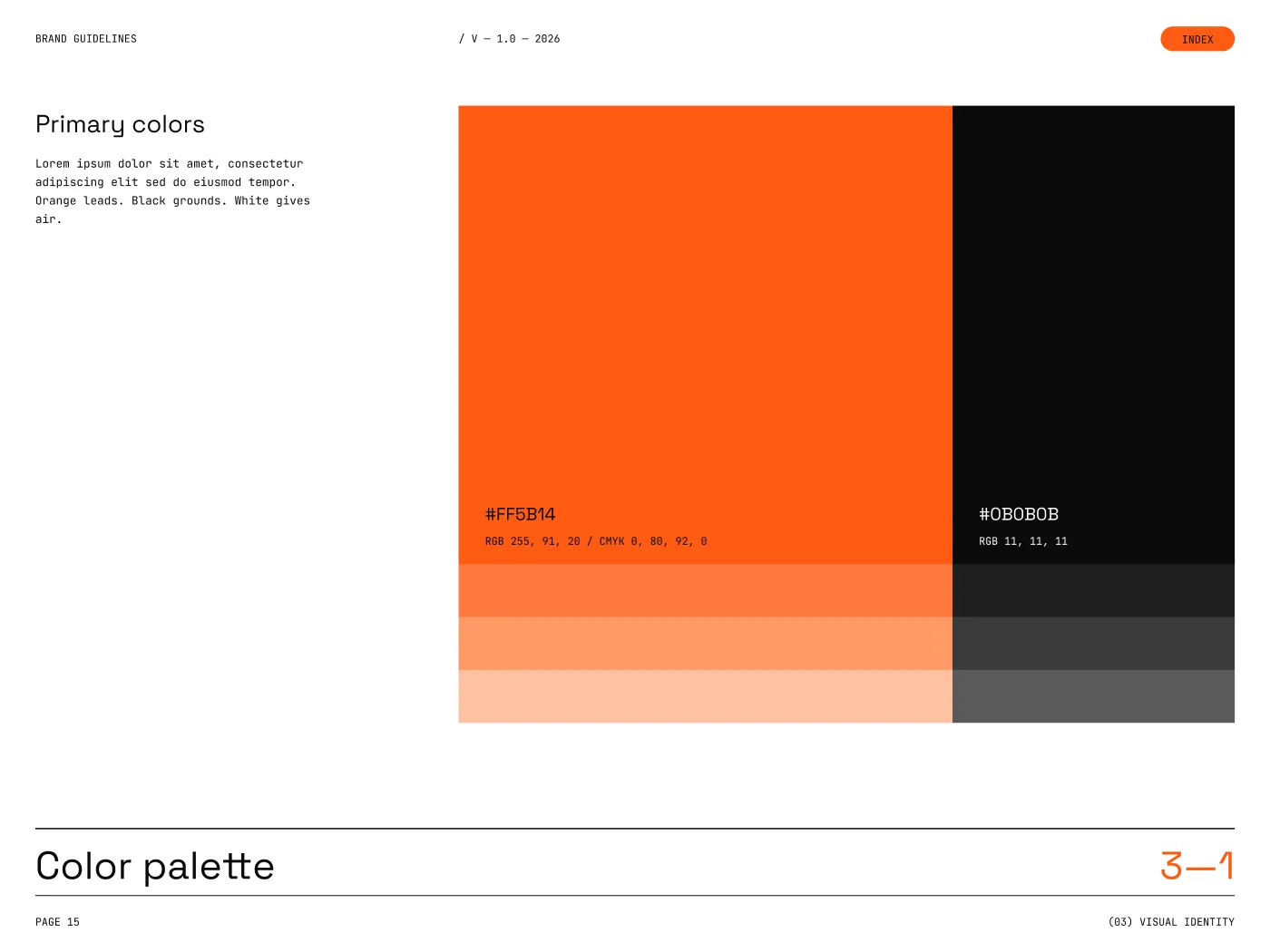
- Color and type. The palette with HEX codes and the typeface pairing.
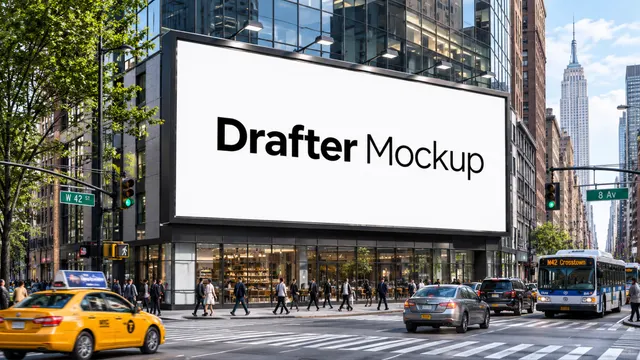
- In use. Signage, packaging, a social post, an app icon and a business card.
- Next steps. What you need from them and by when.
Slides or a one page board?
| Format | Best for | Template |
|---|---|---|
| One page bento board | Logo only projects, quick reviews, Behance and Dribbble shots | Center Split, Halves Split (free) |
| Slide deck | Live presentation calls with two or three concepts | 16:9 bento layouts |
| Full brand presentation | Logo plus identity system, ready to hand over | Brand guideline templates |
Show the logo in a full identity
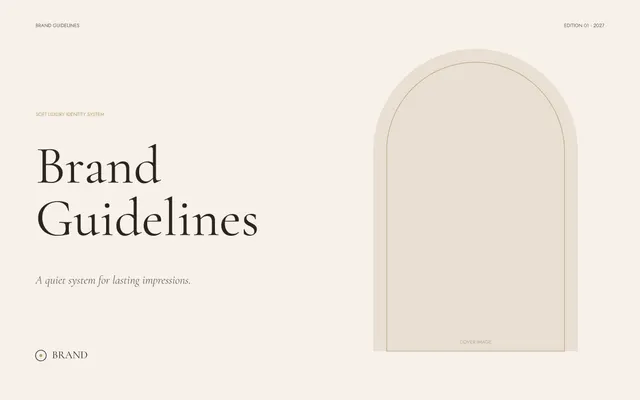
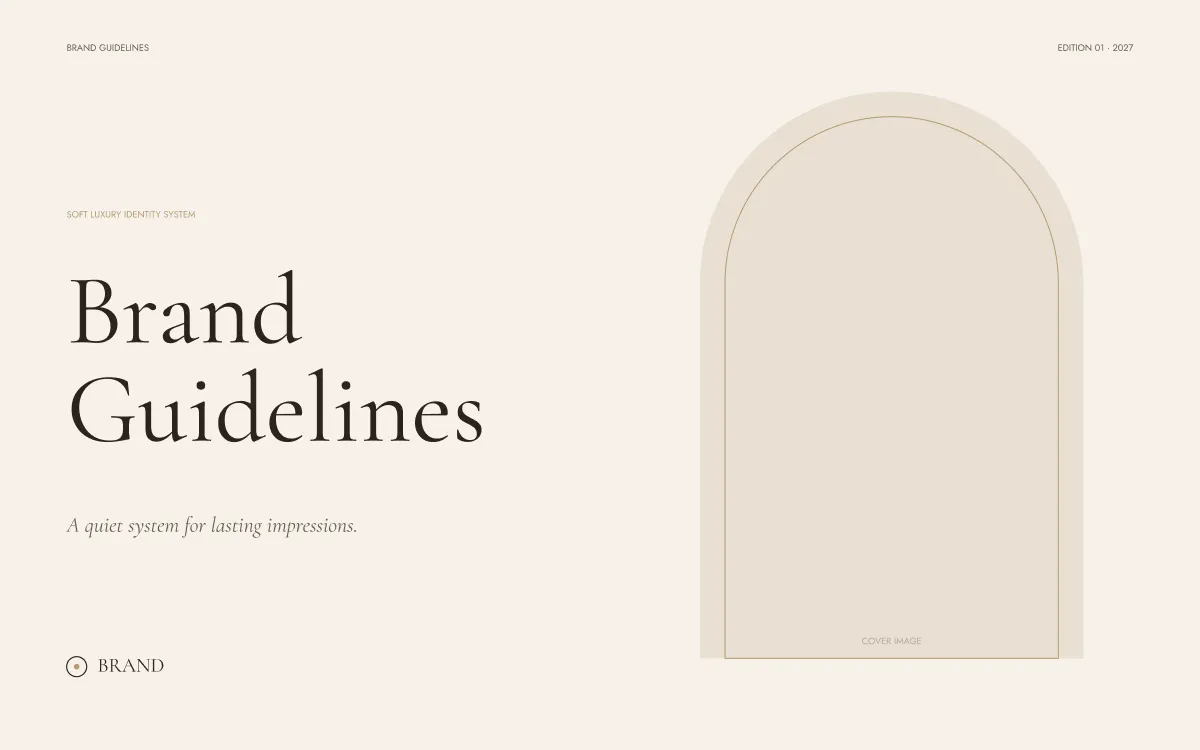
When the project includes more than a logo, present the identity as a system. A brand guideline template already has pages for logo variations, clear space, color and type, so the presentation and the final handover use the same file. The free Strata brand guideline covers this in 45 pages, and Pro styles such as Soft Luxury suit premium and lifestyle brands.
7 tips for presenting a logo to clients
- Present live on a call, then send the PDF.
- Repeat the brief before you show any design.
- Show the logo in black and white first, so form is judged before color.
- Use real mockups from the client's world, not generic ones.
- Show two or three concepts at most, and recommend one.
- Ask for feedback against the brief: does it say what we agreed it should say?
- Give a clear deadline for the decision.
Build the presentation with Claude and MCP
Connect the Drafter MCP server and Figma MCP to Claude, then ask:
Find the free Center Split bento template on Drafter and get the Figma link. After I duplicate it, set it up as a logo presentation for Northwind Coffee: logo in the hero tile, black and white version, color tiles for #1F3A5F and #F4EDE2, the type pairing, and three mockup tiles.Claude finds the template and the link. You duplicate it to your drafts, and Claude fills your copy through Figma MCP. Read how to customize Figma templates with Claude for the full setup.
Where the logo presentation fits
Win the project with a logo design proposal, agree on direction with a moodboard and R&D deck, present the logo, then hand over a brand guideline. To plan every deliverable, use the branding package checklist.
Questions
How do you present a logo to a client?
Start with the brief and the problem, show the idea behind the logo, then the logo large on its own, its variations, color and type, and finally the logo in use on real mockups. End with clear next steps and a feedback deadline.
How many logo concepts should I present?
Two or three strong concepts is the usual range. One concept works when strategy was agreed in an R&D stage first. More than three makes the choice harder and the feedback weaker.
Is there a free logo presentation template for Figma?
Yes. Drafter Studio has free bento grid templates such as Center Split and Halves Split that work as logo presentation boards, and a free 45 page brand guideline with logo pages. All are free with an account.
Should I send the logo presentation as a PDF?
Present it live on a call first, then send the PDF. Presenting live lets you tell the story and handle questions before the client forms an opinion alone.
What is the difference between a logo presentation and a brand guideline?
A logo presentation sells the idea and gets approval. A brand guideline documents the approved identity so others can use it correctly. You present first, then deliver the guideline.