Bento grid templates for Figma: 64 brand board layouts
By Jakaria Mahmud, brand identity designer ·
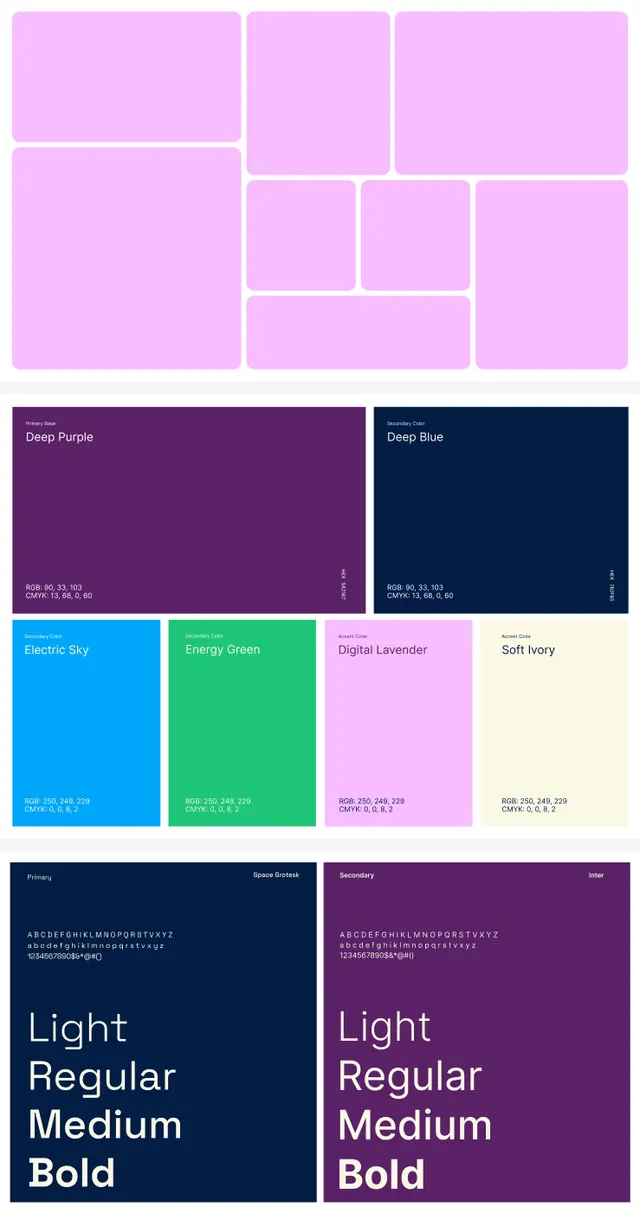
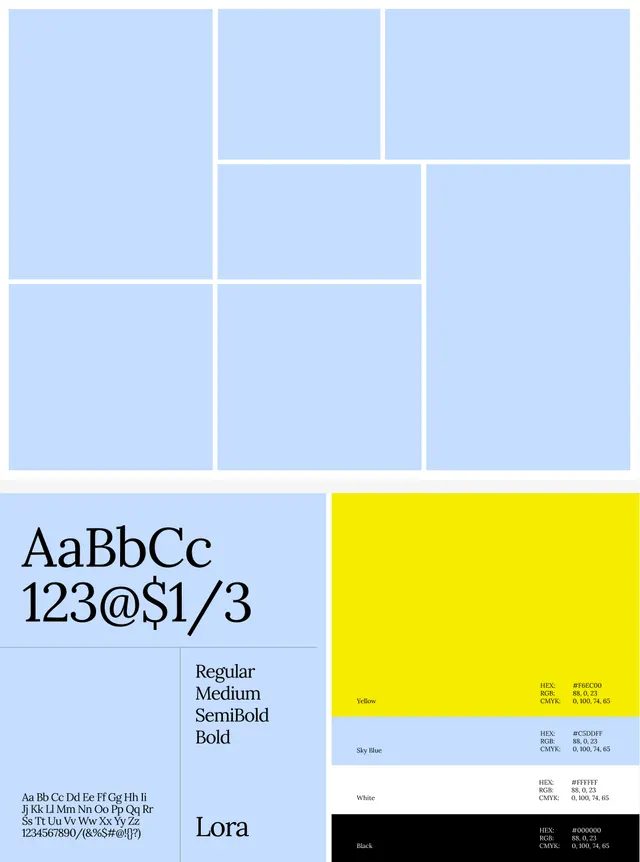
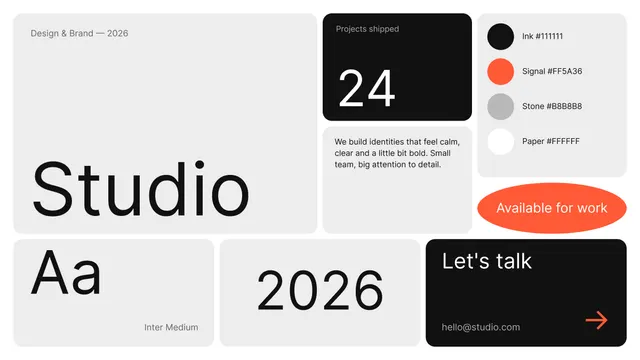
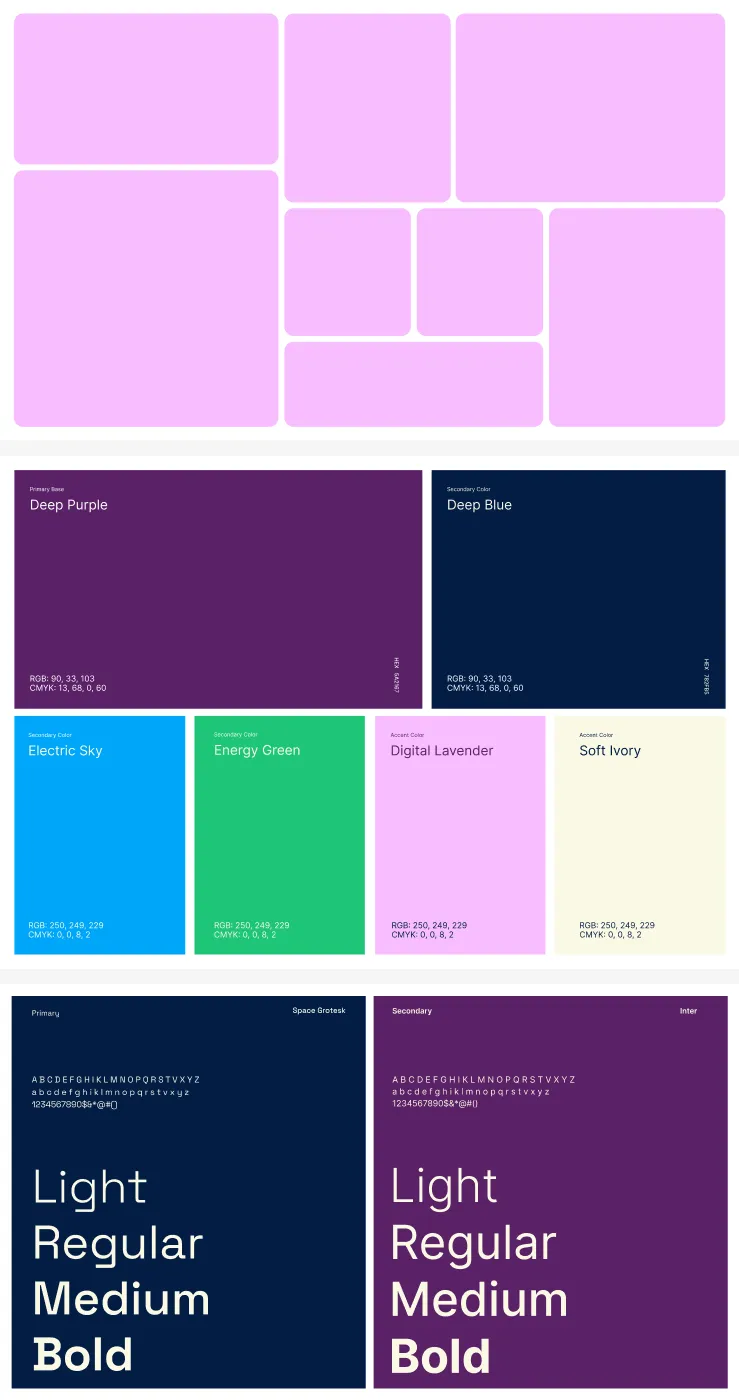
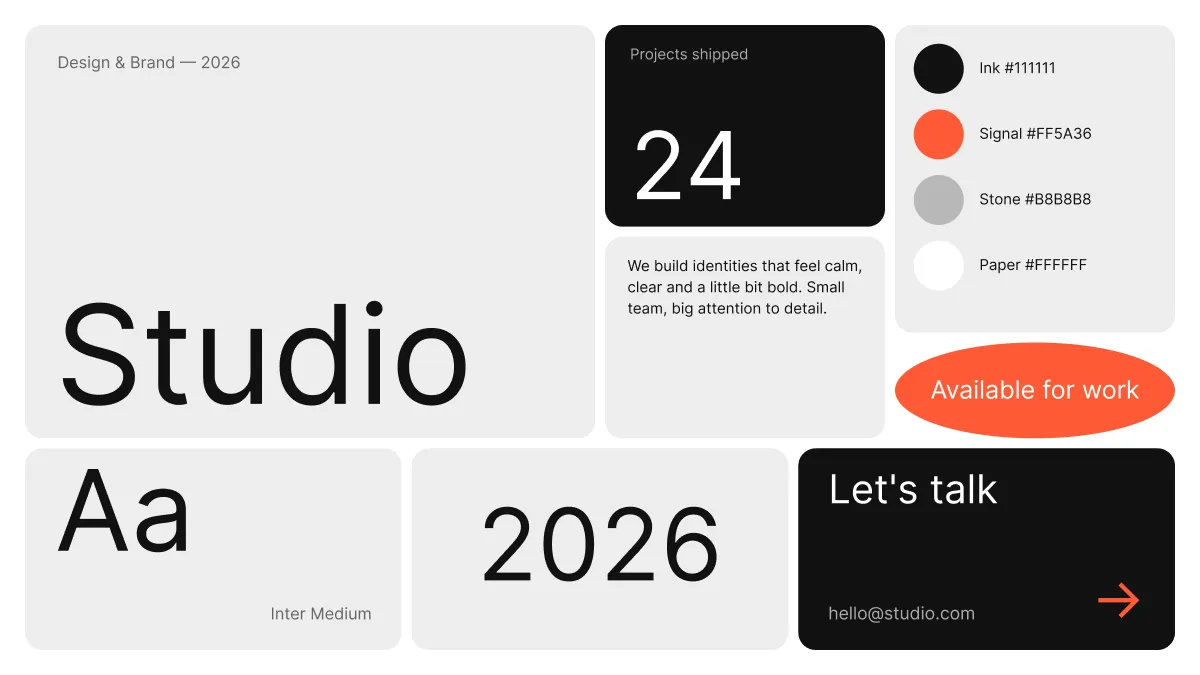
Short answer: a bento grid template is a ready layout of tiles in mixed sizes on one grid, like a bento box. Drafter Studio has 64 bento grid templates for Figma and 6 are free. Use them for brand boards, case study covers, social posts and landing page sections.
Why designers use bento grids
- Faster approval. A client sees the logo, colours, type and imagery together before reading a long guideline.
- One image, many uses. The same board works as a Behance cover, a pitch slide and an Instagram post.
- Clear hierarchy. The largest tile holds the hero idea. Smaller tiles carry the supporting parts.
Which bento grid template to pick
| Goal | Layout | Example |
|---|---|---|
| Show a full brand identity | Tall brand board | R-load, Sky Blue |
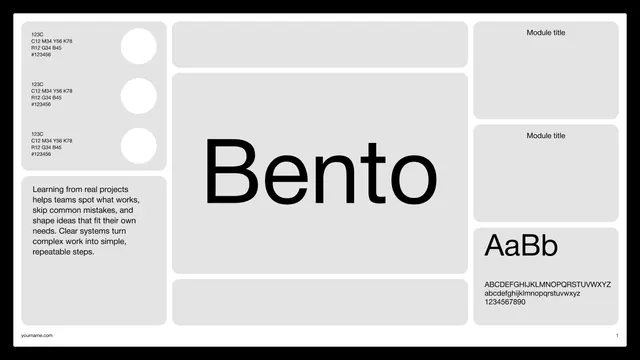
| Slides, video or YouTube | 16:9 bento | Mono Studio |
| Case study cover | Wide or tall canvas | All 64 layouts |
How to fill a bento grid in 4 steps
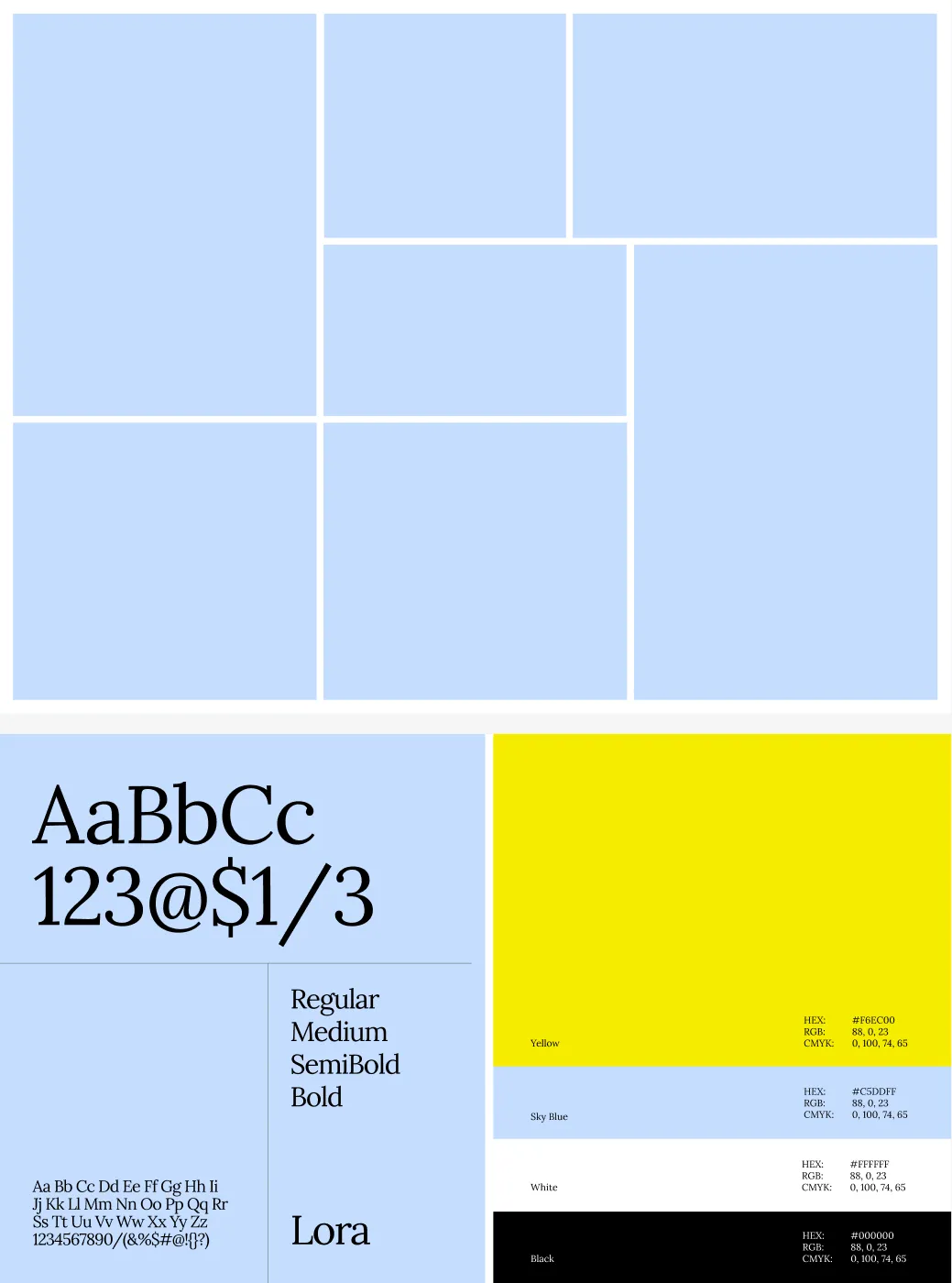
- Put the logo or a key brand image in the largest tile.
- Add one tile per colour with its HEX code, and one tile for the typeface.
- Add two or three tiles that show the brand in use: an app screen, packaging, a social post.
- Keep one tile for a short line of brand voice, then export PNG at 2x.
For layout rules and spacing, read how to present a brand identity with a bento grid.
Customise a bento grid with Claude and MCP
Connect the Drafter MCP server and Figma MCP to Claude, then ask:
Find a free brand board bento grid on Drafter and get the Figma link. After I duplicate it, fill it for Northwind Coffee: logo in the hero tile, colours #0B1F99, #F4F1EA and #C8A27A, Fraunces and Inter in the type tile.Claude searches the library, returns the link, and once you duplicate the file it fills the tiles in your copy through Figma MCP.
Pair it with the rest of the brand kit
A bento board works best next to a full brand guideline template. If you share it in a portfolio, use a portfolio website template so the case study looks as good as the board.
Questions
Are there free bento grid templates for Figma?
Yes. Six of the 64 Drafter bento grid templates are free with an account, including the R-load and Sky Blue brand boards and the Mono Studio 16:9 layout.
What is a bento grid used for?
Brand boards, case study covers, Behance and Dribbble shots, landing page feature sections and pitch slides. It shows many pieces of a brand or product on one screen.
What size should a bento grid be?
1920 × 1080 for slides and video, 1440 wide and tall for case studies, and a square crop for Instagram. Drafter includes 16:9 layouts and tall brand boards.
Can AI fill a bento grid template?
Yes. Connect Drafter MCP and Figma MCP to Claude, get the template's Figma link, duplicate it, then ask Claude to fill the tiles with your logo, colours, type and images.