3D packaging mockups for brand designers: boxes, bags and signage to scale
By Jakaria Mahmud, brand identity designer ·
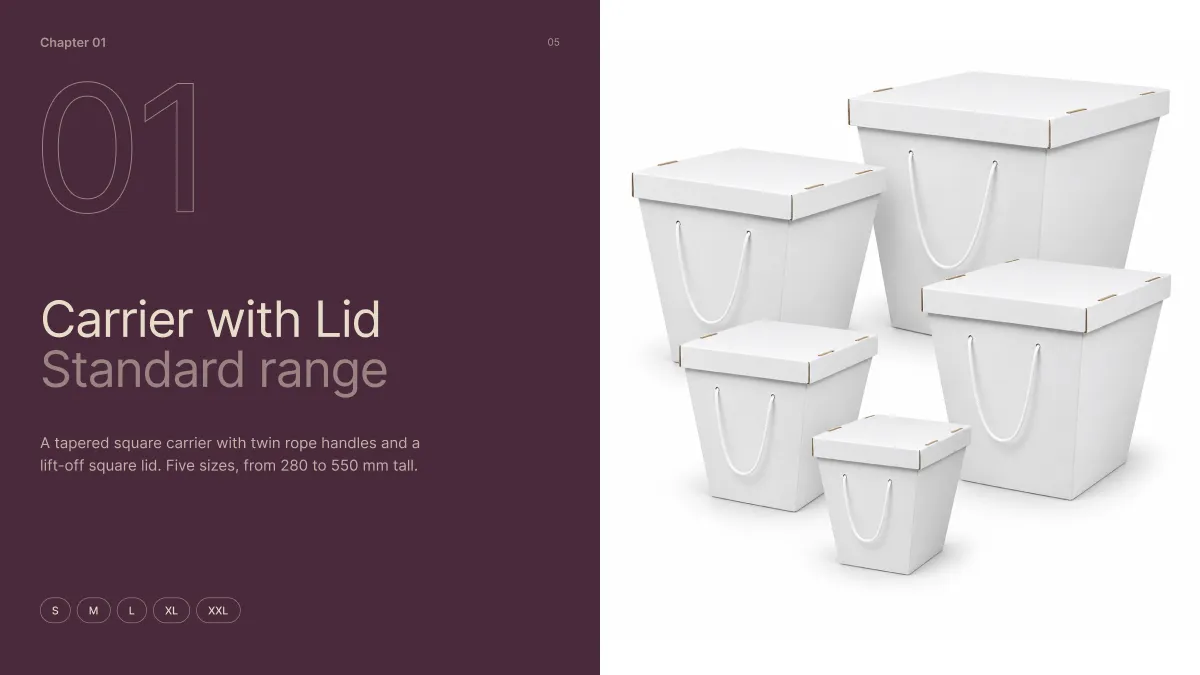
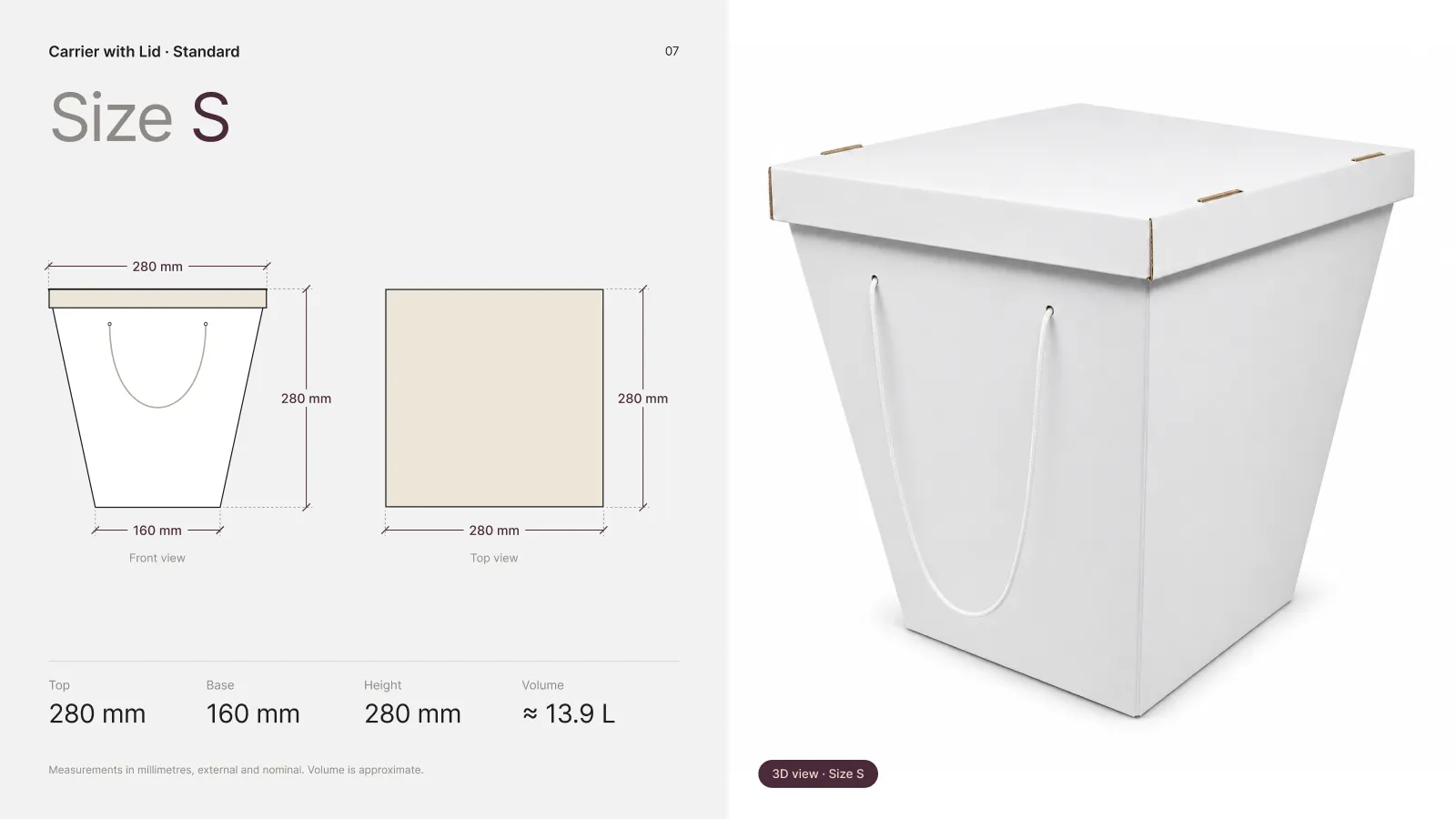
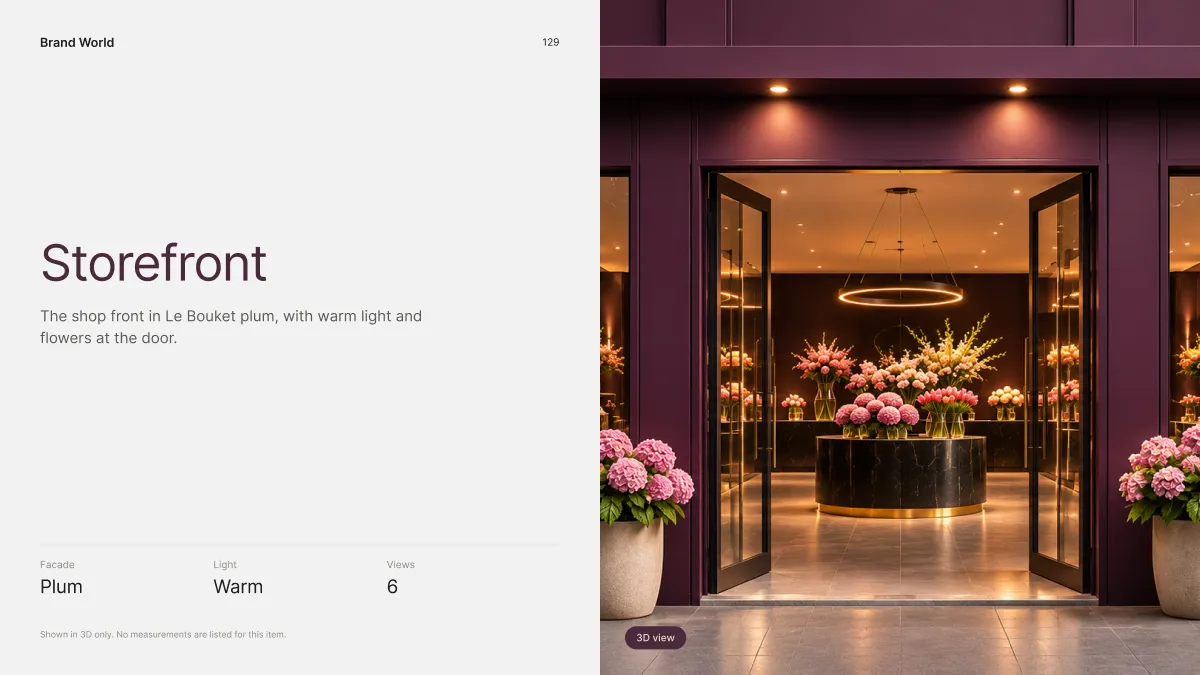
Short answer: 3D packaging mockups let you show a brand on real boxes, bags and signage before anything is printed. Drafter Studio has 125 customizable 3D mockups for Figma in 29 sets: 16 packaging families with 62 sizes, each with 2D measurements, plus gift packaging, florist supplies and brand items like an apron, a uniform, a flower cart, a storefront and signage.
Why brand designers use 3D mockups
- Faster approval. A client understands a logo instantly when it sits on a box, a bag and a shop sign.
- One system, many items. Show the whole identity at once: packaging, supplies, workwear and storefront.
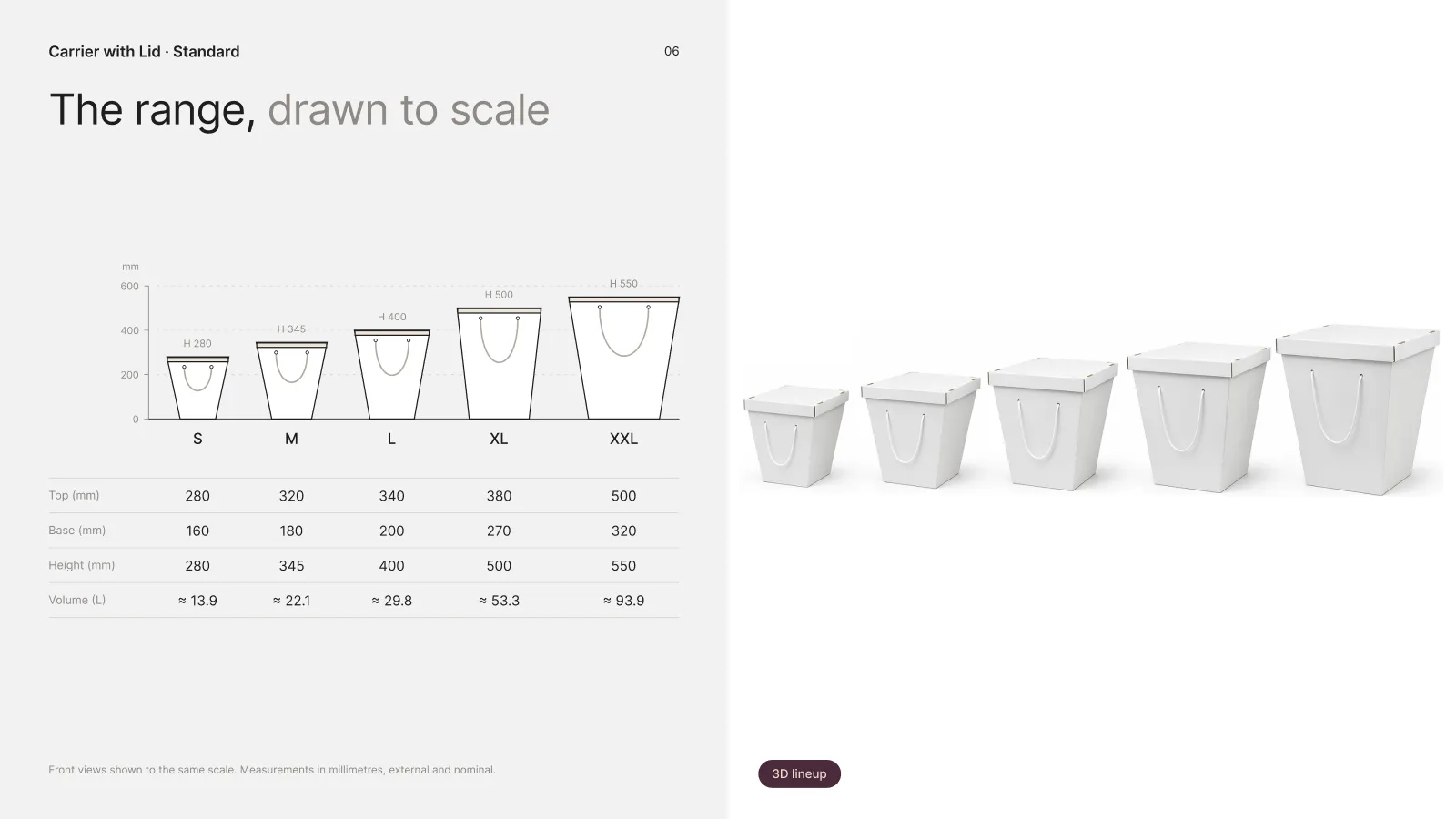
- Real proportions. Every packaging family is drawn to scale, so the logo size on the mockup matches the real product.
What is in the collection
| Group | Mockups |
|---|---|
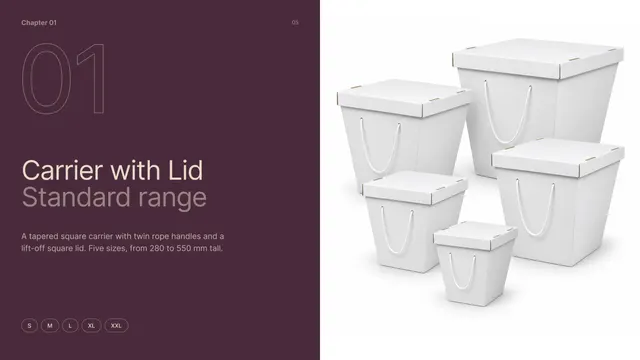
| Carriers | Carrier with lid, long carrier, open carrier, open long carrier |
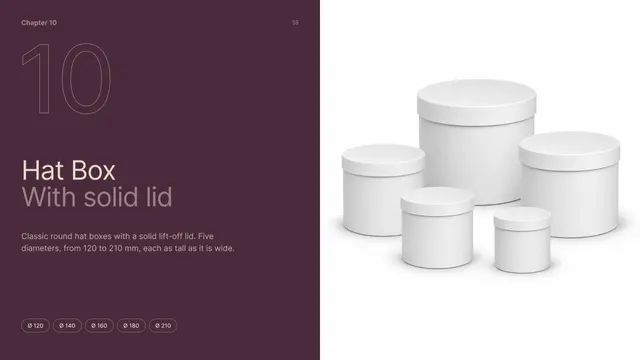
| Round boxes | Hat box with lid, open hat box, rigid hat box, puck boxes in low, tall and XL versions |
| Other boxes | Long box, oval box, cube, vase box |
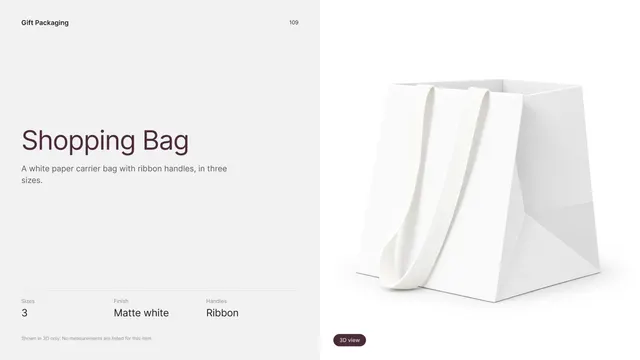
| Gift packaging | Heart gift box, shopping bag, metal tin, faceted pot, card and envelope |
| Florist supplies | Ribbon, floral tape, bouquet wrap |
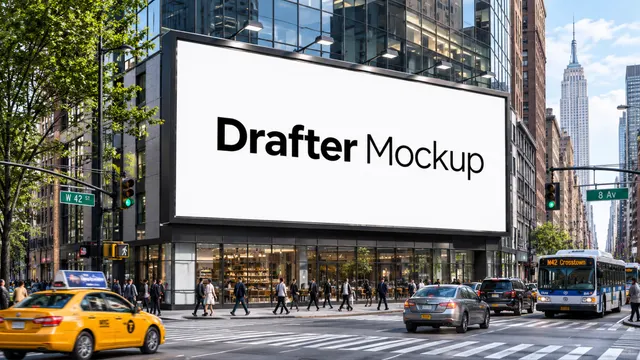
| Brand world | Apron, team uniform, flower cart, storefront, signage |
How to use a 3D mockup in 4 steps
- Duplicate the file. Open the mockup with Open in Figma and duplicate it to your drafts.
- Add the logo. Place the logo on the front face and keep it inside the safe area.
- Set the colors. Change the box, lid, handle and print colors to the brand palette.
- Scale and export. Resize the views for your slide or board and export PNG at 2x.
Put the mockups in a brand presentation
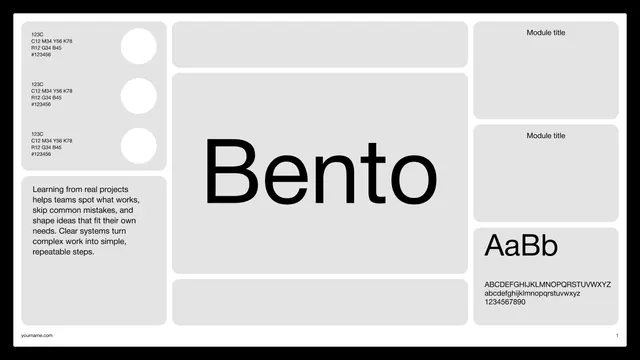
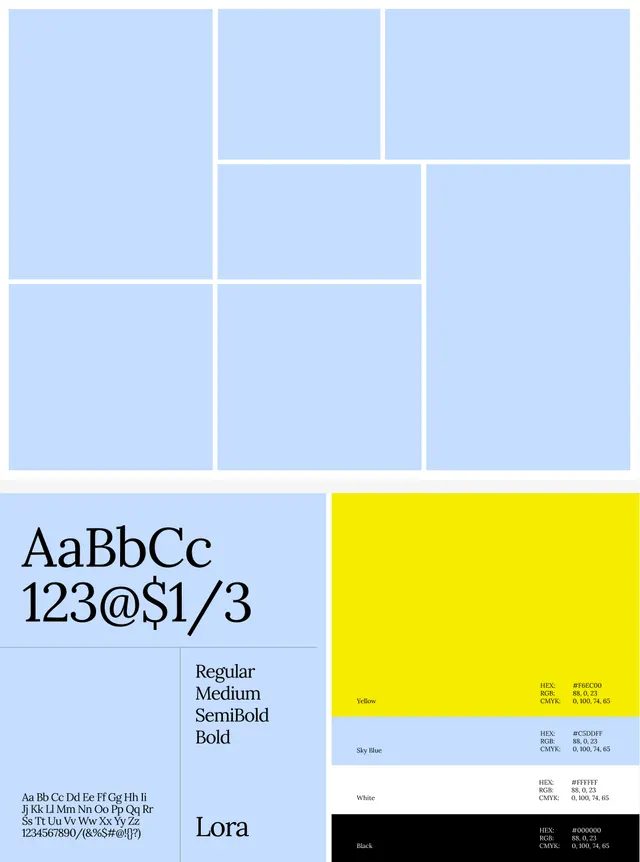
Show the logo first, then the packaging, then the brand world. A logo presentation sets up the idea, the 3D mockups prove it works on real products, and a bento brand board sums it up on one page. Document the final rules in a brand guideline, and list the mockups as a deliverable in your branding package.
Customize mockups with Claude and MCP
Find the Hat Box with Lid 3D mockup on Drafter and get the Figma link. After I duplicate it, put the Northwind logo on the lid, make the box navy #1F3A5F with a cream #F4EDE2 lid, and export the 3D view.Connect the Drafter MCP server and Figma MCP first. The 3D mockups are in Pro and Lifetime, and Lifetime includes every future mockup.
Questions
What is a 3D packaging mockup?
A realistic 3D view of a box, bag, tin or other item that you brand with a logo and colors. Designers use packaging mockups to show clients how a new identity looks on real products before anything is printed.
Can I edit the 3D mockups in Figma?
Yes. Every Drafter 3D mockup is a Figma file. Duplicate it, add your logo, change the colors and scale the views. Packaging families also include 2D drawings with measurements in millimeters.
Are the measurements real?
Each packaging family lists external, nominal sizes in millimeters for every size, drawn side by side at the same scale. Confirm final tolerances with your packaging supplier before production.
Are the 3D mockups free?
They are part of Pro ($19 a month) and Lifetime ($39 once). Everyone can see the full previews without blur. Pro and Lifetime members can open and duplicate the Figma files.
Can AI customize the mockups?
Yes. Connect the Drafter MCP server and Figma MCP to Claude, get the mockup's Figma link with your MCP key, duplicate it, and ask Claude to apply your logo and colors.