Brand guideline template for Figma: free and Pro brand book templates
By Jakaria Mahmud, brand identity designer ·
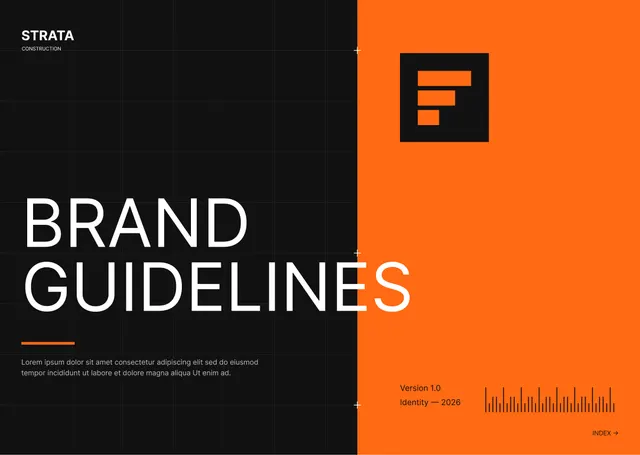
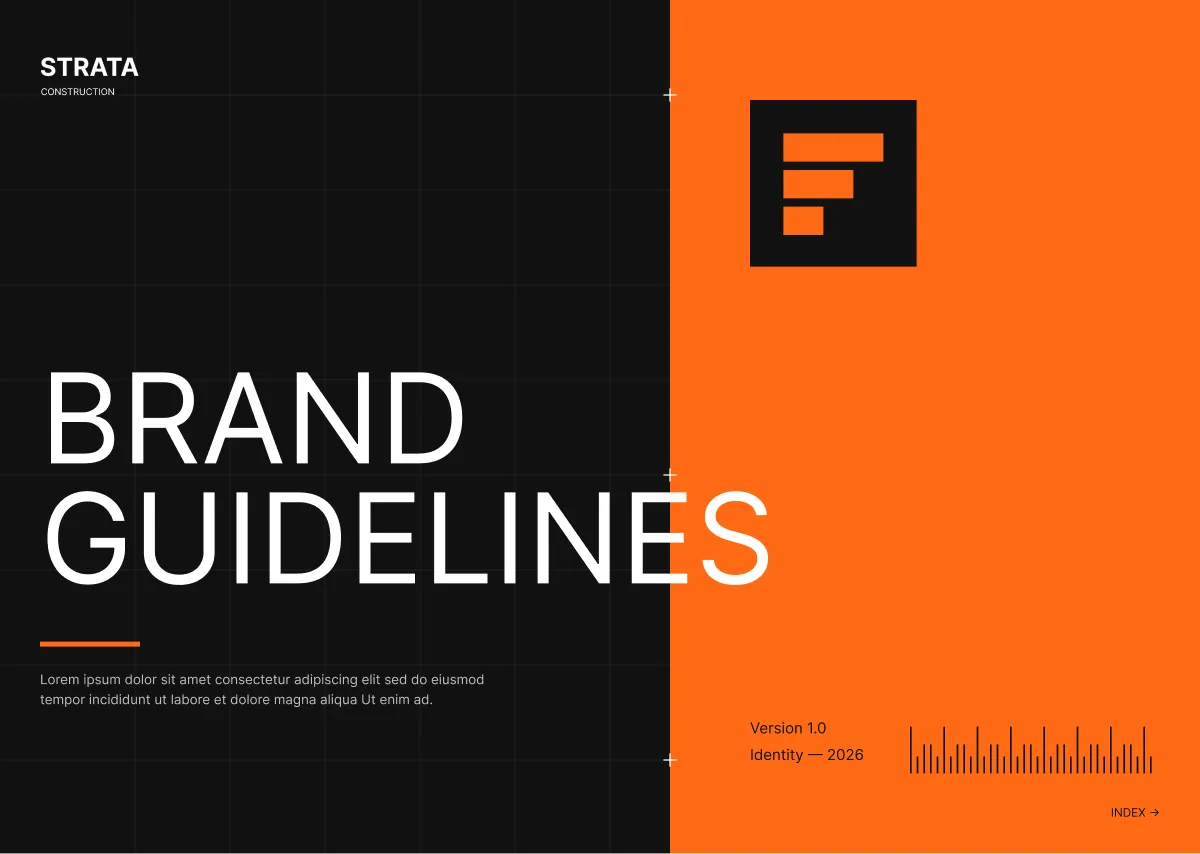
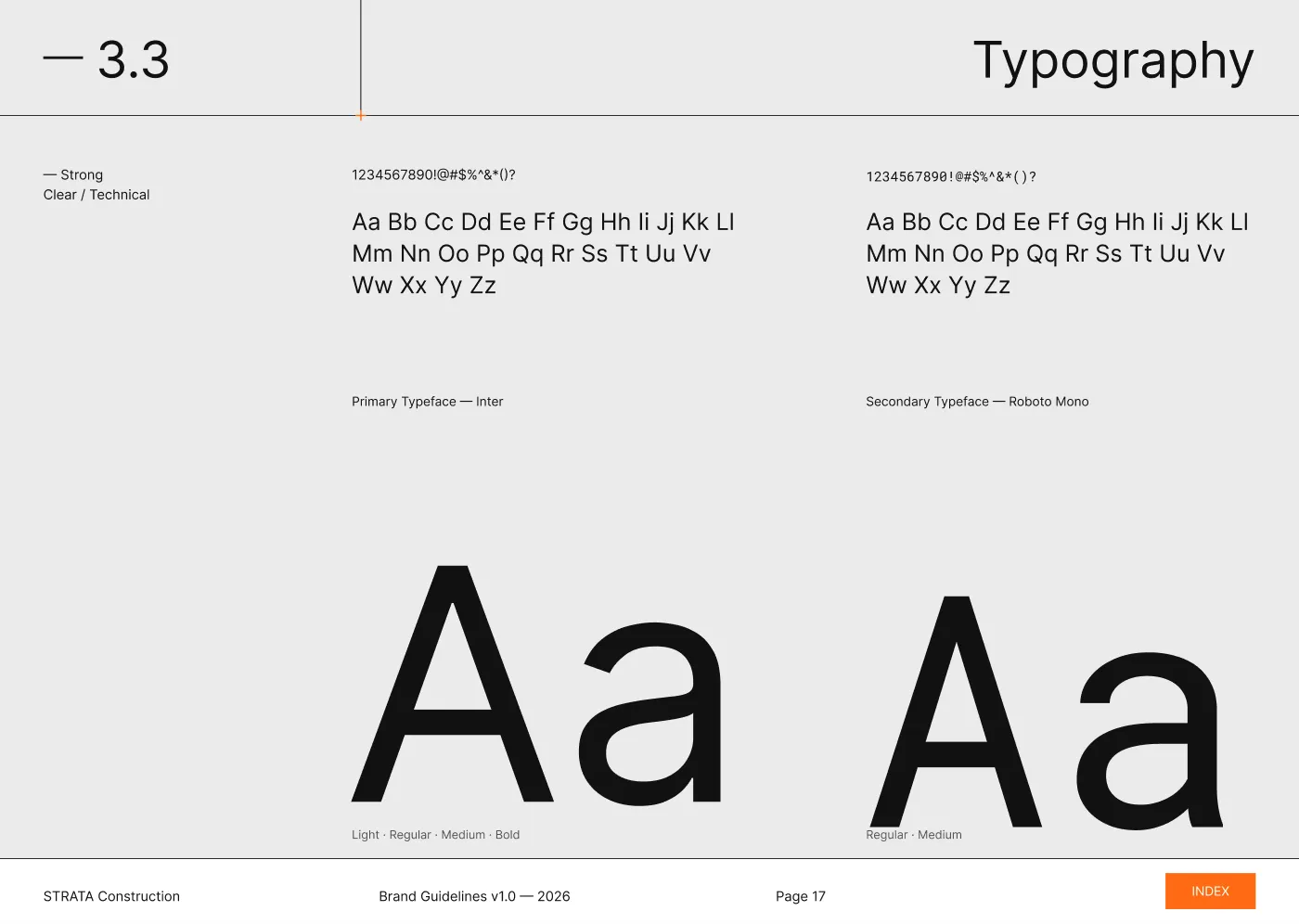
Short answer: a brand guideline template is a ready made brand book where you replace the sample logo, colours, fonts and copy with your client's. Drafter Studio has 10 brand guideline templates for Figma. The Strata brand guideline is free, with 45 pages covering logo, colour, type, imagery, voice and applications.
What is a brand guideline template?
A brand guideline, also called a brand book or brand manual, tells everyone how to use a brand: where the logo goes, which colours to use, which fonts, and how the brand sounds. A template gives you the structure and the page design, so you spend your time on the brand decisions instead of building 40 pages of layout.
Good templates are built for editing. In Drafter templates every page uses named layers, shared text styles and colour styles, so changing the primary colour or the heading font updates the whole book.
What a complete brand guideline covers
| Section | What goes in it |
|---|---|
| Brand story | Mission, vision, values and the audience the brand serves |
| Logo | Primary logo, variations, clear space, minimum size and misuse |
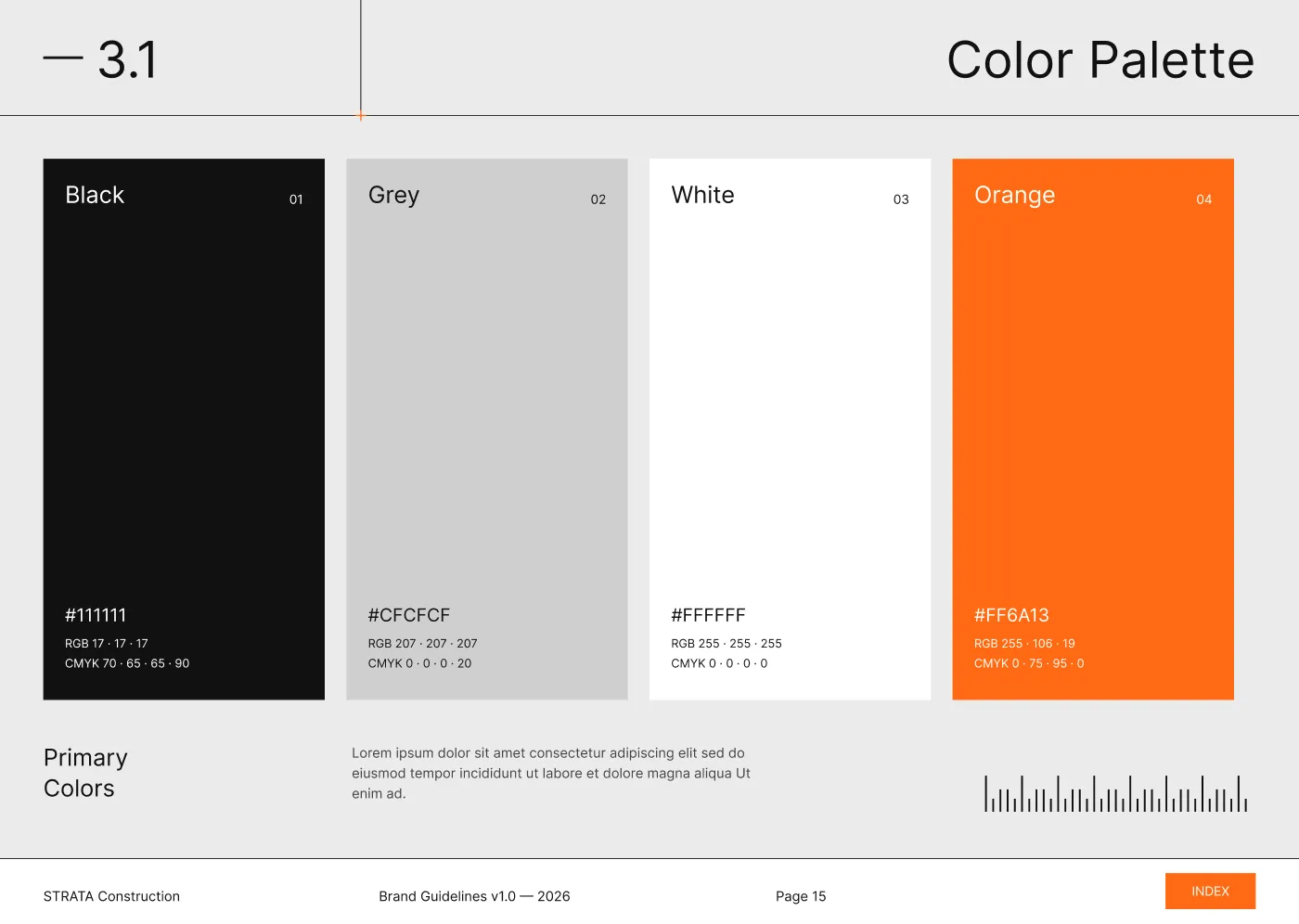
| Colour | Primary and secondary palette with HEX, RGB and CMYK values |
| Typography | Typefaces, type scale, weights and pairing rules |
| Imagery | Photography style, illustration and icon rules |
| Voice | Tone of voice, words to use and words to avoid |
| Applications | Business cards, social posts, signage, web and merchandise |
For a deeper look at each section, read what to include in a brand guideline.
Free vs Pro brand guideline templates
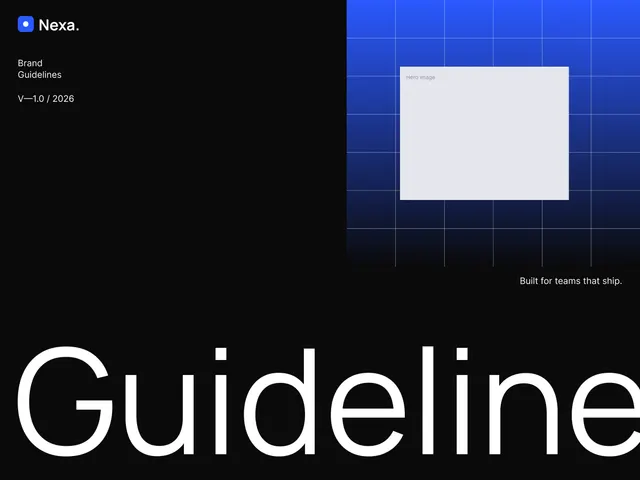
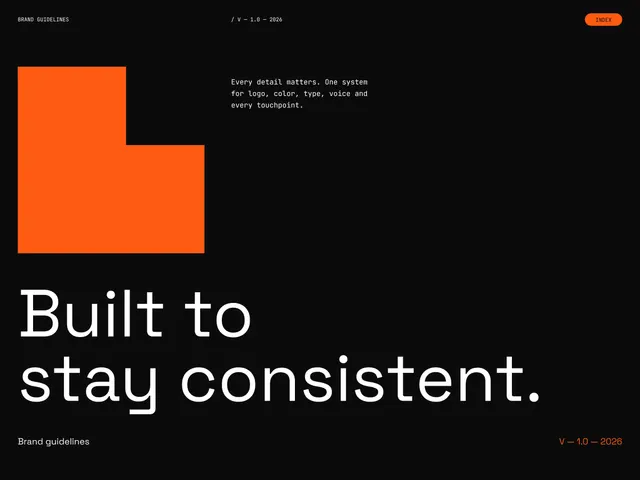
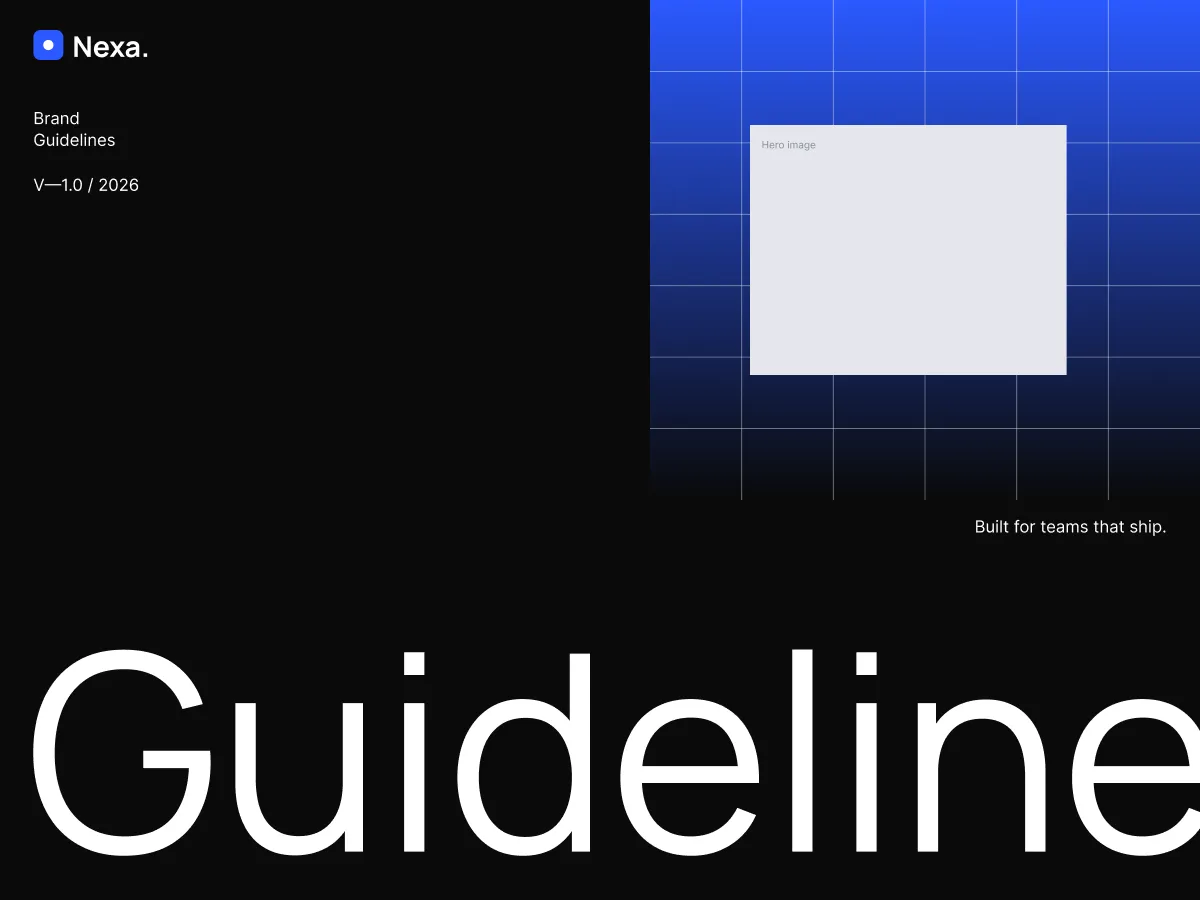
The free Strata construction brand guideline is a full brand book, not a sample. Pro adds nine more styles for different industries, including Nexa for tech and SaaS, Signal Orange for bold consumer brands and Fintra for fintech. See every style on the brand guideline templates page.
How to customise a brand guideline template in 5 steps
- Duplicate the file. Open the template, press Open in Figma and duplicate it to your drafts.
- Set the colours. Change the colour styles once. Every page updates.
- Set the fonts. Swap the heading and body text styles.
- Place the logo. Replace the logo component. Variations, clear space and misuse pages follow it.
- Write the copy. Replace the mission, values and voice text, then delete pages the brand does not need.
Customise it with Claude using MCP
If you use Claude, Cursor or another AI agent, connect the Drafter MCP server and the Figma MCP server. Then ask in plain words:
Use Drafter to find the free Strata brand guideline and get its Figma link. After I duplicate it, change it to Northwind Coffee: colours #0B1F99 and #F4F1EA, Fraunces for headings, Inter for body, and update the mission and values.Drafter returns the template and the file link. You duplicate it with one click, and Claude edits your copy through Figma MCP. Free accounts can open free templates. Pro templates need Pro or Lifetime.
Present the brand after the guideline
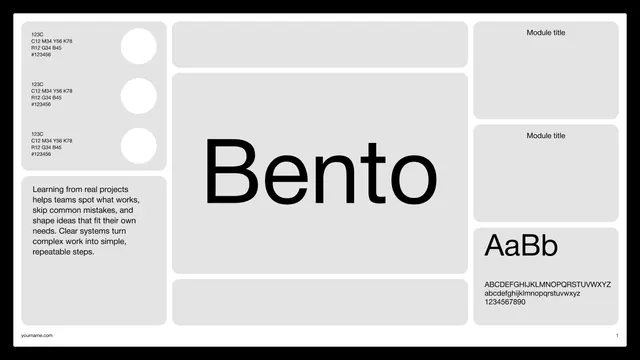
Most clients approve faster when they see the whole brand on one screen first. Turn the guideline into a bento grid brand board, and show the research behind it with a brand R&D deck. For the full workflow, see all branding templates.
Questions
Is there a free brand guideline template for Figma?
Yes. The Strata brand guideline on Drafter Studio is free with an account. It has 45 pages at 1440 × 1024 with logo rules, colour codes, typography, imagery, voice and applications, built with named layers and text styles.
What should a brand guideline template include?
Brand story, logo usage and clear space, logo misuse, colour palette with HEX, RGB and CMYK, typography and type scale, imagery, icons, layout, tone of voice and real applications. Every Drafter brand guideline template has these sections ready to fill.
Can I use a brand guideline template for client work?
Yes. Every Drafter plan includes commercial use for your own and client projects. You cannot resell the template files themselves.
How do I customise a brand guideline template with AI?
Connect the Drafter MCP server and Figma MCP to Claude. Ask Claude to get the template's Figma link, duplicate it to your drafts, then tell Claude the brand name, colours, fonts and logo. Claude edits your copy in Figma.
What is the difference between a brand guideline and a brand book?
They are the same thing. Brand guideline, brand book, brand manual and brand standards all describe the document that shows how a brand's logo, colour, type and voice should be used.