Olive Colour 4:3 Bento Grid
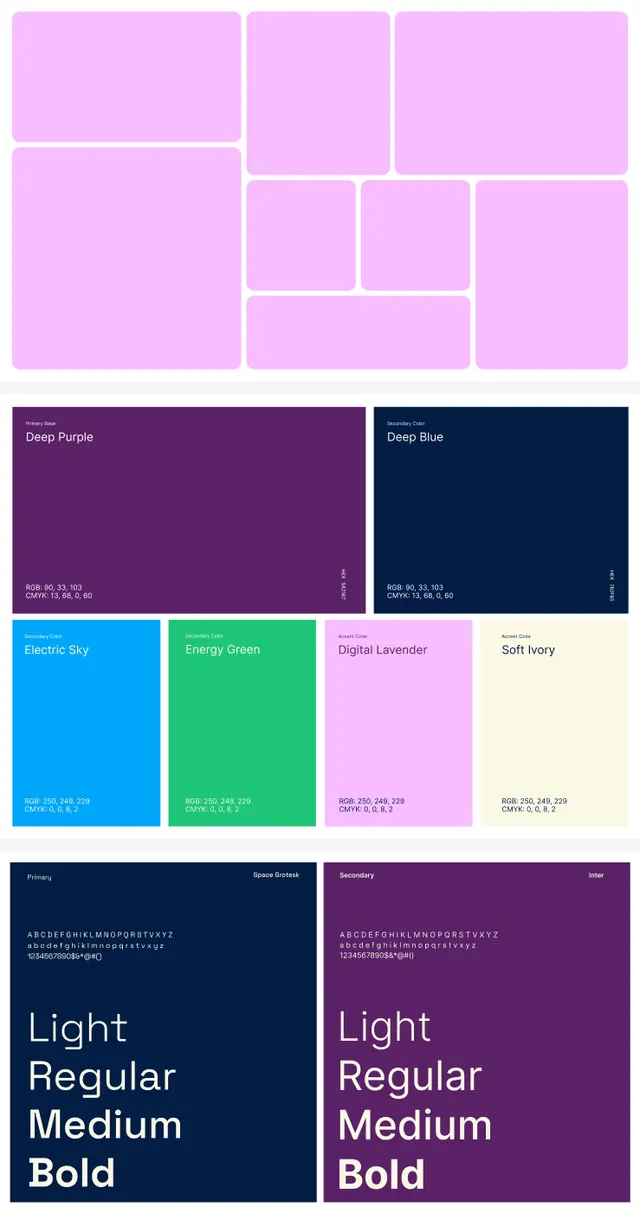
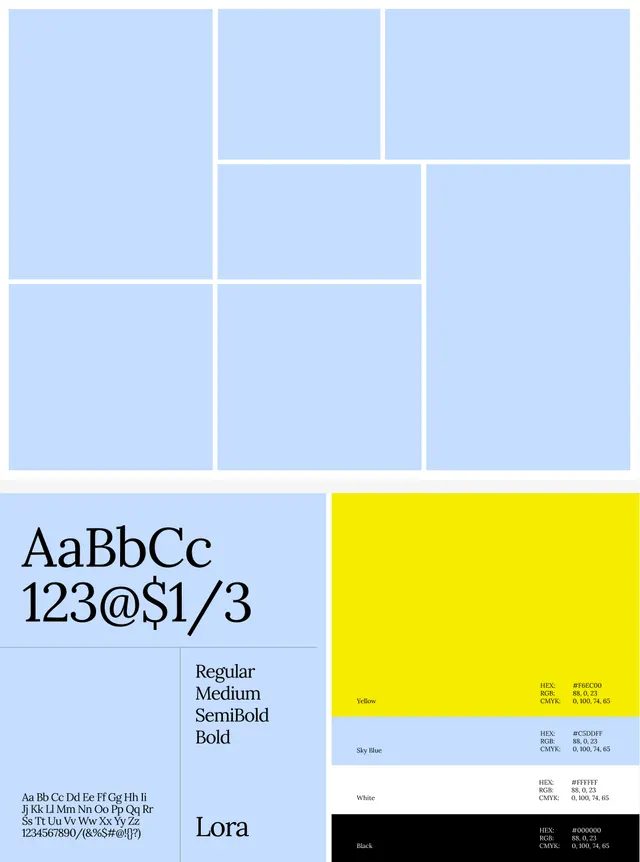
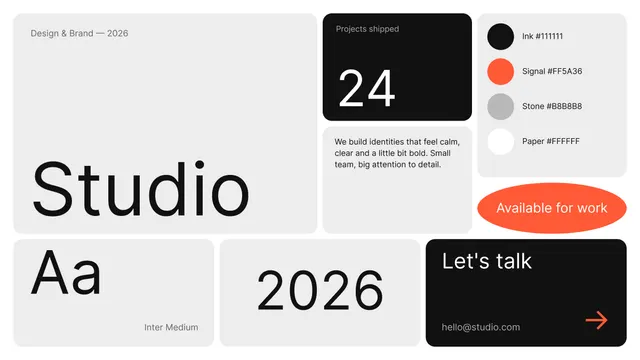
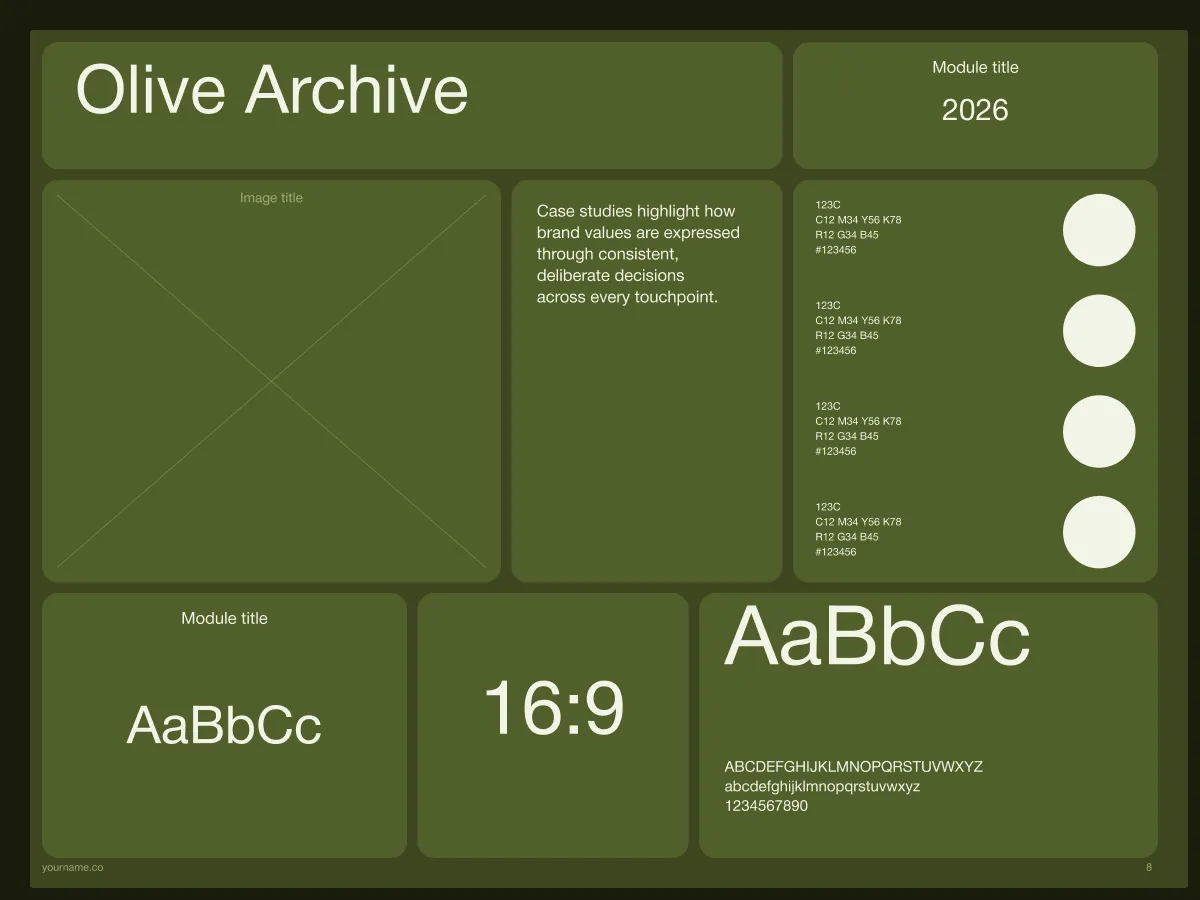
A 4:3 bento grid layout called Olive Colour 4:3, with modular tiles for a hero, colour, type and content that you can restyle in minutes.
Included in Pro and Lifetime. Opens in your browser, no download needed.
- Size1600 × 1200
- Layout4:3 bento grid
- UseCase studies, brand decks, social and landing pages
- EditingVector tiles and live text
- Figma pageBento
- PlanPro or Lifetime
- LicensePersonal and commercial
get_figma_link with id bento-grids-58, duplicate the file, then customise it with Figma MCP. Guide: Bento grid templates for Figma: 64 brand board layouts.How to use it
- 01Open in Figma
Log in and press Open in Figma. The template opens on its own page in the Drafter Studio file.
- 02Duplicate it
In Figma, open the file menu and choose Duplicate to drafts. Your copy is yours to edit.
- 03Make it yours
Change the colour variables and text styles, replace the sample copy and images, then export.
About the Olive Colour 4:3 Bento Grid template
Olive Colour 4:3 Bento Grid is a Pro bento grid layouts template for Figma, made for presenting a brand identity, a Behance or Dribbble case study cover, or a landing page feature section. A 4:3 bento grid layout called Olive Colour 4:3, with modular tiles for a hero, colour, type and content that you can restyle in minutes.
Use it as a brand board or bento layout. Inside: size: 1600 × 1200; layout: 4:3 bento grid; use: Case studies, brand decks, social and landing pages; editing: Vector tiles and live text.
Olive Colour 4:3 Bento Grid questions
Is the Olive Colour 4:3 Bento Grid template free?
Olive Colour 4:3 Bento Grid is part of Pro ($19 a month) and Lifetime ($39 once, with every future template). Free accounts can use the free bento grid layouts.
What size is Olive Colour 4:3 Bento Grid?
1600 × 1200. Full details: size: 1600 × 1200; layout: 4:3 bento grid; use: Case studies, brand decks, social and landing pages; editing: Vector tiles and live text.
Can I use Olive Colour 4:3 Bento Grid for client work?
Yes. Every plan includes personal and commercial use, including client projects. Reselling the template files is not allowed.
Can Claude or another AI agent customise Olive Colour 4:3 Bento Grid?
Yes. Connect the Drafter MCP server and Figma MCP, then ask the agent to run get_figma_link with id bento-grids-58, duplicate the file and apply your brand.