How to customise Figma templates with Claude and MCP
By Jakaria Mahmud, brand identity designer ·
Short answer: connect two MCP servers to Claude: the Drafter MCP server to find templates and get their files, and Figma MCP to edit them. Then describe the brand in plain words. Claude finds the template, you duplicate it with one click, and Claude customises your copy.
What you can do over MCP
| Template | What Claude does |
|---|---|
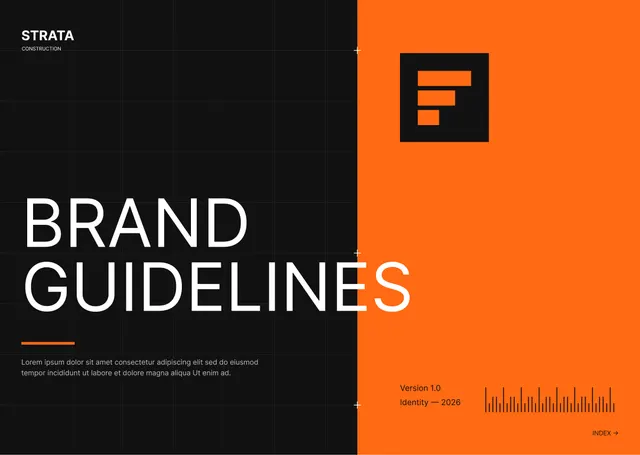
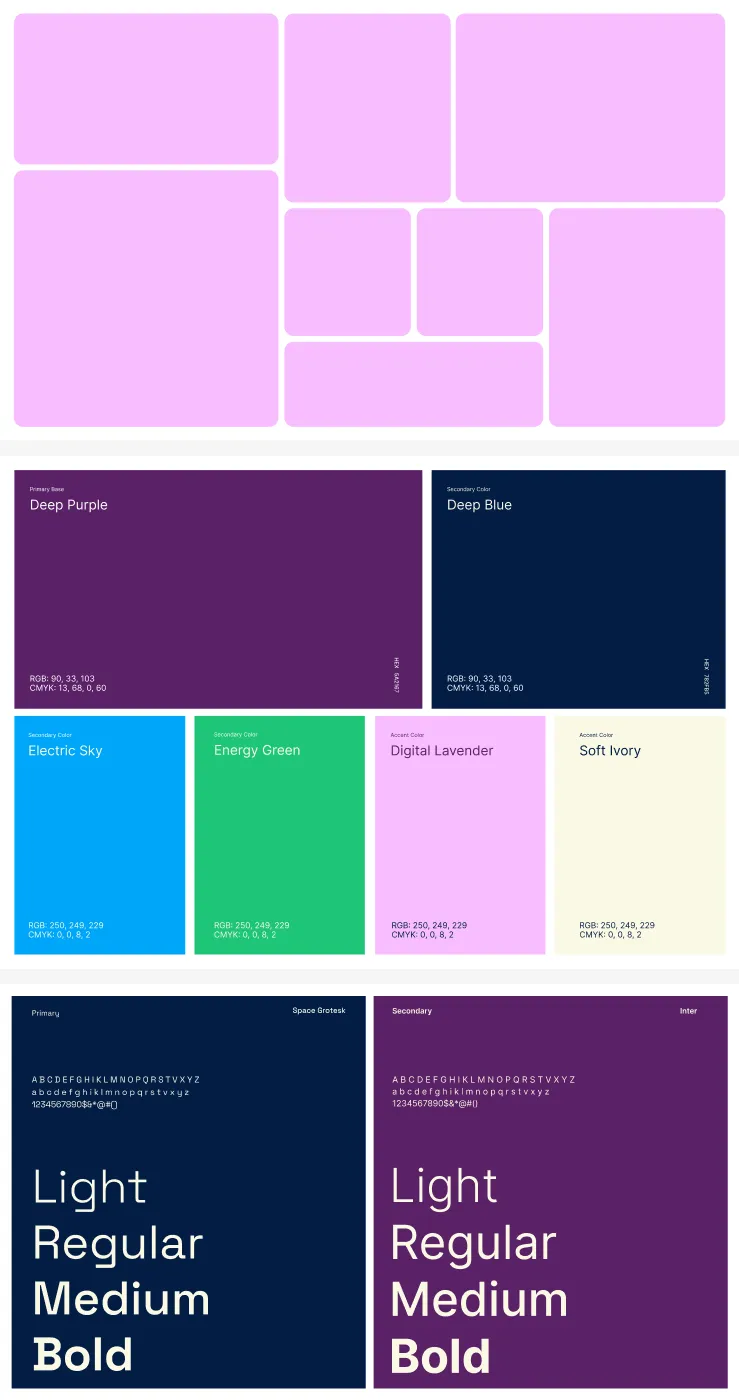
| Brand guidelines | Applies the logo, colours, fonts and brand copy across every page |
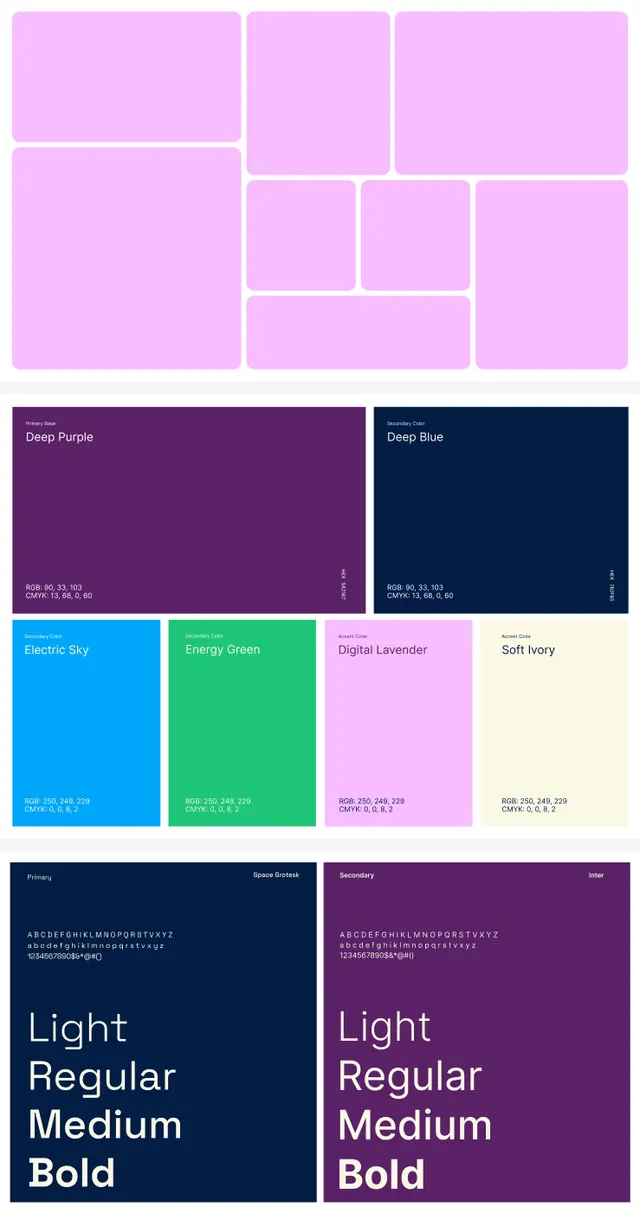
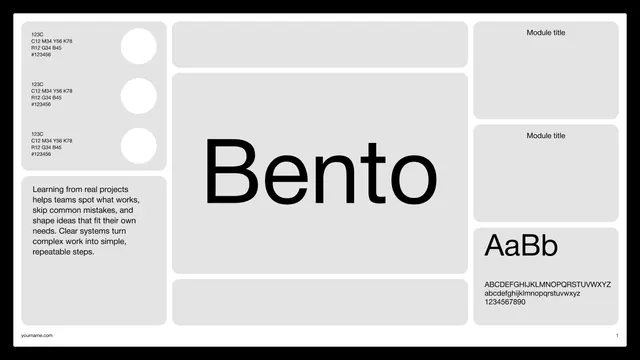
| Bento grids | Fills the tiles with brand assets for a brand board or case study |
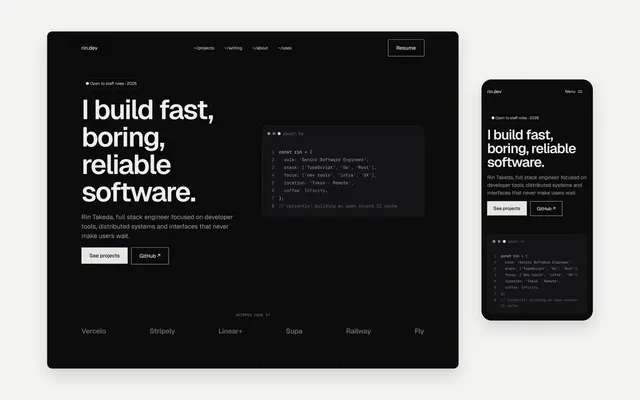
| Portfolios | Rewrites the HTML with your work and deploys it |
| Proposals | Fills scope, timeline and price options from your notes |
| Resumes | Fills a CV from your experience |
| Moodboards and R&D | Sets up creative routes, palettes and copy |
Step 1: connect the servers
In Claude, open Settings, then Connectors. Add the Figma connector. Then add a custom connector with your Drafter connector URL from the account page. For Claude Code:
claude mcp add --transport http drafter https://drafter.studio/api/mcp --header "Authorization: Bearer YOUR_DRAFTER_KEY"Full setup for Cursor, VS Code and Codex is on the MCP page.
Step 2: ask for a template
Find a free brand guideline on Drafter for a coffee brand and give me the Figma link.Claude calls search_templates and get_figma_link. Open the link and choose Duplicate to drafts.
Step 3: customise it
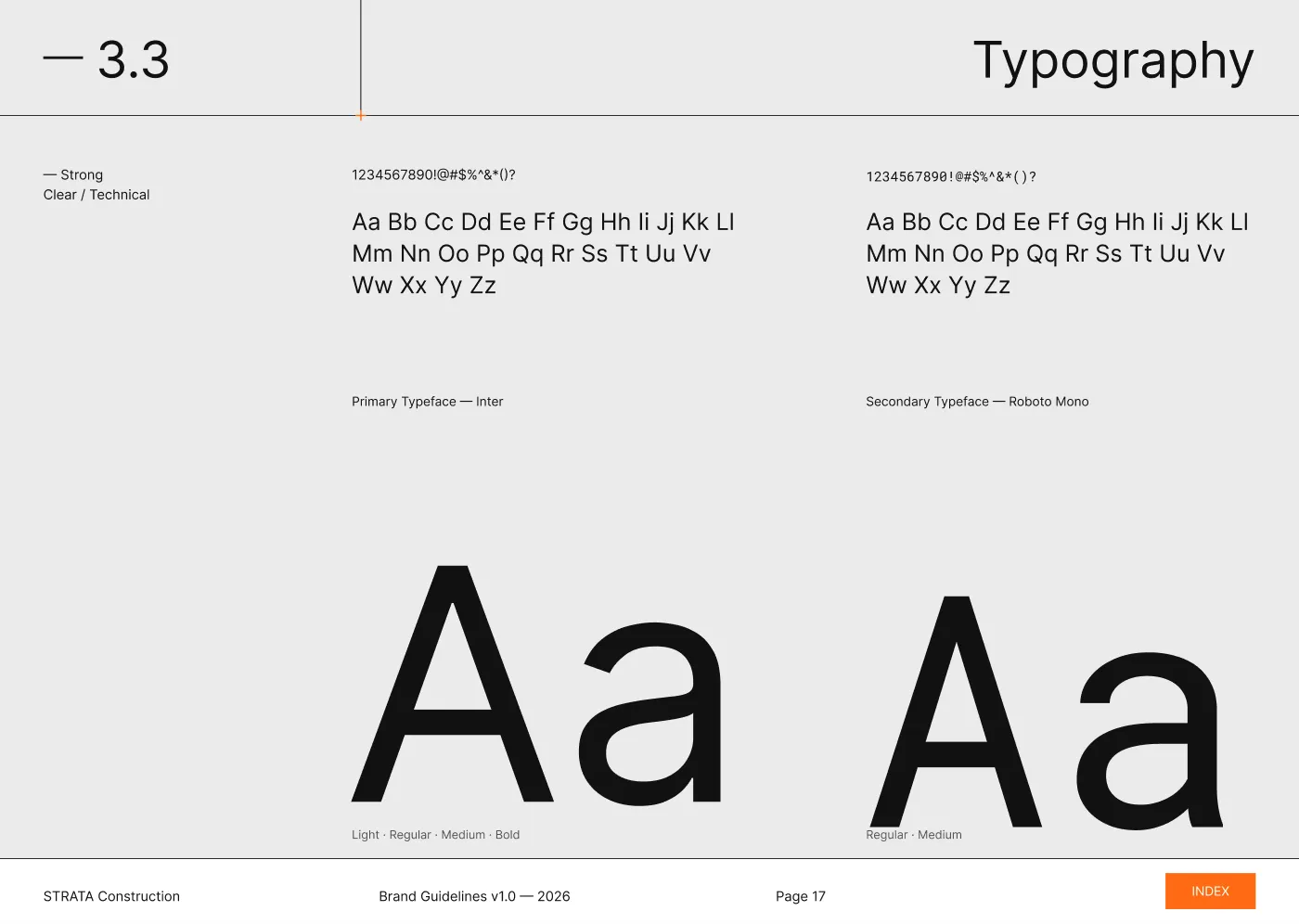
Here is my copy: [link]. Change it to Northwind Coffee: navy #0B1F99 and cream #F4F1EA, Fraunces headings, Inter body, and rewrite the values and voice pages.Claude edits your copy through Figma MCP. Review it page by page and ask for changes the same way.
Step 4: reuse the brand everywhere
Keep going in the same chat: a bento brand board, a proposal for the next client, or a portfolio site that shows the project. For research first, use a moodboard and R&D deck.
Plans and access
Search is free for everyone. A free account with an MCP key opens all free templates, with 50 keyed calls a day. Pro and Lifetime open every template with no daily limit, and Lifetime includes every future template.
Questions
What is the Drafter MCP server?
An MCP server that lets Claude, Cursor, VS Code and other AI agents search the Drafter template library, get Figma file links and portfolio code, and check your plan. The endpoint is https://drafter.studio/api/mcp.
Do I need a key?
Search works without one. To get Figma links and code, create a free MCP key on your account page. Free accounts get the free templates and 50 keyed calls a day. Pro and Lifetime get every template with no daily limit.
Can a free account get Pro templates through MCP?
No. The server checks your key and plan on every call and only returns Pro files to Pro and Lifetime accounts.
Which templates can Claude customise?
Brand guidelines, bento grid brand boards, portfolio websites, proposals, CVs and brand R&D or moodboard decks. Figma files are edited through Figma MCP. Portfolio code can be edited and deployed directly.
Why do I have to duplicate the file myself?
Template files are shared view only. Duplicating puts an editable copy in your own Figma drafts, which is the copy Claude edits with Figma MCP.